
Welcome to EditProTips! Instagram is full of creative AI-generated photos, stylish portraits, cinematic edits, and eye-catching aesthetic pictures. If you want to make your Instagram profile look more attractive, Instagram Trending AI Photo Prompts can help you transform ordinary photos into stunning professional-looking images.
With AI image generators like Google Gemini and ChatGPT, you can create beautiful portraits, stylish fashion photography, cinematic pictures, romantic couple photos, and trending Instagram DP images using simple text prompts.
In this article, we will share the best Instagram Trending AI Photo Prompts for 2026, including prompts for boys, girls, couples, aesthetic portraits, and stylish social media photos. Simply copy your favorite prompt, upload your photo, and create your own unique AI image.
Table of Contents
What Are Instagram Trending AI Photo Prompts?
Instagram Trending AI Photo Prompts are specially written text instructions that help AI image generators create attractive and realistic photographs. These prompts describe the subject, outfit, background, lighting, camera angle, photography style, and overall appearance of an image.
You can use these prompts with AI image generators to create:
- Stylish Instagram profile pictures.
- Professional fashion portraits.
- Cinematic AI photographs.
- Aesthetic Instagram photos.
- Trending boys and girls portraits.
- Romantic couple photographs.
- DSLR-style photography.
- Creative Instagram story pictures.
15 Best Instagram Trending AI Photo Prompts 2026
Here are some creative and trending AI photo prompts you can try for your Instagram profile and social media posts.
1. Cinematic Instagram Portrait Prompt
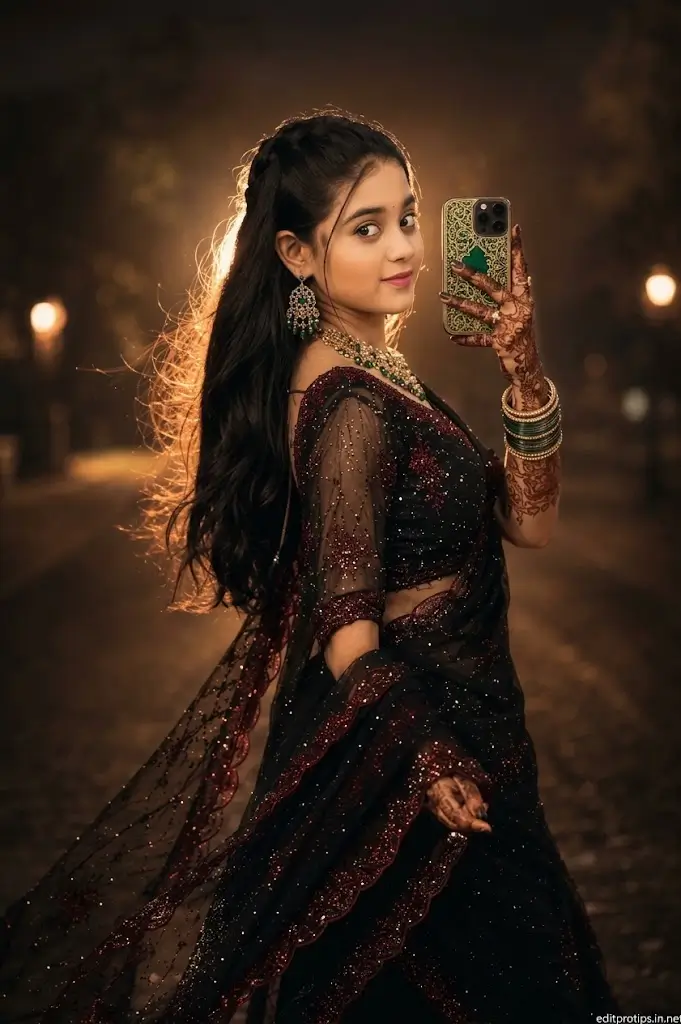
Create a realistic cinematic portrait using the uploaded reference photo. Keep the person's original face, facial features, hairstyle, and identity unchanged. Add a stylish outfit, dramatic cinematic lighting, a beautiful blurred background, natural skin texture, and professional photography quality. Make the image look like a premium DSLR portrait. Shot on DSLR, 85mm lens, f/1.8, ISO 100. Signature “editprotips.in.net” bottom right.
2. Stylish Boy Instagram Photo Prompt
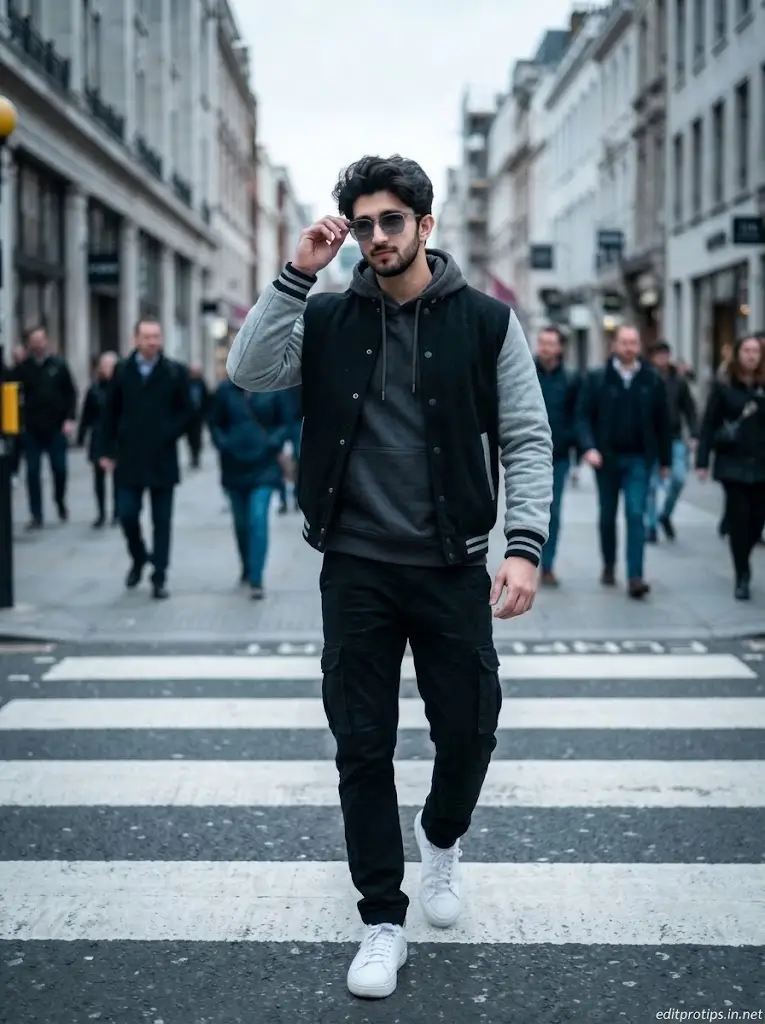
Create a professional fashion portrait of the person in the uploaded image. Preserve the exact original face and identity. Give him a trendy black outfit, modern hairstyle, confident pose, and stylish urban background. Add cinematic lighting, realistic shadows, sharp details, and premium editorial photography. Shot on DSLR, 85mm lens, f/1.8, ISO 100. Signature “editprotips.in.net” bottom right.
3. Beautiful Girl Aesthetic Photo Prompt
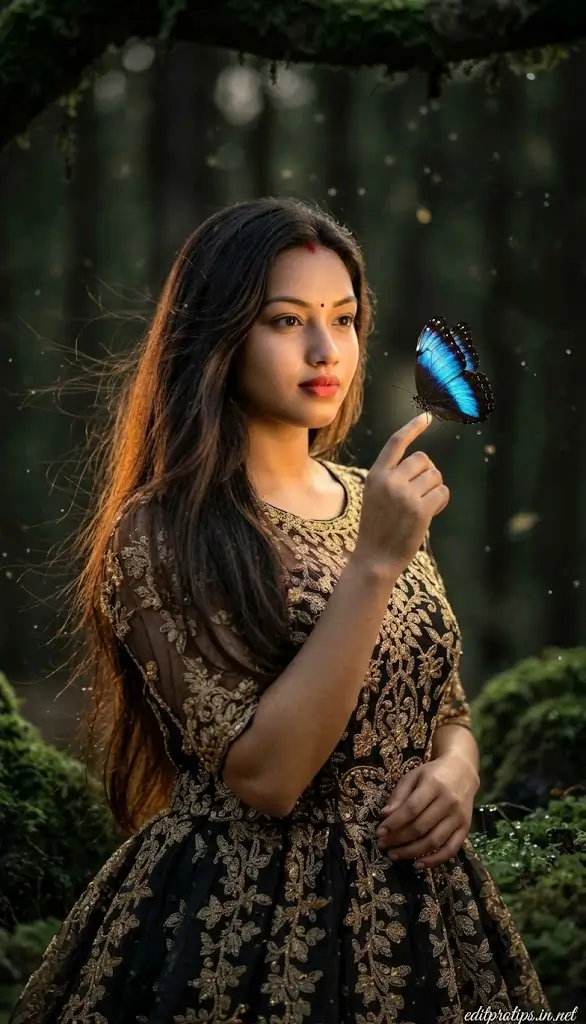
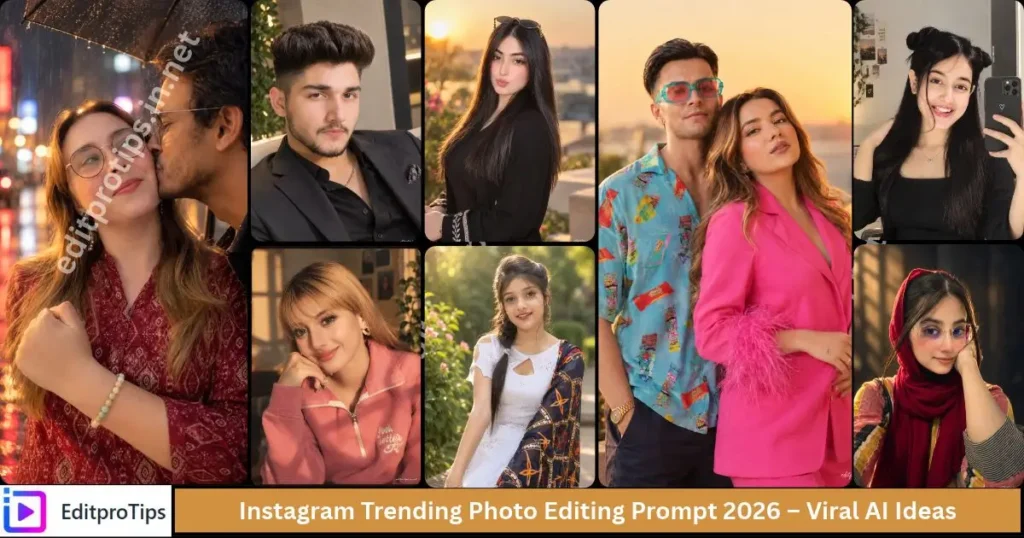
Transform the uploaded photo into a beautiful aesthetic portrait. Preserve the original face and recognizable facial features. Add an elegant outfit, soft natural lighting, beautiful background, subtle color grading, realistic skin texture, and professional DSLR photography. Create a dreamy Instagram-ready photograph.Shot on DSLR, 85mm lens, f/1.8, ISO 100. Signature “editprotips.in.net” bottom right.
4. Luxury Instagram Fashion Photography
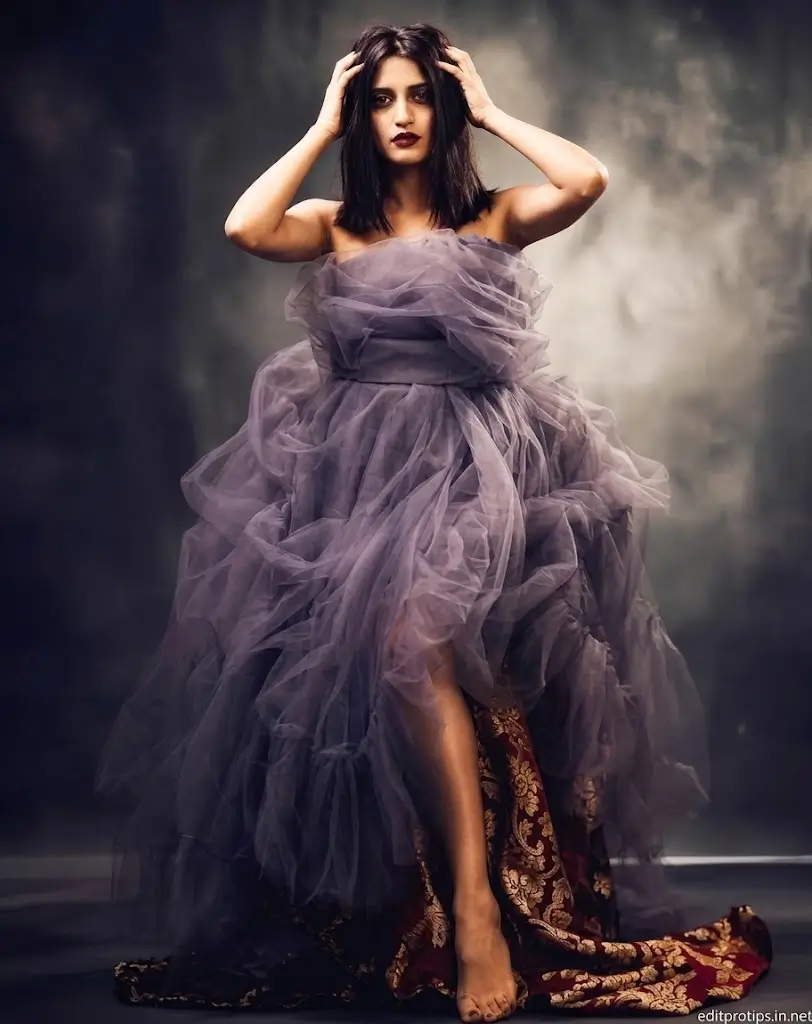
Create a luxury fashion photograph using the uploaded reference image. Keep the person's face and identity exactly recognizable. Add premium fashion styling, elegant clothing, a luxury architectural background, natural shadows, cinematic lighting, and sophisticated color grading. Make it look like a professional fashion magazine photoshoot.Shot on DSLR, 85mm lens, f/1.8, ISO 100. Signature “editprotips.in.net” bottom right.
5. Rainy Day Cinematic Photo Prompt
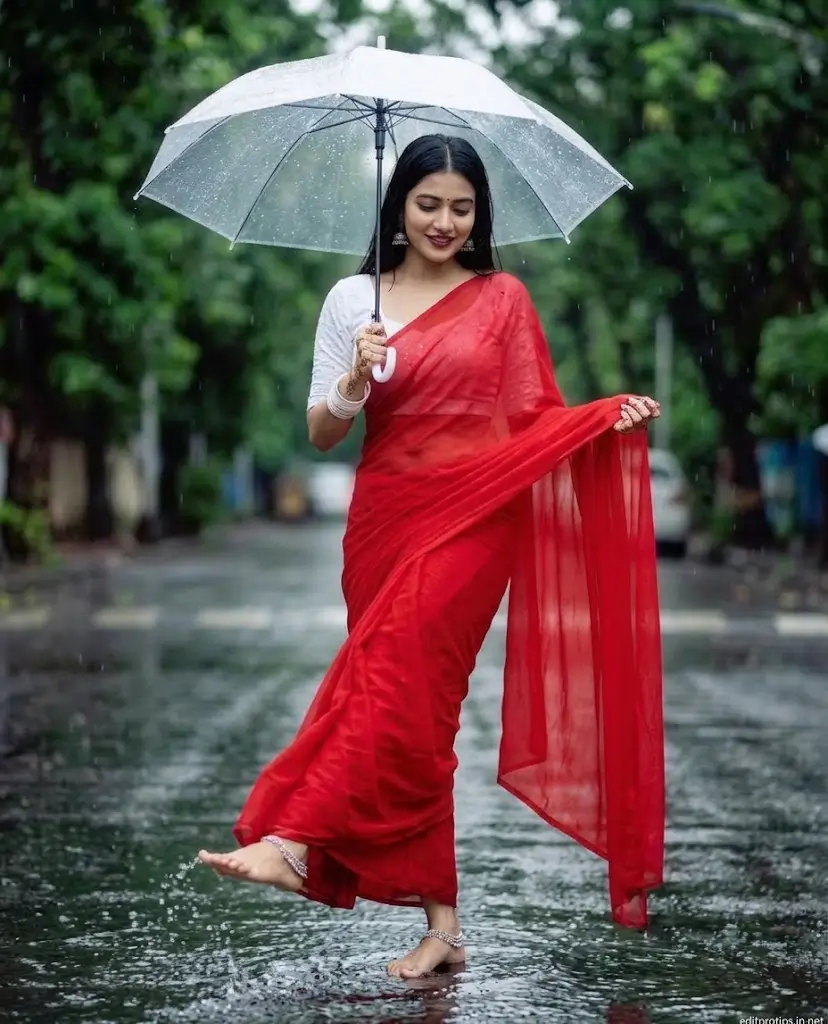
Create a realistic cinematic rainy-day portrait using the uploaded photo. Maintain the same face, identity, and natural facial features. Add a beautiful rainy street background, soft reflections, fashionable clothing, atmospheric lighting, and cinematic color grading. Capture a peaceful and emotional photography mood.Shot on DSLR, 85mm lens, f/1.8, ISO 100. Signature “editprotips.in.net” bottom right.
6. Instagram Mirror Selfie Prompt
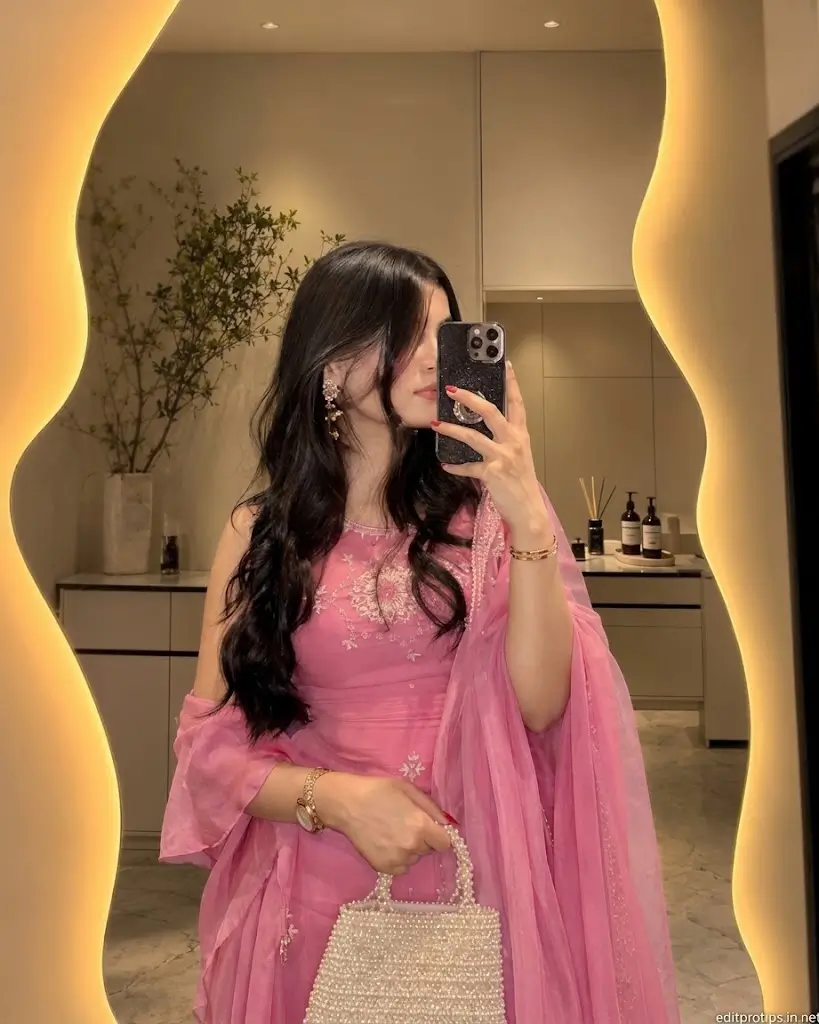
Create a realistic premium mirror selfie using the uploaded reference photo. Preserve the person's original face, hairstyle, and identity. Add a stylish modern outfit, clean mirror, elegant room interior, natural lighting, and realistic smartphone photography details. Make the result look trendy and suitable for Instagram.Shot on DSLR, 85mm lens, f/1.8, ISO 100. Signature “editprotips.in.net” bottom right.
7. Sunset Aesthetic Portrait Prompt
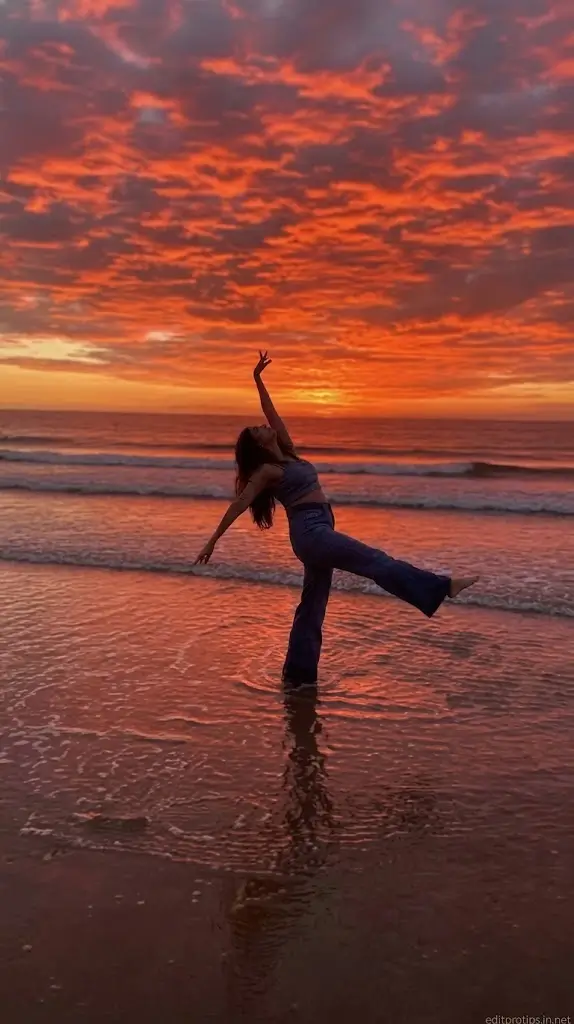
Transform the uploaded image into a stunning golden-hour portrait. Keep the person's original face and identity unchanged. Add warm sunset lighting, a beautiful outdoor background, soft golden highlights, natural shadows, and professional DSLR photography. Create a dreamy and aesthetic Instagram photograph.Shot on DSLR, 85mm lens, f/1.8, ISO 100. Signature “editprotips.in.net” bottom right.
8. Black Outfit Stylish Portrait
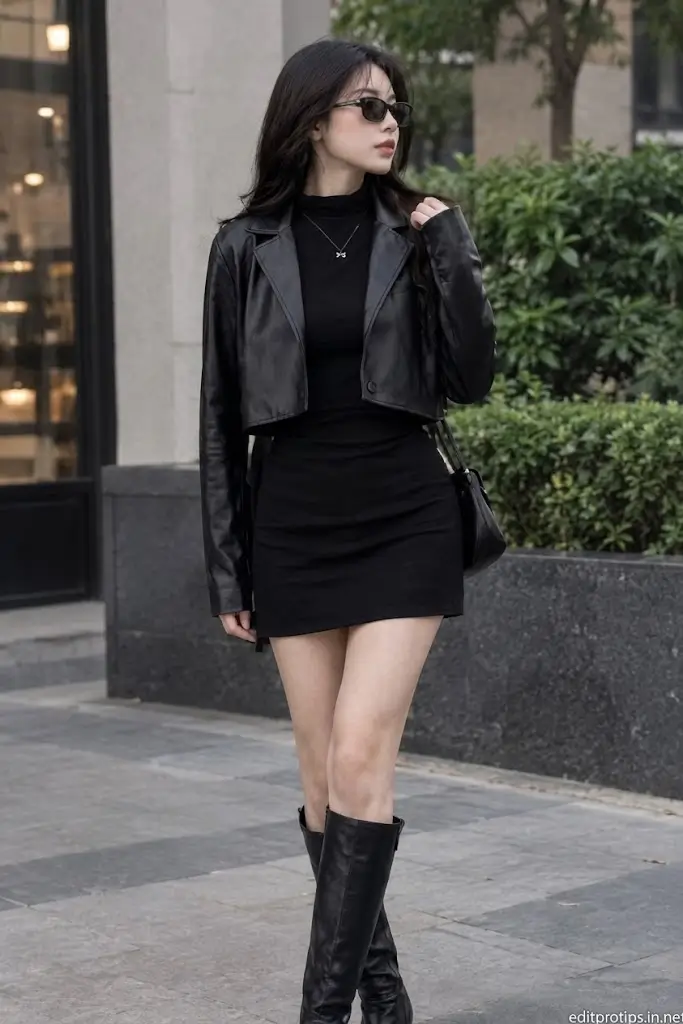
Create a stylish cinematic portrait using the uploaded photo. Preserve the exact face and identity. Dress the person in an elegant black outfit with a confident pose. Use a dark luxury background, dramatic lighting, realistic skin texture, and premium editorial photography.Shot on DSLR, 85mm lens, f/1.8, ISO 100. Signature “editprotips.in.net” bottom right.
9. Travel Photography AI Prompt
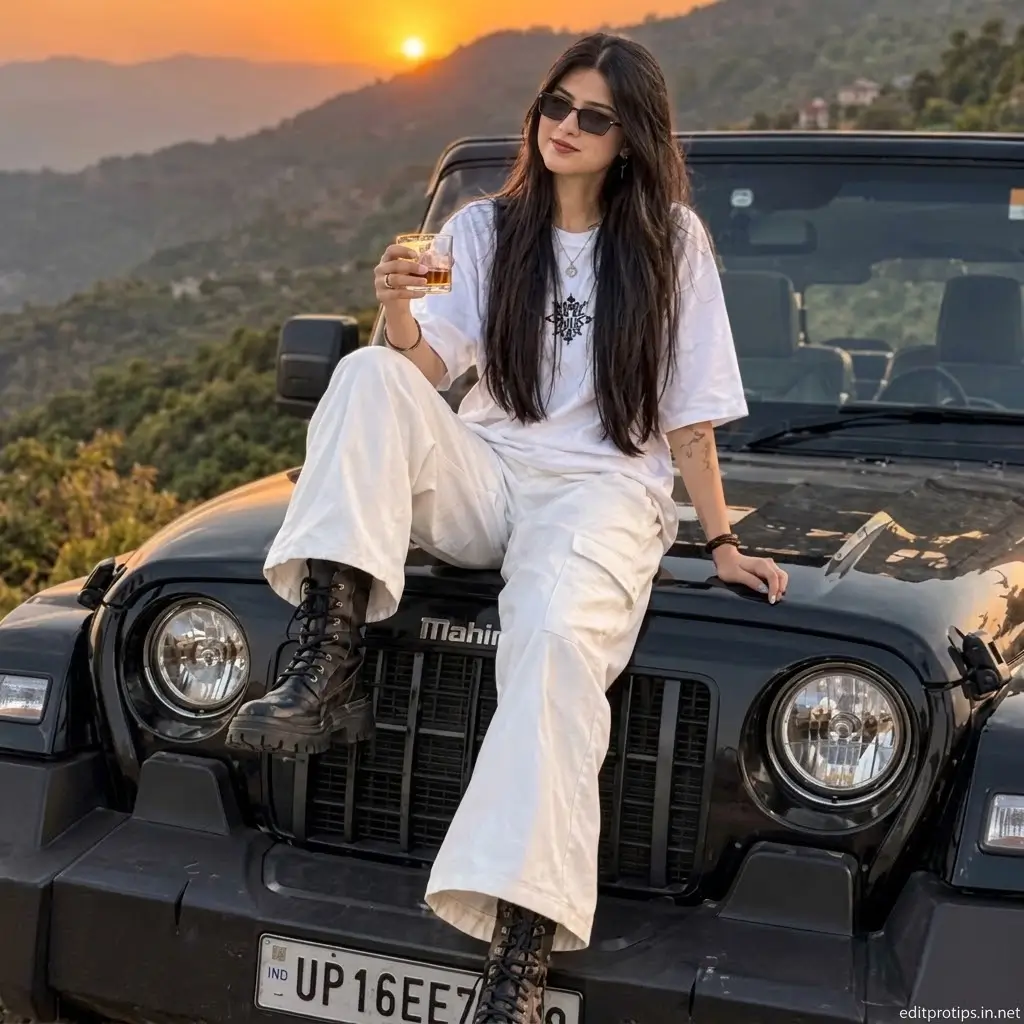
Create a professional travel photograph using the uploaded reference image. Keep the person's face and identity recognizable. Place the person in a beautiful international travel destination with stunning scenery, fashionable travel clothing, natural sunlight, realistic shadows, and high-quality travel photography.Shot on DSLR, 85mm lens, f/1.8, ISO 100. Signature “editprotips.in.net” bottom right.
10. Traditional Outfit Instagram Prompt
Create a beautiful traditional-style portrait using the uploaded photo. Preserve the person's original face and facial features. Add elegant traditional clothing, a beautiful cultural background, warm lighting, natural skin texture, and professional portrait photography. Make the image look elegant and realistic.Shot on DSLR, 85mm lens, f/1.8, ISO 100. Signature “editprotips.in.net” bottom right.
12. Professional DSLR Portrait Prompt
Transform the uploaded photo into a professional DSLR portrait. Keep the original face, hairstyle, and identity unchanged. Use an 85mm portrait lens effect, f/1.8 depth of field, beautiful background blur, realistic skin details, balanced lighting, and premium photography quality.Shot on DSLR, 85mm lens, f/1.8, ISO 100. Signature “editprotips.in.net” bottom right.
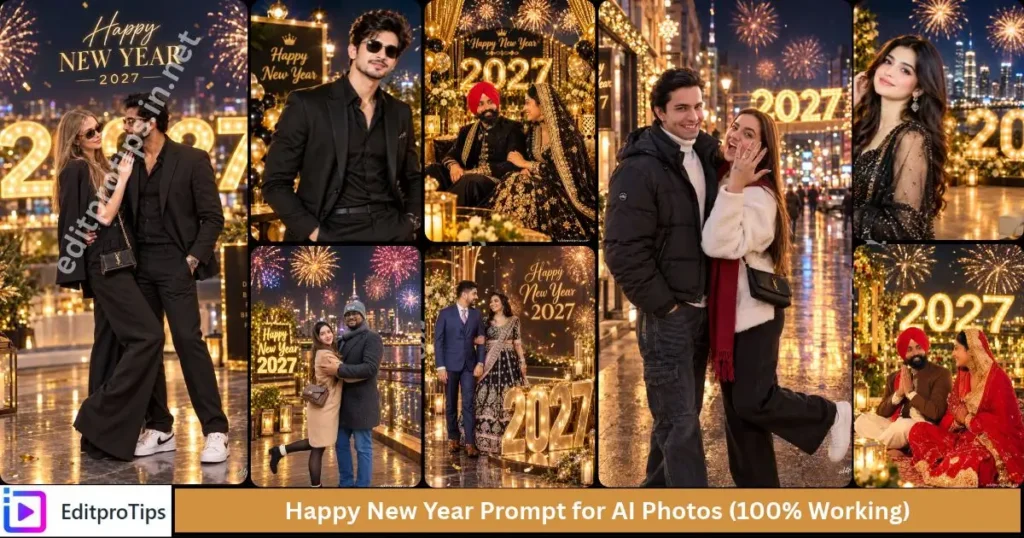
13. Street Style Instagram Photography
Create a trendy street-style fashion photograph using the uploaded image. Preserve the person's exact facial identity. Add fashionable casual clothing, an urban city background, a natural confident pose, cinematic lighting, and professional street photography.Shot on DSLR, 85mm lens, f/1.8, ISO 100. Signature “editprotips.in.net” bottom right.
14. Blue Aesthetic Instagram Portrait
Create a beautiful blue aesthetic portrait using the uploaded photo. Maintain the same face and identity. Add a stylish outfit, blue cinematic background, soft lighting, realistic skin texture, and professional color grading. Make it visually attractive and suitable for Instagram posts. Shot on DSLR, 85mm lens, f/1.8, ISO 100. Signature “editprotips.in.net” bottom right.
15. Viral Instagram Profile Picture Prompt
Create a premium Instagram profile picture using the uploaded reference photo. Preserve the original face and identity accurately. Use a stylish outfit, clean background, professional lighting, sharp facial details, balanced colors, and a centered portrait composition. Make the image attractive, realistic, and suitable for a social media profile picture. Shot on DSLR, 85mm lens, f/1.8, ISO 100. Signature “editprotips.in.net” bottom right.
How to Create Trending AI Photos for Instagram?
Follow these simple steps to generate your own AI photographs:
- Open an AI image generator such as Google Gemini.
- Upload a clear photo of yourself.
- Select your favorite Instagram Trending AI Photo Prompt from this article.
- Copy and paste the prompt into the AI tool.
- Ask the AI to preserve your original facial identity.
- Generate the image and review the result.
- Save your favorite creation and share it on Instagram.
Tips for Creating Viral Instagram AI Photos
If you want your AI-generated photographs to look more attractive, follow these tips:
- Use a clear reference photo: A high-quality image can help the AI understand your facial features.
- Keep your original face: Include clear instructions to preserve your identity.
- Choose attractive backgrounds: Cinematic, aesthetic, and natural backgrounds can improve the final result.
- Use professional lighting: Golden-hour and studio lighting can create beautiful portraits.
- Try different outfits: Experiment with casual, traditional, and luxury fashion styles.
- Choose the right aspect ratio: Use 4:5 for Instagram portrait posts and 9:16 for Instagram Stories and Reels.
- Experiment with prompts: Small changes in lighting, clothing, and backgrounds can produce different results.
Best AI Tools for Instagram Photo Editing
You can experiment with different AI image generation and editing platforms to create attractive social media pictures.
- Google Gemini: Useful for generating creative images from detailed text prompts and reference photos.
- ChatGPT: Can help create and generate creative AI images.
- Adobe Firefly: Offers AI-powered creative image generation and editing features.
- Canva AI: Useful for designing and editing social media graphics.
- Leonardo AI: Provides creative image generation options for different visual styles.
Features and availability may vary depending on the platform and subscription.
Frequently Asked Questions
What are Instagram Trending AI Photo Prompts?
Instagram Trending AI Photo Prompts are text instructions used with AI image generators to create stylish portraits, cinematic photographs, aesthetic pictures, and professional-looking social media images.
Which AI tool is best for Instagram photo prompts?
Google Gemini and ChatGPT are popular options for experimenting with AI photo prompts. You can also explore Adobe Firefly, Canva AI, and Leonardo AI.
Can I use these AI prompts for boys and girls?
Yes! These prompts can be customized for boys, girls, couples, fashion portraits, travel photography, and different aesthetic styles.
How can I keep my original face in AI-generated photos?
Upload a clear reference photograph and include instructions such as “Preserve my original face, facial features, hairstyle, and identity without changing them.” Results may vary depending on the AI tool.
Which photo ratio is best for Instagram?
The 4:5 aspect ratio works well for portrait feed posts, while 9:16 is ideal for Instagram Stories and Reels.
Are Instagram AI photo prompts free to use?
The prompts in this article are free to copy and experiment with. However, some AI image generators may have free usage limits or require a paid subscription for additional features.
Conclusion
Instagram Trending AI Photo Prompts are a creative way to transform ordinary photographs into stylish, professional-looking, and eye-catching images. Whether you want a cinematic portrait, luxury fashion photo, aesthetic selfie, or romantic couple picture, these 15 prompts can help you explore different photography styles. Simply upload your reference photo, copy your favorite prompt, and experiment with an AI image generator to create something unique.
Keep exploring new AI editing ideas and creative prompts with EditProTips. Stay creative, try new styles, and make your Instagram profile stand out in 2026!