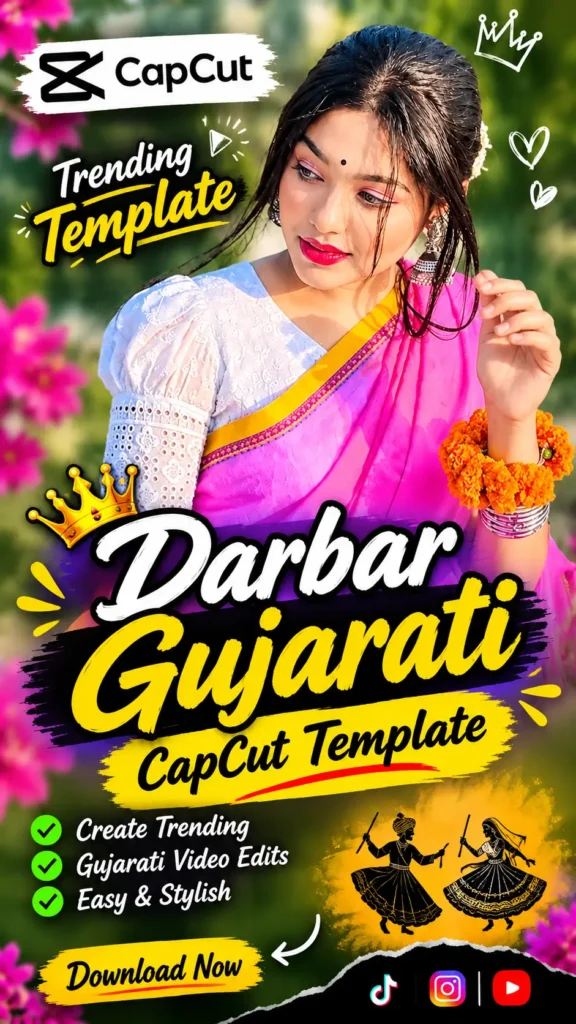
Are you looking for the Darbar Gujarati CapCut Template to create stylish and trending videos? You’re in the right place! This amazing CapCut template is a great choice for editing Instagram Reels, TikTok videos, and YouTube Shorts with attractive transitions, music, and eye-catching effects.
With the Darbar Gujarati CapCut Template, you can transform your ordinary photos and video clips into creative edits without spending hours learning professional video editing. Simply open the template in CapCut, add your pictures or clips, and create your video in just a few steps.
template by editprotips tips
What Is Darbar Gujarati CapCut Template?
The Darbar Gujarati CapCut Template is a creative video editing template designed for users who enjoy Gujarati-style video edits. It can help you create attractive videos with music synchronization, stylish transitions, and cinematic effects.
Whether you want to make a Gujarati status video, an Instagram Reel, or a short video for TikTok, this template can make your editing process easier and faster.
You don’t need advanced editing skills. CapCut provides an easy-to-use interface that allows beginners to create professional-looking videos.
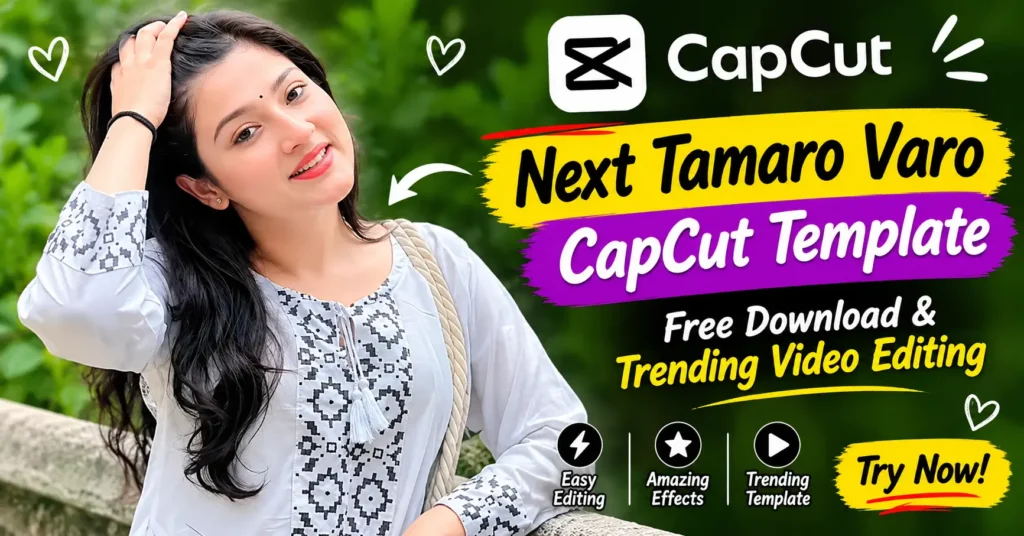
Darbar Gujarati CapCut Template Download Link
Want to try the Darbar Gujarati CapCut Template? Follow the steps below to get started.
How to use the template:
- Find the Darbar Gujarati CapCut Template link.
- Open the template link on your smartphone.
- Select the Use Template in CapCut option.
- Choose your favorite photos or video clips.
- Preview your video and make any necessary changes.
- Tap the Export button to save your edited video.
Note: Make sure you have CapCut installed on your device. Template availability may depend on your region and app version.
Features of Darbar Gujarati CapCut Template
Here are some reasons why you might enjoy using this CapCut template:
- Easy Editing: Create videos without professional editing experience.
- Trending Effects: Give your videos an attractive and modern appearance.
- Music Synchronization: Match your video clips with the template’s audio.
- Smooth Transitions: Make your video more engaging with stylish transitions.
- Social Media Ready: Create content suitable for Instagram Reels, TikTok, and YouTube Shorts.
- Beginner Friendly: Easily add your pictures and clips.
- Quick Export: Save your finished video and share it with friends.
How to Edit Videos Using Darbar Gujarati CapCut Template?
Follow these simple steps to create your own Gujarati-style video:
Step 1: Open the Template
First, open the Darbar Gujarati CapCut Template link on your mobile phone. You will be redirected to CapCut if the template is available.
Step 2: Select Your Photos
Choose the photos or video clips you want to include in your edit. For the best results, select clear, high-quality pictures.
Step 3: Customize Your Video
Adjust your selected clips if customization options are available. You can also add your preferred text, stickers, or other effects.
Step 4: Preview Your Edit
Watch your complete video before exporting it. Make sure the transitions and clips look smooth.
Step 5: Export and Share
Finally, export your video and share it on Instagram, TikTok, WhatsApp Status, or YouTube Shorts.
Why Choose Darbar Gujarati CapCut Template?
Gujarati music and creative video edits are popular ways to express personality and style on social media. The Darbar Gujarati CapCut Template can help you create entertaining content with less effort.
Instead of editing every transition manually, you can use a ready-made template and focus on choosing the right photos and clips.
It is especially useful for beginners who want to experiment with creative video editing.
Best Tips for Creating Viral Gujarati Reels
Want to make your video more attractive? Try these tips:
- Use high-quality photos and videos.
- Select pictures that match the music and editing style.
- Keep your video short and engaging.
- Use relevant Gujarati hashtags.
- Choose an attractive cover image.
- Share your video when your audience is active.
- Avoid adding too many unnecessary effects.
Remember, no template guarantees viral views, but creative content and consistent posting can help improve your social media presence.
Frequently Asked Questions
What is Darbar Gujarati CapCut Template?
It is a ready-made video editing template that can help users create stylish Gujarati-inspired videos using CapCut.
Is Darbar Gujarati CapCut Template free?
CapCut templates are often available for free, although availability and certain features may vary by region and app version.
Can I use this template on Android?
Yes, you can use CapCut templates on compatible Android devices when the template is available in your region.
Can I use Darbar Gujarati CapCut Template on iPhone?
Yes, iPhone users can use compatible CapCut templates through the CapCut mobile application.
Do I need editing skills to use this template?
No. You only need to select your photos or video clips and follow the available template instructions.
Conclusion
The Darbar Gujarati CapCut Template is a great option for anyone who wants to create attractive Gujarati-style video edits without complicated editing techniques. With ready-made effects, transitions, and an easy editing process, you can turn your favorite pictures into engaging social media videos.
Thank You for Visiting EditProTips