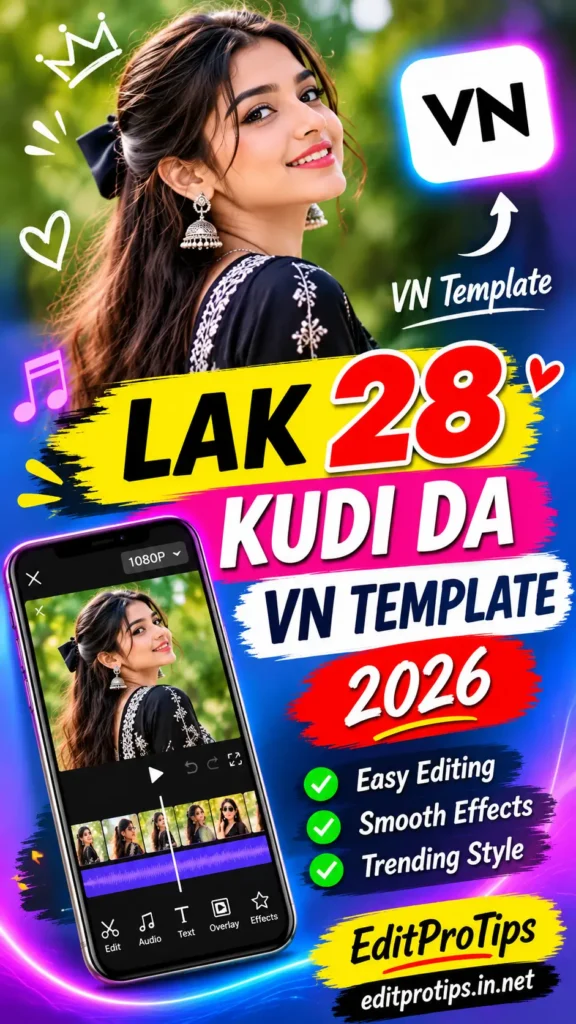
Welcome to EditProTips! Are you looking for the Lak 28 Kudi Da VN Template to create stylish and attractive videos? This trending Punjabi song editing style is a great choice for creating Instagram Reels, YouTube Shorts, WhatsApp Status, and other social media videos.
With the VN Video Editor, you can create beautiful edits using smooth transitions, beat-sync effects, slow-motion clips, and eye-catching filters. In this article, we will explain how to use the Lak 28 Kudi Da VN Template and create your own stylish video.
Table of Contents
What Is Lak 28 Kudi Da VN Template?
The Lak 28 Kudi Da VN Template is a song-based video editing style inspired by Punjabi music. It helps creators make attractive short videos with photos, video clips, smooth transitions, and music synchronization.
This editing style is suitable for:
- Instagram Reels
- YouTube Shorts
- Facebook Reels
- WhatsApp Status
- Punjabi song videos
- Photo slideshow editing
Features of Lak 28 Kudi Da VN Template
Here are some creative features you can use in your video:
- Smooth video transitions
- Punjabi song beat synchronization
- Slow-motion video effects
- Stylish color filters
- Photo and video combination
- HD video export
- Easy editing with VN Video Editor
How to Use Lak 28 Kudi Da VN Template
Follow these simple steps to create your video:
Step 1: Open the VN Video Editor app on your smartphone.
Step 2: Find the Lak 28 Kudi Da VN Template or its available project code.
Step 3: Open the template or import the project into VN.
Step 4: Select your favourite photos and video clips.
Step 5: Replace the sample media with your own photos and clips.
Step 6: Preview the video and adjust the clips if necessary.
Step 7: Export your final video in high quality and share it on social media.
How to Create Lak 28 Kudi Da Video Without a Template
You can also create this editing style manually:
- Open VN Video Editor.
- Import your favourite photos and video clips.
- Add the Lak 28 Kudi Da song if you have the audio file.
- Arrange your clips according to the music beats.
- Add smooth transitions and slow-motion effects.
- Apply attractive filters and colour adjustments.
- Export your video in 1080p quality.
Best Export Settings for VN Video Editing
| Setting | Recommended |
|---|---|
| Resolution | 1080p |
| Frame Rate | 30 FPS or 60 FPS |
| Format | MP4 |
| Quality | High |
| Aspect Ratio | 9:16 |
Frequently Asked Questions
What is Lak 28 Kudi Da VN Template?
It is a Punjabi song-inspired VN video editing style used to create attractive short videos.
Is the Lak 28 Kudi Da VN Template free?
Availability depends on the creator providing the template or project file. VN also allows manual editing.
Can I use this template for Instagram Reels?
Yes, you can create vertical 9:16 videos suitable for Instagram Reels.
Can beginners use VN templates?
Yes, VN Video Editor is beginner-friendly, and templates can make editing easier.
Can I export videos in HD quality?
Yes, VN supports high-quality video exports, depending on your device and project settings.
Conclusion
The Lak 28 Kudi Da VN Template is a fun editing idea for Punjabi music lovers and social media creators. You can use VN Video Editor to create stylish videos with smooth transitions, beat synchronization, and attractive effects.
Keep visiting EditProTips for more trending VN templates, CapCut templates, AI photo editing prompts, and video editing tutorials.