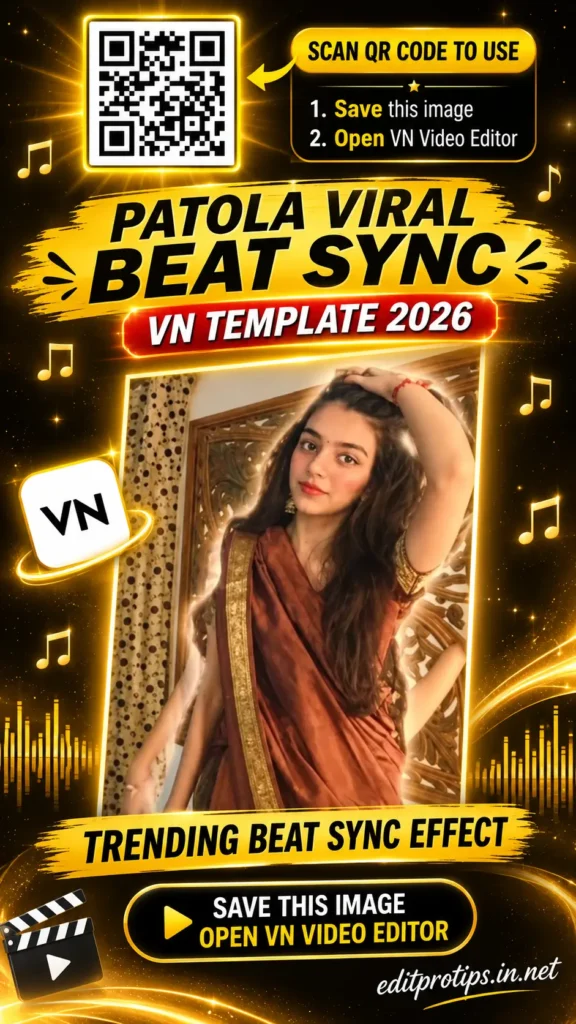
Welcome to EditProTips! If you love creating stylish and trending Instagram Reels, YouTube Shorts, and TikTok videos, the Patola Viral Beat Sync VN Template is a great choice for your next video edit. This trending editing style helps you create attractive videos with smooth transitions, beat-synced effects, and eye-catching visual moments.
In this article, you will learn about the Patola Viral Beat Sync VN Template, its features, how to use it, and how to create professional-looking videos using the VN Video Editor.
Table of Contents
What Is Patola Viral Beat Sync VN Template?
The Patola Viral Beat Sync VN Template is a video editing style designed around a popular Patola song or beat. It synchronizes photo changes, video clips, transitions, and visual effects with the rhythm of the music.
With this editing style, you can transform your ordinary photos and video clips into stylish short videos. It is especially useful for Instagram Reels, TikTok videos, WhatsApp Status, and YouTube Shorts.
Features of Patola Viral Beat Sync VN Template
Here are some popular features you can enjoy when creating this video edit:
- Beat Sync Effects: Match your photos and clips perfectly with the music beats.
- Smooth Transitions: Add stylish transitions between different clips.
- Trending Music Style: Create edits using the Patola viral beat.
- HD Video Quality: Export your finished video in high quality.
- Easy Editing: Customize the template with your own photos and videos.
- Social Media Ready: Create videos suitable for Reels, Shorts, and TikTok.

How to Use Patola Viral Beat Sync VN Template?
Follow these simple steps to create your own trending video:
- Open the VN Video Editor app on your smartphone.
- Find and open the Patola Viral Beat Sync VN Template or its available project link.
- Tap the template or project option to start editing.
- Select your favourite photos and video clips.
- Replace the sample media with your own content.
- Adjust the clips according to the music beats.
- Preview your video and make any necessary changes.
- Export your final video in HD quality.
Your beat-sync video is now ready to share on social media!
Why Is Patola Beat Sync Editing Trending?
Beat-sync editing is popular because it makes short videos more entertaining and visually attractive. When transitions and photo changes match the music, viewers get a smooth and satisfying experience.
The Patola beat-sync editing style is a creative option for people who enjoy music-based edits, stylish transitions, and short-form video content.
Best Tips for Creating a Viral Patola Beat Sync Video
- Use clear, high-quality photos.
- Choose clips that match the rhythm of the music.
- Keep transitions smooth and consistent.
- Avoid adding too many unnecessary effects.
- Use suitable filters and colour adjustments.
- Export your video in 1080p when available.
- Choose an attractive cover image for your Reel.
Best Platforms to Share Your VN Beat Sync Video
After completing your edit, you can share it on these platforms:
- Instagram Reels
- YouTube Shorts
- TikTok
- Facebook Reels
- WhatsApp Status
Use relevant hashtags such as #PatolaBeatSync, #VNTemplate, #BeatSyncEdit, #VNVideoEditor, and #TrendingReels.
Frequently Asked Questions
What is the Patola Viral Beat Sync VN Template?
It is a music-based video editing style that synchronizes photos, clips, and transitions with the rhythm of a Patola song or beat.
Is the Patola VN Template easy to use?
Yes, VN Video Editor is beginner-friendly, and you can customize your project by replacing photos and video clips.
Can I use the Patola Beat Sync VN Template for Instagram Reels?
Yes, you can create vertical videos suitable for Instagram Reels and other short-video platforms.
Can I add my own photos to the VN Template?
Yes, you can replace sample photos and clips with your own pictures and videos.
How can I export my Patola Beat Sync video in HD?
After editing, select the export option and choose an available high-quality resolution, such as 1080p.
Conclusion
The Patola Viral Beat Sync VN Template is a fun way to create stylish music-based videos with smooth transitions and attractive effects. Whether you are a beginner or an experienced video editor, you can use VN Video Editor to create engaging content for your social media accounts.
Keep visiting EditPro Tips for more trending VN templates, CapCut templates, AI photo editing prompts, and creative video editing ideas.