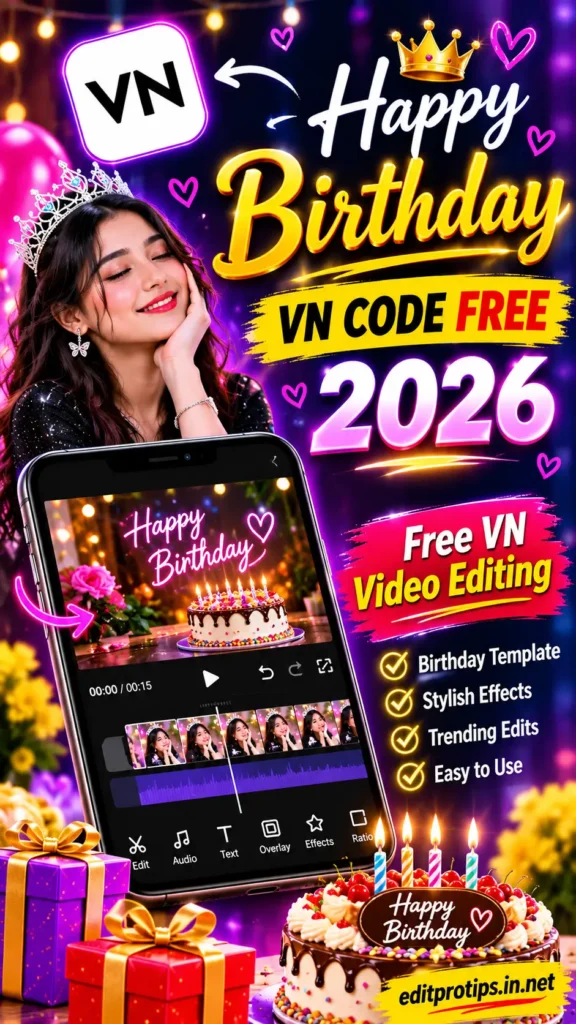
Welcome to EditProTips! Are you looking for a Happy Birthday VN Code Free to create beautiful, stylish, and memorable birthday videos? You are in the right place! With VN Video Editor, you can transform your favourite photos and video clips into amazing birthday status videos, Instagram Reels, WhatsApp statuses, and YouTube Shorts.
vn template code trending reels
What Is Happy Birthday VN Code Free?
Happy Birthday VN Code Free is a creative video editing template that helps users make attractive birthday videos using the VN Video Editor app. These templates can include stylish transitions, slow-motion effects, birthday music, photo animations, glowing effects, and beautiful text designs.
Instead of editing every clip manually, you can use a compatible VN template or QR code to make your birthday video more easily.
Happy Birthday VN Code Free Features
Here are some exciting features you can enjoy when creating birthday videos with VN Editor:
- Beautiful birthday photo transitions.
- Trending birthday video effects.
- Smooth slow-motion editing.
- Stylish birthday text animations.
- Cinematic colour filters.
- Music beat-sync transitions.
- Instagram Reels and TikTok-friendly editing.
- HD video export options, depending on your device and settings.
How to Use Happy Birthday VN Code Free
Follow these simple steps to create your birthday video using VN Editor.
- Open the VN Video Editor app on your smartphone.
- Find a compatible Happy Birthday VN template or QR code.
- Open the QR code using the supported VN scanning option, if available.
- Import your favourite birthday photos and video clips.
- Adjust the photos according to the template.
- Preview your birthday video and make any necessary changes.
- Export your completed video in your preferred quality.
Note: QR code compatibility depends on the template version and VN app. Always use a working template and follow its instructions.
Best Birthday Video Editing Ideas
Want to make your birthday video look more attractive? Try these creative editing ideas:
1. Birthday Slow Motion Video
Create an emotional birthday video using smooth slow-motion effects, cinematic transitions, and your favourite birthday memories.
2. Birthday Photo Slideshow
Combine multiple photos into one beautiful birthday slideshow with stylish transitions and background music.
3. Trending Birthday Reels
Create short birthday videos with beat-sync effects, animated text, and trending editing styles for social media.
4. Cinematic Birthday Status
Use dark backgrounds, glowing effects, smooth zoom transitions, and cinematic colour grading to create a professional birthday status.
Why Choose VN Video Editor for Birthday Editing?
VN Video Editor is a popular choice for mobile video editing because it offers a simple interface and useful creative tools. Beginners can create attractive birthday videos without needing advanced editing knowledge.
You can customise your projects by adding photos, music, text, filters, transitions, and other effects.
Tips for Creating Professional Birthday Videos
Use these tips to improve your final birthday edit:
- Choose high-quality photos.
- Select music that matches the birthday mood.
- Avoid using too many transitions.
- Keep text short and easy to read.
- Match photo changes with the music beat.
- Preview your complete video before exporting.
- Choose a suitable aspect ratio for your social media platform.
Frequently Asked Questions
What is Happy Birthday VN Code Free?
It refers to a VN video editing template or QR-code-based project that helps users create attractive birthday videos using their photos and clips.
Is Happy Birthday VN Code Free available for beginners?
Yes. VN Editor is beginner-friendly, and users can customise compatible templates without advanced editing skills.
How do I scan a VN birthday QR code?
Open VN Editor and use its supported QR code or template import option. Follow the instructions provided with the specific template.
Can I create a birthday status video using VN Editor?
Yes. You can create birthday status videos with photos, music, transitions, text, and creative effects.
Can I share my birthday VN video on Instagram?
Yes. You can export your finished video in a suitable format and upload it to Instagram Reels or Stories.
Conclusion
Happy Birthday VN Code Free is a great option for anyone who wants to create beautiful birthday videos without spending hours editing manually. With VN Video Editor, you can turn your favourite memories into stylish birthday reels, photo slideshows, and social media status videos.
Keep visiting EditProTips for the latest VN templates, CapCut templates, AI photo editing prompts, and creative video editing ideas. Happy Editing!