Welcome to EditProTips! Are you looking for a beautiful and trending New Year 2026 VN Template to create amazing celebration videos? You are in the right place! New Year is a special occasion to celebrate happiness, unforgettable memories, friendship, and new beginnings. Creating a stylish video is a great way to share your special moments with friends and followers.
With a New Year VN template, you can transform your ordinary photos and video clips into beautiful cinematic edits. These templates can include amazing transitions, slow-motion effects, beat-sync animations, glowing particles, and trending background music.
vn template qr code
What Is the New Year 2026 VN Template?
The New Year 2026 VN Template is a ready-made video editing design created for celebrating the New Year. It helps users create professional-looking videos without spending hours editing everything manually.
You can add your favourite photos, memorable clips, and celebration moments to create a beautiful video. VN templates make video editing easier, especially for beginners.
Popular editing features include:
- Beautiful New Year 2026 text animations.
- Cinematic transitions and effects.
- Slow-motion video editing.
- Beat-sync music effects.
- Golden fireworks and glowing particles.
- Stylish photo and video transitions.
- Professional colour grading.
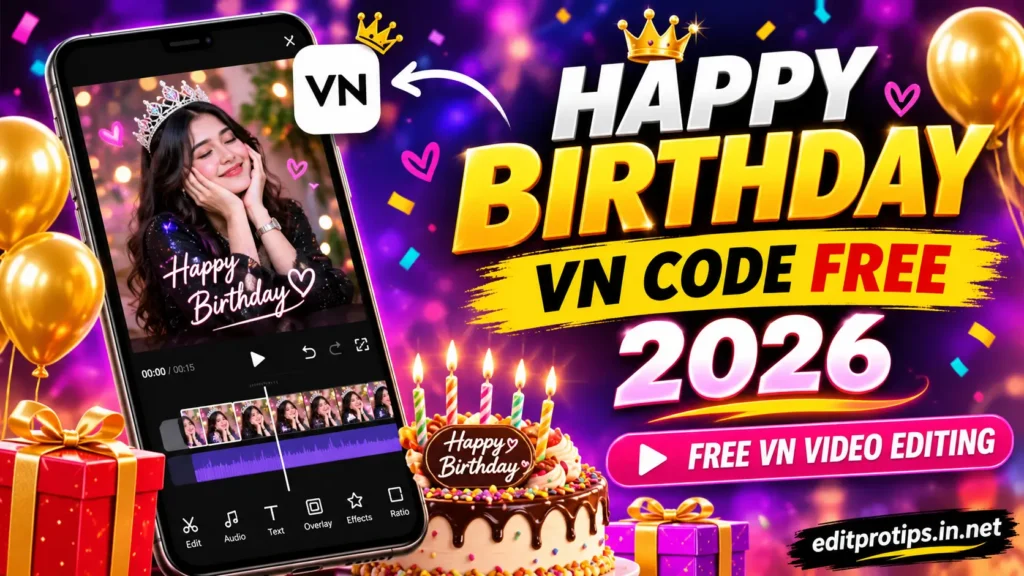
Features of New Year 2026 VN Template
Here are some exciting features that can make your New Year video more attractive.
1. Trending New Year Effects
Create beautiful videos using glowing effects, fireworks animations, sparkling lights, and colourful backgrounds.
2. Smooth Video Transitions
Smooth transitions help your photos and video clips look more professional. You can use zoom transitions, flash effects, and cinematic animations.
3. Beat Sync Editing
Add your favourite New Year music and synchronize your photos with the beats. Beat-sync editing makes videos more engaging.
4. Cinematic Colour Grading
Give your videos a premium appearance with warm golden tones, vibrant colours, and cinematic filters.
5. Easy Photo Replacement
Most ready-made VN projects allow you to replace sample photos and clips with your own memories.
How to Use New Year 2026 VN Template
Follow these simple steps to create your New Year celebration video.
- Open the VN Video Editor application on your smartphone.
- Select the New Year 2026 VN project or template you want to use.
- Open the project and check the available photo and video placeholders.
- Replace the sample images with your favourite pictures.
- Adjust the clips according to the editing timeline.
- Add music, transitions, and special effects if needed.
- Preview your complete video.
- Export your video in high quality and share it on social media.
Tip: Use high-quality photos and vertical 9:16 video clips for Instagram Reels, TikTok, and YouTube Shorts.
Best Ideas for New Year 2026 VN Video Editing
Want to make your video different from others? Try these creative ideas:
- New Year Memories: Create a beautiful video featuring your favourite memories.
- Friends Celebration: Combine group photos and celebration clips.
- Couple New Year Edit: Make a romantic video using beautiful couple pictures.
- Solo Cinematic Edit: Create a stylish personal video with slow-motion effects.
- Fireworks Celebration: Use colourful fireworks and glowing text animations.
- 2025 to 2026 Transition: Show your favourite memories from 2025 before welcoming 2026.
Best Music for New Year VN Editing
Music is an important part of every video edit. Choose a background track that matches your editing style.
Some ideas include:
- Happy New Year celebration music.
- Trending Instagram Reels songs.
- Cinematic background music.
- Emotional memories music.
- Electronic dance music.
- Slow-motion instrumental tracks.
Always check the music usage permissions before uploading videos to social media.
Why Choose VN Video Editor?
VN Video Editor is a popular mobile video editing application with useful editing features. It provides tools for creating attractive videos without requiring advanced editing knowledge.
Some useful features include:
- Multi-track video editing.
- Music and sound effects.
- Video transitions.
- Text and subtitle animations.
- Filters and colour adjustments.
- Speed control.
- High-quality video export.
These features make VN a useful option for creating New Year celebration videos.
Tips to Make Your New Year Video Go Viral
Follow these tips to improve your video quality and presentation:
- Choose attractive and high-quality photos.
- Use trending and relevant background music.
- Keep your video short and engaging.
- Add smooth transitions between clips.
- Use attractive New Year text animations.
- Export your video in 1080p when available.
- Write an interesting caption when sharing your video.
Remember, no editing technique can guarantee viral results. Creative content and audience engagement are important.
Frequently Asked Questions
What is the New Year 2026 VN Template?
The New Year 2026 VN Template is a ready-made video editing project designed to create attractive New Year celebration videos using photos, clips, music, and transitions.
Is the New Year 2026 VN Template free?
Availability depends on the individual project. Some creators share their VN templates for free, while others may offer premium projects.
How can I use a New Year VN Template?
Open a compatible VN project, replace the sample photos or video clips, adjust the editing timeline, and export your finished video.
Can beginners use VN templates?
Yes! VN templates can make editing easier for beginners because many transitions, effects, and timeline settings are already prepared.
Can I upload my New Year VN video to Instagram?
Yes. You can export your completed video in a suitable vertical format and share it on Instagram Reels, TikTok, or YouTube Shorts.
Conclusion
The New Year 2026 VN Template is a creative way to turn your favourite photos and memorable moments into beautiful celebration videos. With VN Video Editor, you can create stylish edits using smooth transitions, attractive effects, music, and cinematic colour grading.
Thank You for Visiting EditProTips