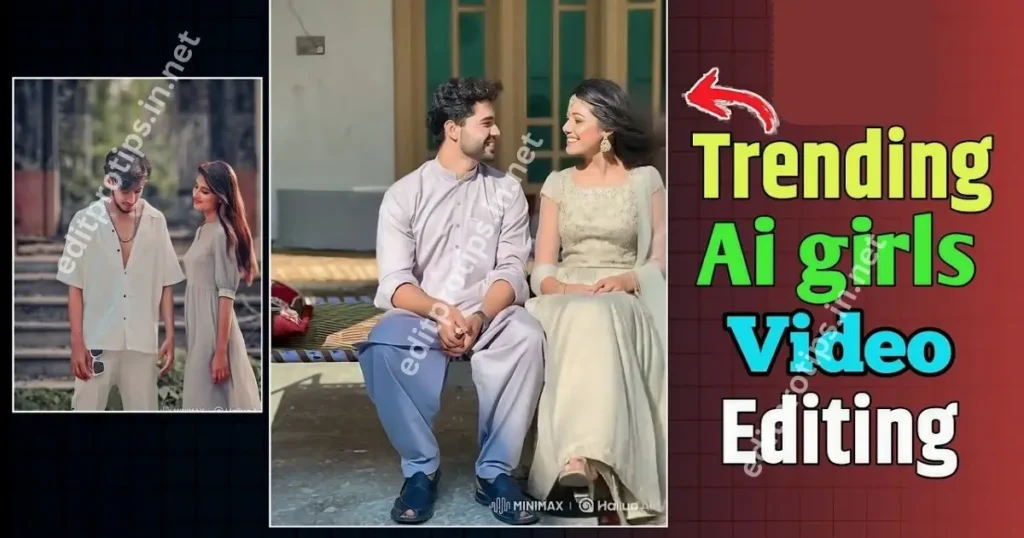
Hello friends! Welcome back to EditProTips. If you are looking for a girl Gemini photo editing prompt to create beautiful, realistic, and creative AI photos, you are in the right place.
Google Gemini has become a useful AI tool for experimenting with photo editing and creative image ideas. With the right prompt, you can transform an ordinary uploaded photograph into a stylish portrait, cinematic photo, travel image, traditional look, or Instagram-ready picture while keeping the person’s identity and natural appearance consistent.
In this guide, we have shared several Gemini photo editing prompts for girls that you can copy and use with your own image. These prompts are designed to help you create realistic results with natural lighting, detailed backgrounds, realistic skin texture, and professional photography effects.
Table of Contents
What Is a Girl Gemini Photo Editing Prompt?
A girl Gemini photo editing prompt is a written instruction that tells an AI image-editing system how you want your uploaded photograph to be transformed.
Instead of manually adjusting every detail, you can describe the desired style, clothing, background, lighting, camera look, and overall mood in a single prompt.
For example, you can ask Gemini to create:
- A cinematic portrait
- A beautiful outdoor photograph
- A traditional Indian-style portrait
- A sunset photo
- A realistic travel photograph
- A fashionable Instagram portrait
- A soft aesthetic photo
- A studio-style portrait
- A vintage photograph
- A festive or celebration-themed image
The quality of the result depends heavily on the prompt and the original photograph.
How to Use a Girl Gemini Photo Editing Prompt
Using these prompts is simple. Follow these steps:
Step 1: Choose Your Photo
Select a clear photograph that you want to edit. A front-facing or well-lit image usually gives the AI more visual information to work with.
Step 2: Open Gemini
Open Google Gemini and use its image-generation or image-editing features where available.
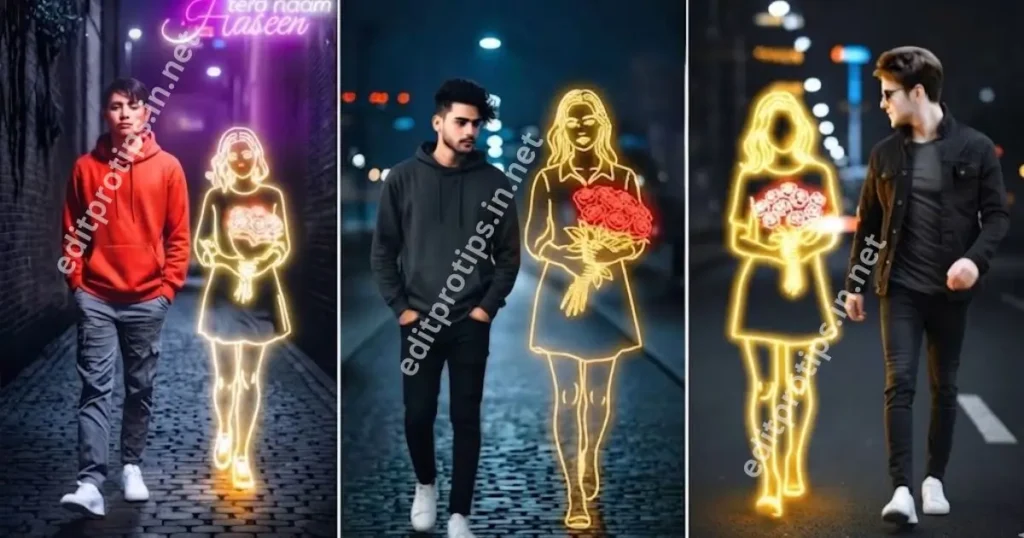
Step 3: Upload Your Image
Upload your original photograph. Make sure you have permission to edit and use the image, especially if it contains another person.
Step 4: Copy a Prompt
Choose one of the prompts below and copy it into Gemini.
Step 5: Generate the Image
Ask Gemini to apply the instructions to your uploaded photo. If the result is not exactly what you want, refine the prompt with additional details.
Girl Gemini Photo Editing Prompt – Realistic Portrait
This is a versatile prompt for creating a clean and beautiful portrait while maintaining the original identity.
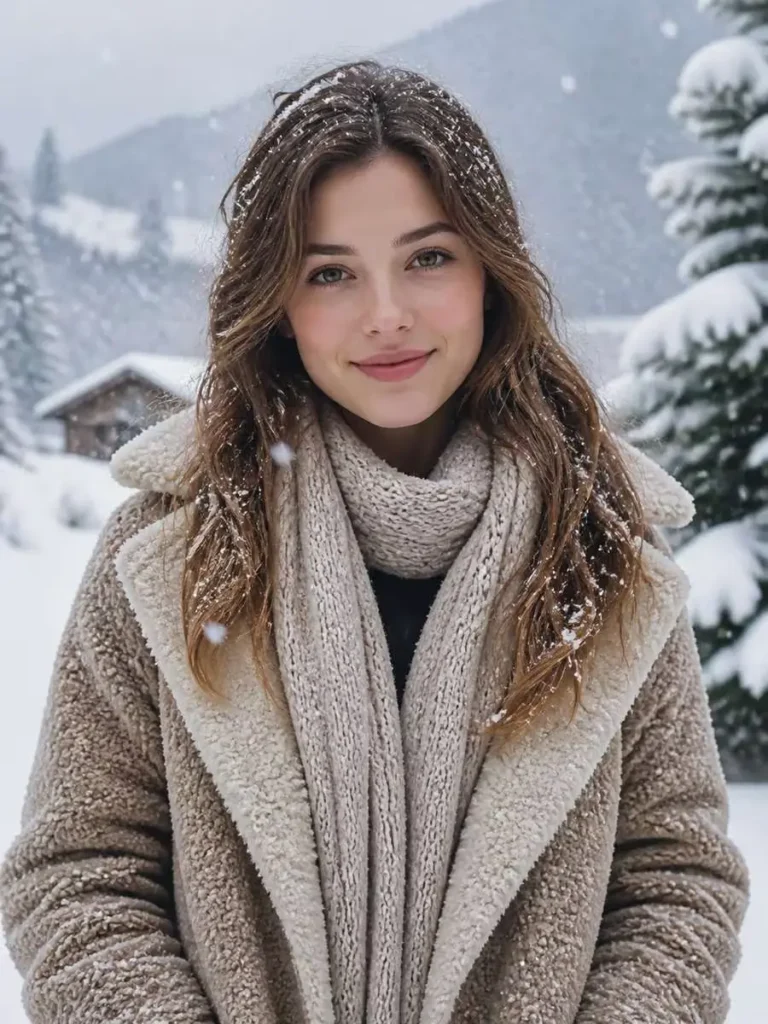
Based on the uploaded reference image, carefully preserve the person's facial features, face shape, and identity details, edit the image into a snowy winter portrait with cozy coat, soft snowfall, cool crisp air, gentle natural light, realistic seasonal detail, complete centered subject --ar 3:4
Beautiful Girl Gemini Photo Editing Prompt
If you want a stylish and elegant social-media-ready portrait, try this prompt.
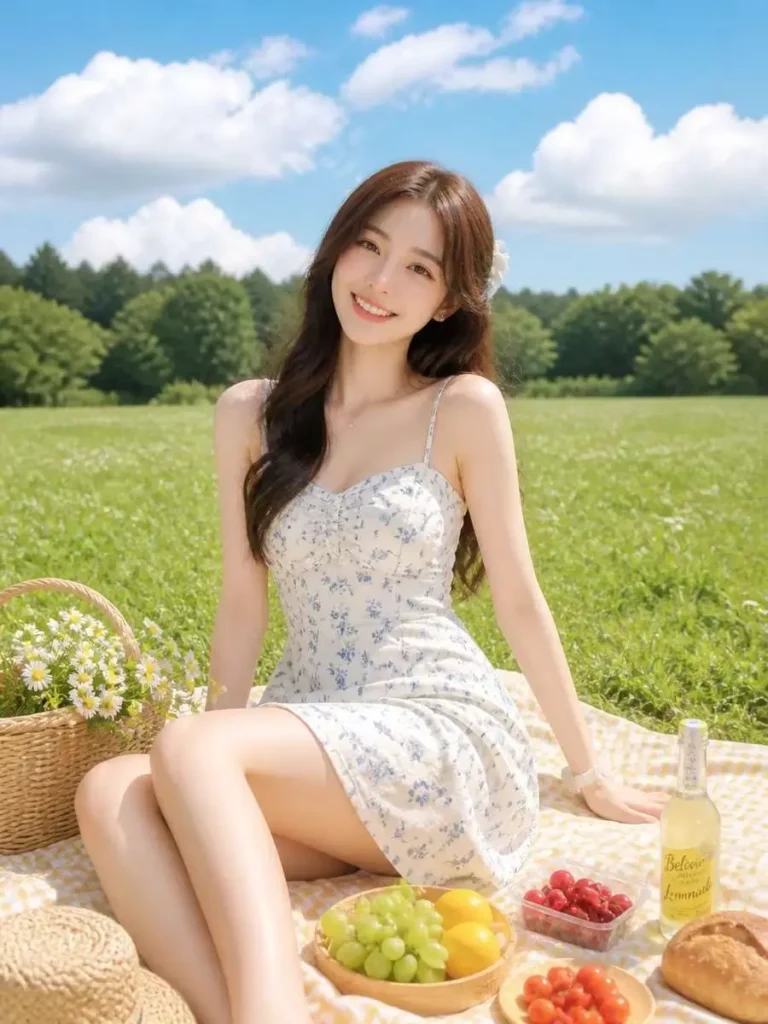
Based on the uploaded reference image, carefully preserve the person's facial features, face shape, and identity details, place the person in a fresh summer picnic scene with grassy field, bright sun, light dress, cheerful mood, natural color palette, complete centered subject --ar 3:4
Girl Gemini Photo Editing Prompt for Instagram
Create an Instagram-style portrait with this copy-ready prompt.
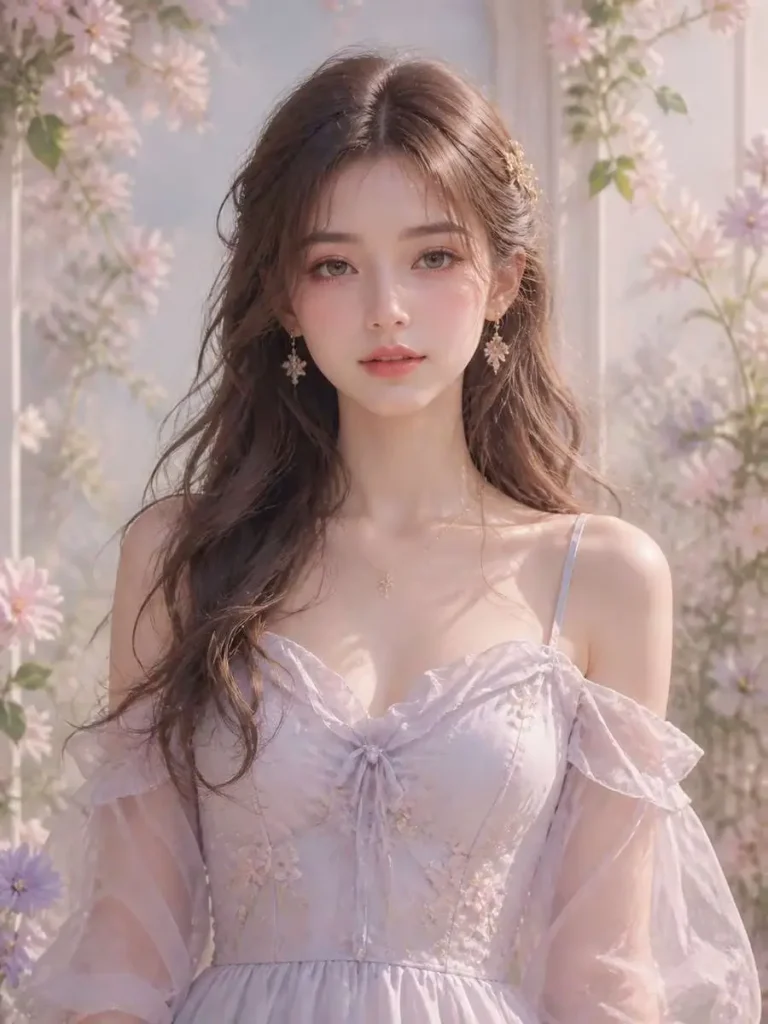
Based on the uploaded reference image, carefully preserve the person's facial features, face shape, and identity details, stylize the portrait with soft anime-inspired realism, slightly dreamy eyes, pastel palette, gentle glow, natural facial likeness retained, complete centered subject --ar 3:4
Girl Gemini Photo Editing Prompt – Traditional Look
You can also use Gemini to create a traditional-style portrait.
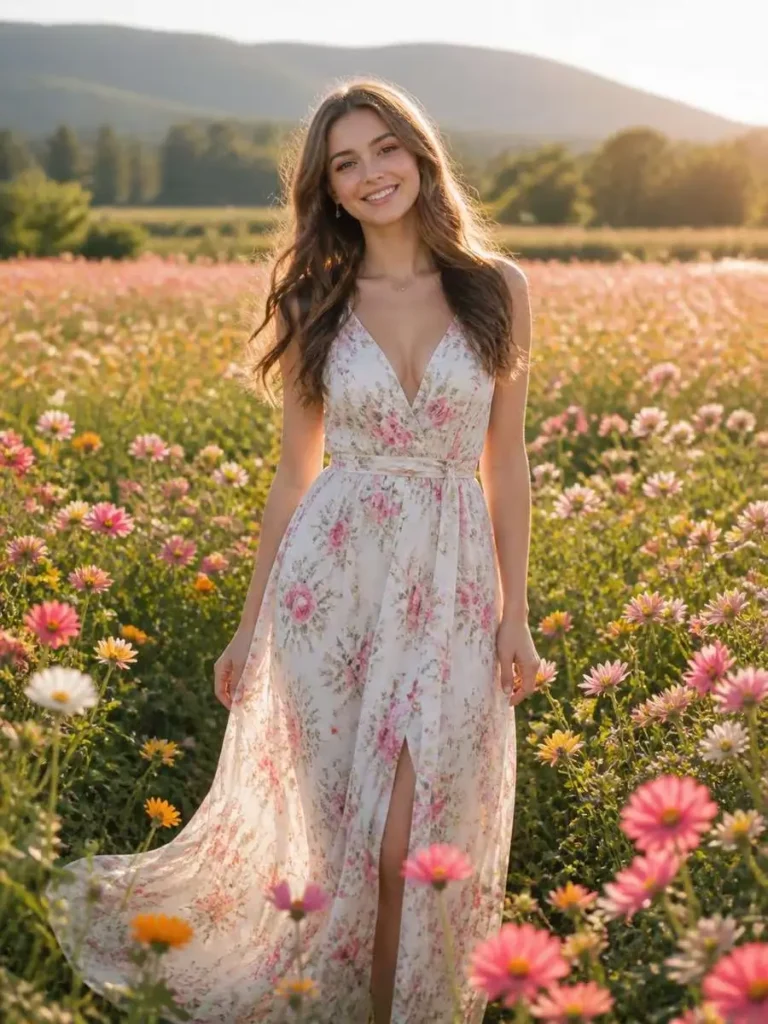
Based on the uploaded reference image, carefully preserve the person's facial features, face shape, and identity details, place the person in a flower field portrait with colorful blossoms, fresh sunlight, flowing dress, bright romantic atmosphere, realistic details, complete centered subject --ar 3:4
Girl Gemini Photo Editing Prompt – Sunset
Sunset portraits can create a warm and cinematic appearance.

Based on the uploaded reference image, carefully preserve the person's facial features, face shape, and identity details, place the person in an autumn park with golden leaves, cozy layered outfit, warm seasonal tones, natural sunlight, realistic atmosphere, complete centered subject --ar 3:4
Girl Gemini Photo Editing Prompt – Aesthetic Look
For a soft aesthetic image, use this prompt:
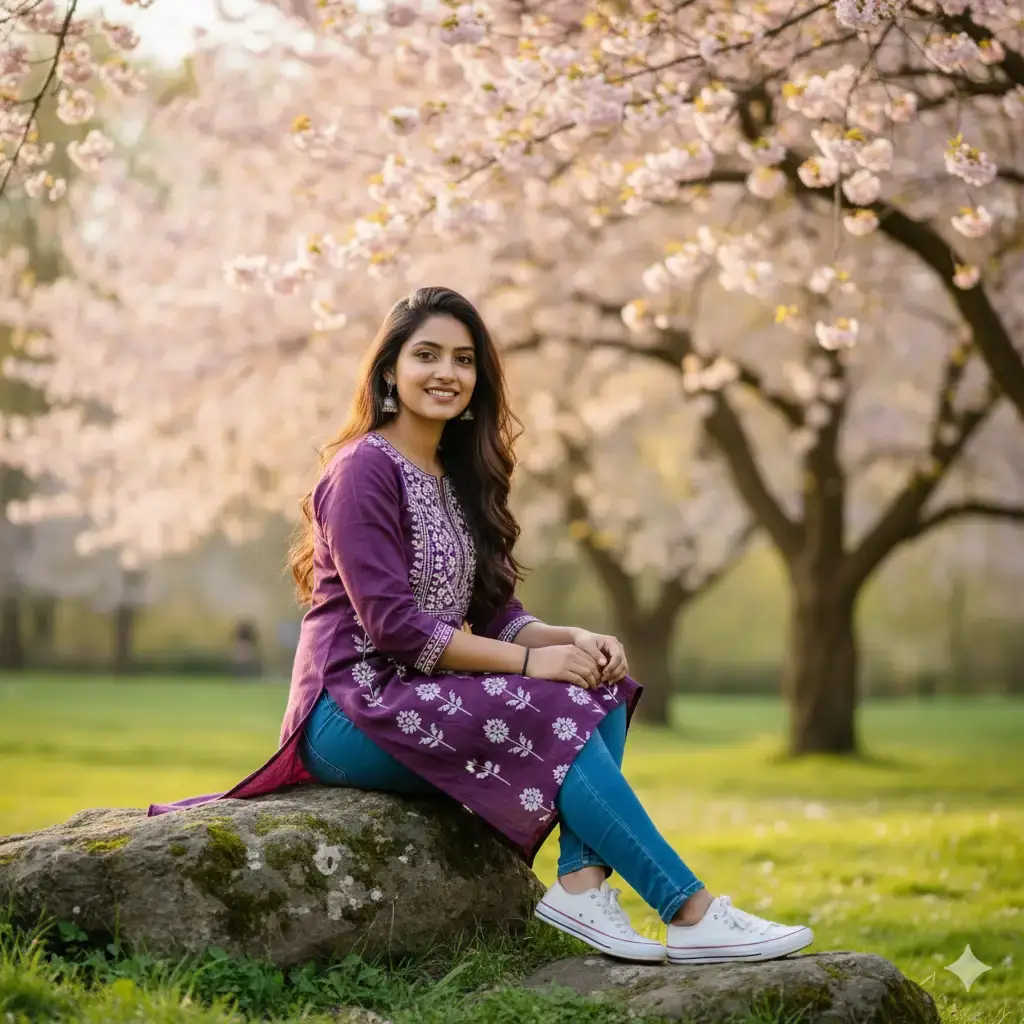
Create a candid, modern lifestyle photo of a young woman sitting comfortably indoors, illuminated by warm natural sunlight. She has a relaxed, cheerful expression as she looks at her phone while holding a half-finished iced Starbucks drink with a green straw. She’s wearing a loose white oversized t-shirt and black shorts, exuding a casual, cozy vibe. An open laptop rests on her lap, suggesting she’s multitasking or working casually. The background is a simple muted wall. The overall atmosphere is bright, spontaneous, and youthful, with soft shadows and a sunlit, golden-hour glow.
Girl Gemini Photo Editing Prompt – Cinematic Style
If you prefer a dramatic movie-inspired appearance, try this:
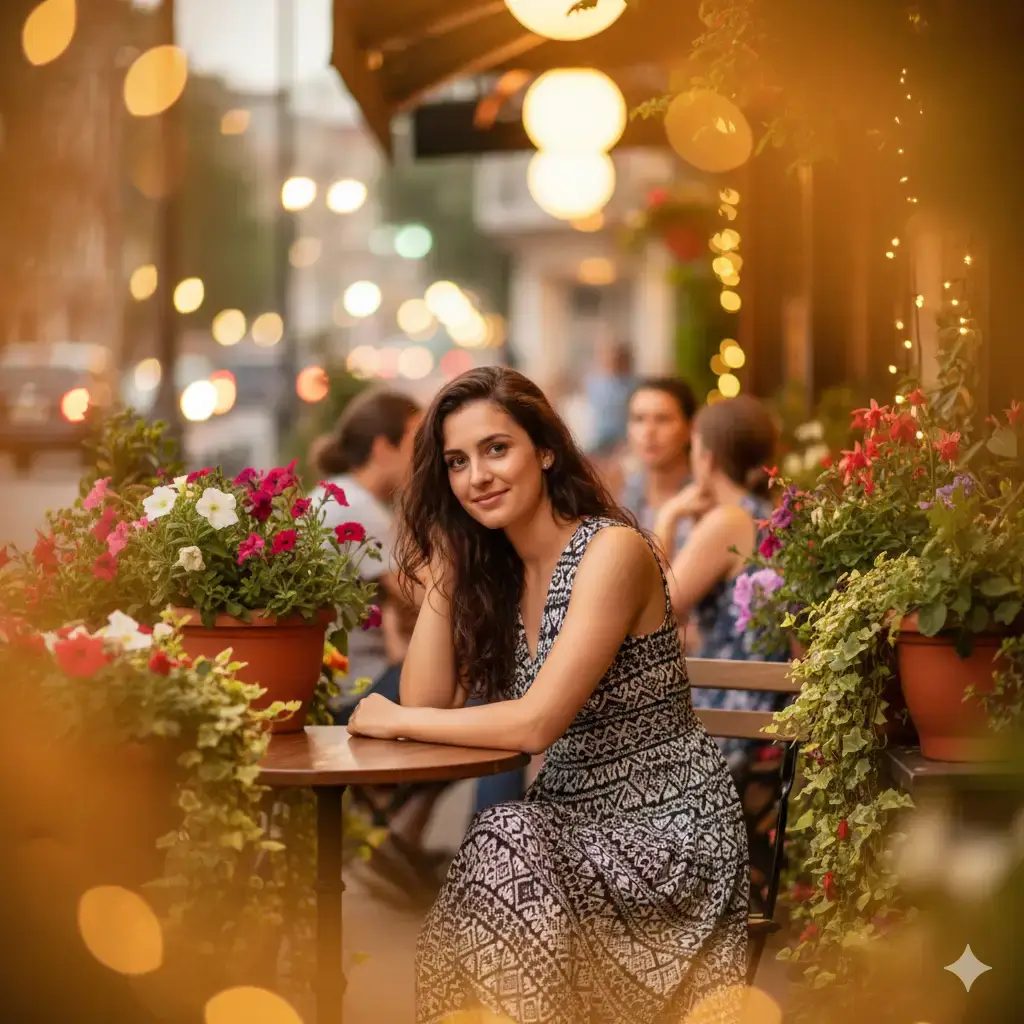
Create a fashionable outdoor portrait of a young woman standing confidently on a sunlit cobblestone street in a charming city setting. She wears an off-shoulder white embroidered blouse with delicate lavender stitching and tassel details on the sleeves, paired with high-waisted denim jeans tied with a bow belt. Her hair is tied back in a loose ponytail, and she sports dark sunglasses, giving her a chic and modern look. The soft daylight creates gentle shadows and a warm, natural glow on her skin. The blurred background features quaint buildings, greenery, and a relaxed European street ambiance, enhancing the stylish, travel-inspired vibe.

Girl Gemini Photo Editing Prompt – Travel Photo
Create a realistic travel photograph with this prompt.

Create a serene outdoor portrait of a young woman sitting gracefully in front of an old stone fountain surrounded by lush green plants and potted vines. She wears a sleeveless white top paired with a flowing royal blue skirt and simple sandals, accessorized with hoop earrings and a small brown shoulder bag. Her hair falls in soft waves, and she smiles warmly toward the camera, exuding natural elegance and calm. The background features cascading water, moss-covered stone textures, and soft golden-hour lighting that adds warmth and a gentle glow to the entire scene. The composition feels intimate and rustic, blending natural beauty with timeless charm.
Tips for Better Gemini Photo Editing Results
A good girl Gemini photo editing prompt should provide enough information without becoming unnecessarily confusing.
Here are some useful tips:
1. Use a Clear Original Photo
A sharp photograph with good lighting can make it easier for an AI image editor to understand facial and visual details.
2. Mention Identity Preservation
If keeping the same person is important, include instructions such as:
“Preserve the original facial identity and recognizable facial features.”
3. Describe the Background
Instead of saying only “change the background,” describe what you want, such as:
- Beach
- City street
- Garden
- Mountain
- Studio
- Sunset
- Café
- Luxury interior
4. Specify Lighting
Lighting can significantly change the mood of a photograph. You can request:
- Golden-hour lighting
- Soft daylight
- Studio lighting
- Cinematic lighting
- Warm evening light
- Natural window light
5. Avoid Over-Editing
For realistic results, ask for natural skin texture and realistic proportions instead of excessive smoothing or unrealistic beauty effects.
Why Are Gemini Photo Editing Prompts Popular?
AI photo editing makes it possible to experiment with different visual concepts without requiring advanced editing software.
A single photograph can be transformed into different styles by changing the prompt. For example, the same image could become a cinematic portrait, travel photograph, traditional portrait, sunset image, or aesthetic social-media photo.
This makes girl Gemini photo editing prompts useful for people who enjoy creative photography, social media content, AI art, and photo-editing experiments.

Best Prompt Formula for Gemini Photo Editing
You can create your own prompts using this simple formula:
Original Photo + Identity + Outfit + Background + Lighting + Camera Style + Mood + Quality
For example:
Edit my uploaded photo while preserving my original facial identity. Place me in [background]. Add [outfit/style]. Use [lighting]. Create [mood] with realistic skin texture, natural proportions, professional photography, shallow depth of field, realistic shadows, and high-resolution details.
This formula makes it easier to create personalized prompts for different occasions.
Frequently Asked Questions
What is a girl Gemini photo editing prompt?
A girl Gemini photo editing prompt is a written instruction used with an uploaded image to describe how you want an AI tool such as Gemini to transform or enhance the photograph.
Can I use these prompts with my own photo?
Yes. You can copy a prompt and use it with your own photograph in a supported Gemini image-editing workflow. Always make sure you have the necessary rights or permission to use the image.
How can I keep the same face in an AI photo edit?
Clearly tell the AI to preserve the original facial identity, facial structure, recognizable features, and natural appearance. Using a clear source image can also help.
Can Gemini create realistic girl portraits?
Gemini’s image capabilities can be used for creative portrait and photo-editing tasks. Results can vary depending on the image, prompt, and available features.
Can I create Instagram photos with Gemini prompts?
Yes. You can describe an Instagram-style composition, background, lighting, clothing, mood, and photography style in your prompt.
Conclusion
The girl Gemini photo editing prompt trend gives creators an easy way to experiment with creative photography and AI-powered image editing. Whether you want a realistic portrait, cinematic image, traditional look, sunset photograph, aesthetic picture, or travel-style photo, the right prompt can help you describe your desired result more clearly.
Try the copy-ready prompts in this guide and customize the background, clothing, lighting, mood, and photography style according to your idea.
For more AI editing prompts, Gemini photo prompts, CapCut templates, VN codes, editing ideas, and creative tools, keep visiting EditProTips.