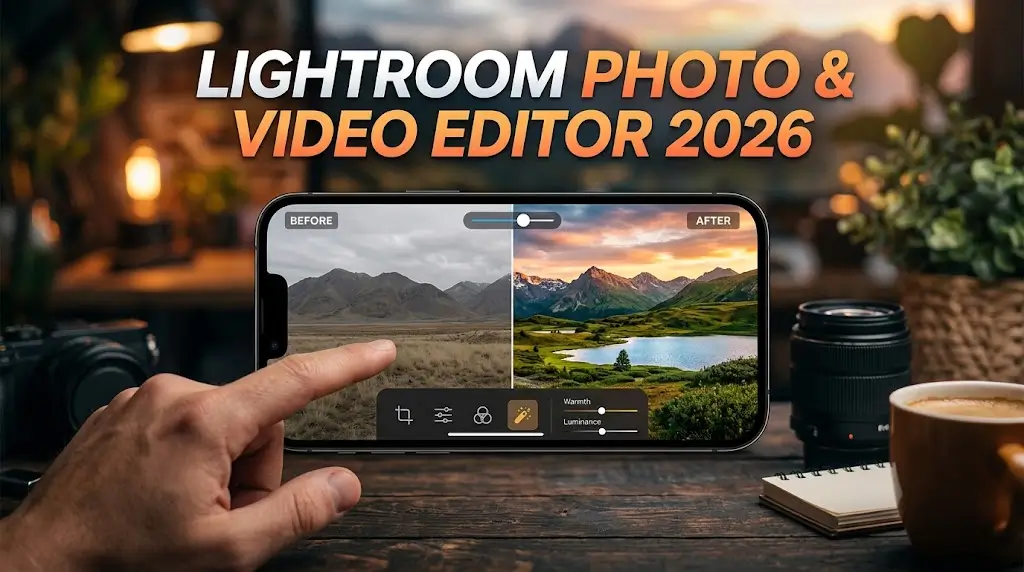
Welcome to EditPro Tips ! Today, we’re exploring the Lightroom Photo and Video Editor, a popular editing application for creators who want to enhance their photos, improve video colors, and create professional-looking content for social media.
Whether you are a beginner, photographer, Instagram creator, or mobile editing enthusiast, Adobe Lightroom offers tools that can help you transform ordinary images into visually appealing photographs. In this guide, you’ll learn about its features, editing tools, benefits, download options, and tips for getting better results.
Table of Contents
What Is Lightroom Photo and Video Editor?
Lightroom is a photo editing and organization application developed by Adobe. It is widely used by photographers, content creators, and social media users to adjust lighting, colors, contrast, sharpness, and other image properties.
Depending on the version and platform, Lightroom also supports video color adjustments and editing workflows. Available tools and features may differ between mobile, desktop, free, and premium versions.
The application is especially useful for creating aesthetic photos, cinematic color effects, portrait edits, travel photography, and Instagram-ready images.

Key Features of Lightroom Photo and Video Editor
1. Professional Photo Editing Tools
Lightroom includes a range of adjustments that help you improve image quality and appearance.
Some commonly used tools include:
- Exposure and brightness adjustments
- Contrast and highlight controls
- Shadows and white balance
- Color temperature and tint
- Saturation and vibrance
- Sharpness and detail adjustments
- Noise reduction tools, depending on the version
These tools allow you to make simple corrections or create a customized editing style.
2. Lightroom Presets
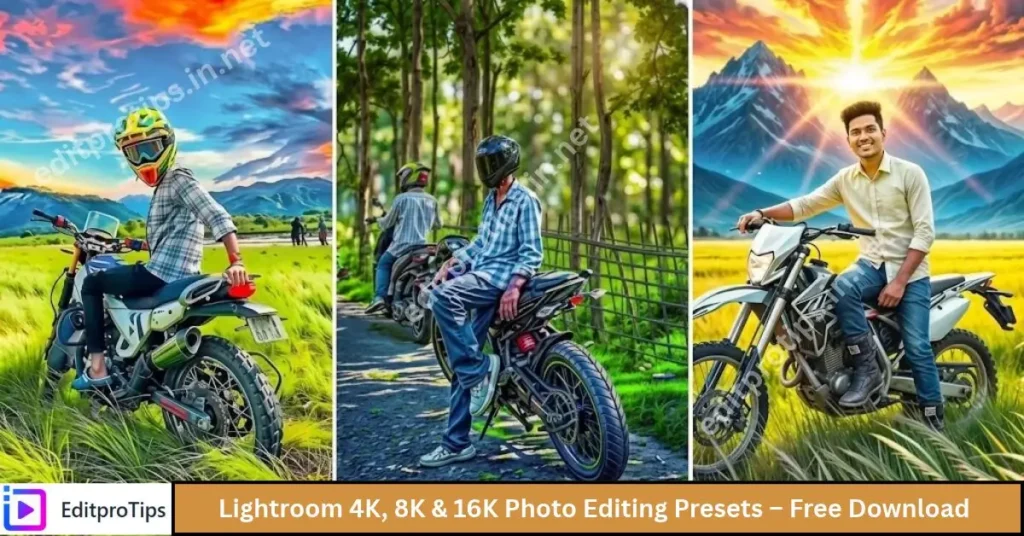
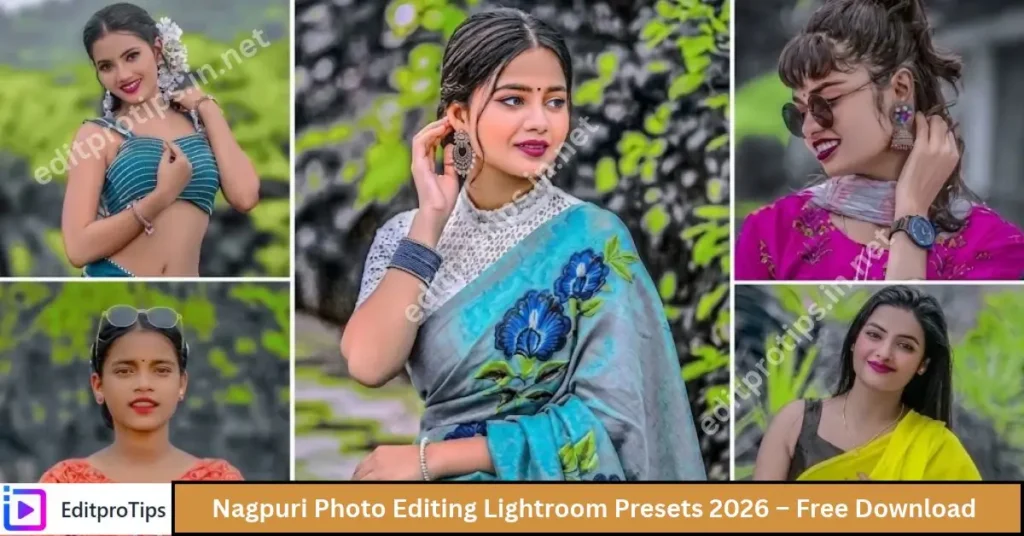
Presets are one of Lightroom’s most popular features. A preset applies a saved combination of editing settings to a photo, helping you maintain a consistent style across multiple images.
Popular preset styles include:
- Cinematic presets
- Moody and dark presets
- Golden-hour presets
- Travel photography presets
- Portrait and skin-tone presets
- Vintage and film-inspired presets
- Clean, bright aesthetic presets
You can explore preset options on EditProTips to discover new editing ideas. Always check whether a preset is compatible with your Lightroom version and whether it requires a paid feature.
3. Video Color Editing
Supported Lightroom versions allow users to adjust the appearance of video clips using certain color and tonal controls.
This can be helpful when you want your videos to match your edited photographs, especially for Instagram Reels, TikTok, YouTube Shorts, and travel videos.
However, Lightroom is not a full replacement for a dedicated video editor. For advanced transitions, music synchronization, motion graphics, and complex timelines, consider using a dedicated video editing application.
4. Color Grading and Color Mixing
Color grading helps you create a recognizable visual style.
Lightroom’s color tools can help you:
- Make skies appear more vibrant.
- Adjust green tones in nature photography.
- Create warm sunset colors.
- Develop a cinematic atmosphere.
- Fine-tune portrait colors.
- Match the colors of multiple photographs.
Experiment with small adjustments rather than applying extreme settings to every image.
5. Selective Editing and Masks
Lightroom offers selective editing tools that let you make changes to specific parts of an image. Depending on the version, masking options can help you target subjects, backgrounds, skies, or manually selected areas.
For example, you can brighten a person’s face without making the entire background brighter. You can also adjust the sky independently to create a more balanced landscape photograph.
Some advanced selection and masking features may require a premium subscription.
6. AI-Powered Editing Features
Adobe has introduced AI-assisted tools across its creative applications, including Lightroom. Depending on your version and subscription, these features may help with tasks such as selecting image areas, removing distractions, or reducing noise.
AI capabilities and availability can change over time, so check the official Adobe product information for the latest supported features.
7. Photo Organization and Cloud Sync
Lightroom helps users organize photographs and manage their editing workflow. Cloud synchronization is available with supported plans and settings, allowing users to access compatible content across supported devices.
Cloud storage allowances and synchronization features vary by subscription. Check your plan before relying on cloud backup for your entire photo library.
How to Edit Photos in Lightroom
Follow these simple steps to begin editing your photographs.
Step 1: Open Lightroom
Install Lightroom through an official Adobe source and open the application. Sign in if required.
Step 2: Import Your Photo
Choose a photograph from your device or import it into your Lightroom library.
Step 3: Adjust the Lighting
Start with exposure, highlights, shadows, and contrast. Make sure the main subject is clearly visible without losing too much detail.
Step 4: Improve the Colors
Adjust white balance, vibrance, saturation, and color mixing to achieve your preferred appearance.
Step 5: Apply a Preset
Try a suitable preset if you want a quick editing style. Reduce its intensity or modify individual settings when the result looks too strong.
Step 6: Refine the Details
Use sharpening, noise reduction, cropping, and supported selective adjustments to improve the final image.
Step 7: Export Your Photo
Choose the available export settings, including file type, image dimensions, and quality. Save the finished image to your device.
Is Lightroom Free to Use?
Lightroom offers free access to certain tools, while additional features and services are available through paid plans. The exact features depend on the platform, region, account, and subscription.
| Feature | Availability |
|---|---|
| Basic photo adjustments | Available in the free experience |
| Presets | Some options are free; others may be premium |
| Advanced editing tools | May require a subscription |
| Cloud storage and sync | Depends on the plan |
| AI-assisted features | Availability varies |
| Video color adjustments | Supported in compatible versions |
Before purchasing a subscription, review the current plan details on Adobe’s official website.
How to Download Lightroom Photo and Video Editor
For a safe installation, download Lightroom from an official source rather than an unknown APK or modified application website.
For Android: Visit the Google Play Store and search for Adobe Lightroom.
For iPhone or iPad: Open the Apple App Store and search for Adobe Lightroom.
For Windows or Mac: Visit Adobe’s official Lightroom website to review the desktop application and available subscription options.
Official website: https://www.adobe.com/products/photoshop-lightroom.html
Always verify the developer name, supported operating system, and current requirements before installing the application. Avoid modified APK files because they can create security and privacy risks.
Tips for Better Lightroom Editing
Here are a few useful tips for beginners and experienced creators.
- Avoid excessive saturation: Natural-looking colors often produce better results than overly intense colors.
- Protect skin tones: Adjust portrait colors carefully to avoid unnatural skin.
- Use presets as a starting point: Every photo has different lighting, so fine-tune the settings.
- Keep highlights under control: Reduce overly bright areas to preserve visible detail where possible.
- Compare before and after: Check whether your adjustments genuinely improve the image.
- Export at suitable quality: Choose settings appropriate for social media, websites, or printing.
- Create a consistent style: Reuse similar color adjustments when building a recognizable social media feed.

Lightroom vs. Other Editing Apps
Lightroom is particularly useful for photography-focused workflows and color adjustments. Other applications may be better suited to different creative needs.
- Lightroom: Photo enhancement, color correction, presets, and supported video color adjustments.
- Photoshop: Advanced image manipulation, compositing, and detailed graphic editing.
- CapCut: Timeline-based video editing, transitions, captions, and effects.
- VN Video Editor: Mobile video editing with timeline controls and creative transitions.
The best application depends on whether you mainly edit photographs, produce videos, or combine both workflows.
Frequently Asked Questions
What is Lightroom Photo and Video Editor?
Lightroom is an Adobe editing application designed primarily for photography, with supported video color adjustment features in compatible versions.
Is Lightroom available for Android?
Yes. Lightroom is available for compatible Android devices through the Google Play Store. Availability and system requirements may vary.
Is Lightroom completely free?
No. Some features are available for free, while premium editing tools and services require a paid plan.
Can I use Lightroom presets for Instagram photos?
Yes. Presets can help you create consistent colors and styles for Instagram photos. You may need to adjust them for different lighting conditions.
Where can I download Lightroom safely?
Use Adobe’s official website, the Google Play Store, or the Apple App Store, depending on your device.
Conclusion
The Lightroom Photo and Video Editor is a useful choice for creators who want greater control over photo colors, lighting, presets, and supported video adjustments. Its combination of straightforward controls and advanced editing features makes it suitable for beginners as well as experienced photographers.
If you want more photo editing tutorials, AI editing prompts, presets, and creative ideas, keep visiting EditProTips for more helpful content.