
Slow-motion videos are a popular way to make social media content look cinematic, stylish, and engaging. Whether you create Instagram Reels, YouTube Shorts, or TikTok videos, using the right slow-motion techniques can help you highlight important moments, improve visual storytelling, and make your edits more attractive.
Welcome to EditProTips, your guide to creative video editing ideas, trending effects, and useful tools. In this article, we will explore the best trending slow motion techniques for 2026, along with practical tips to help beginners and experienced creators produce smoother videos.
Table of Contents
What Are Trending Slow Motion Techniques?
Slow-motion techniques make moving subjects appear slower than they did in real time. Editors use them to emphasize movement, create dramatic moments, and add a cinematic feel to ordinary footage.
These techniques are commonly used in dance videos, sports clips, travel edits, fashion reels, cinematic portraits, and music videos. With mobile editing apps such as CapCut and VN Video Editor, creators can experiment with slow motion without needing professional editing software.
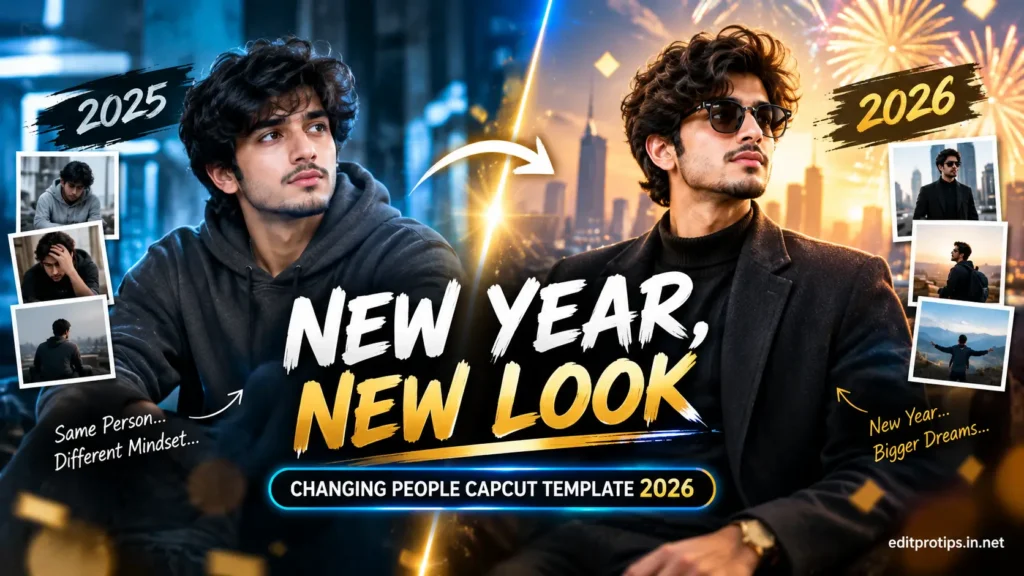
1. Smooth Cinematic Slow Motion
Cinematic slow motion gives your footage a polished, movie-like appearance. It works especially well for walking shots, outdoor portraits, fashion videos, and travel content.
How to create it:
- Record footage with a higher frame rate when possible, such as 60 fps or 120 fps.
- Import the clip into your preferred editing app.
- Reduce the playback speed gradually.
- Add subtle color grading and stabilize shaky footage.
- Choose music that complements the movement.
For the smoothest results, use footage recorded at a suitable frame rate rather than slowing down a standard-speed clip too aggressively.
2. Velocity Slow Motion
Velocity editing combines fast and slow sections in the same clip. The video may begin at normal speed, slow down during a key moment, and then accelerate again.
This technique is useful for dance transitions, outfit changes, bike edits, action shots, and beat-synced Reels.
Editing tips:
- Import your video into CapCut or VN Video Editor.
- Select the clip’s speed or curve controls.
- Add speed points around the moment you want to emphasize.
- Lower the speed at the highlight and increase it between key moments.
- Match the changes to the rhythm of the soundtrack.
Keep speed transitions smooth so the video feels intentional rather than distracting.
3. Beat-Sync Slow Motion
Beat-sync slow motion combines music timing with carefully chosen speed changes. It is particularly useful for short-form videos where viewers expect the visuals to match the soundtrack.
Try slowing down the footage just before a major beat, then returning to normal or faster speed when the beat drops.
This technique works well for:
- Dance performances
- Romantic edits
- Fashion transitions
- Travel montages
- Cinematic lifestyle videos
Use music you have permission to use on your chosen platform.
4. AI-Powered Slow Motion
AI-powered frame interpolation can generate additional frames between existing frames, making some clips appear smoother when slowed down.
Depending on the app, this feature may be called optical flow, frame interpolation, or AI slow motion.
Best practices:
- Start with clear, well-lit footage.
- Avoid excessive movement across complex backgrounds.
- Check hands, faces, hair, and fast-moving objects for visual distortion.
- Compare the processed video with the original before exporting.
AI-generated frames can improve some clips, but they may introduce artifacts around moving subjects or overlapping objects.
5. Dramatic Action Slow Motion
Action slow motion emphasizes a single powerful movement, such as a basketball shot, a jump, a splash of water, or a running sequence.
To achieve a dramatic effect, keep the important action near the center of attention and avoid slowing every moment in the video.
For the best results, record at a higher frame rate, use good lighting, and keep the camera stable.
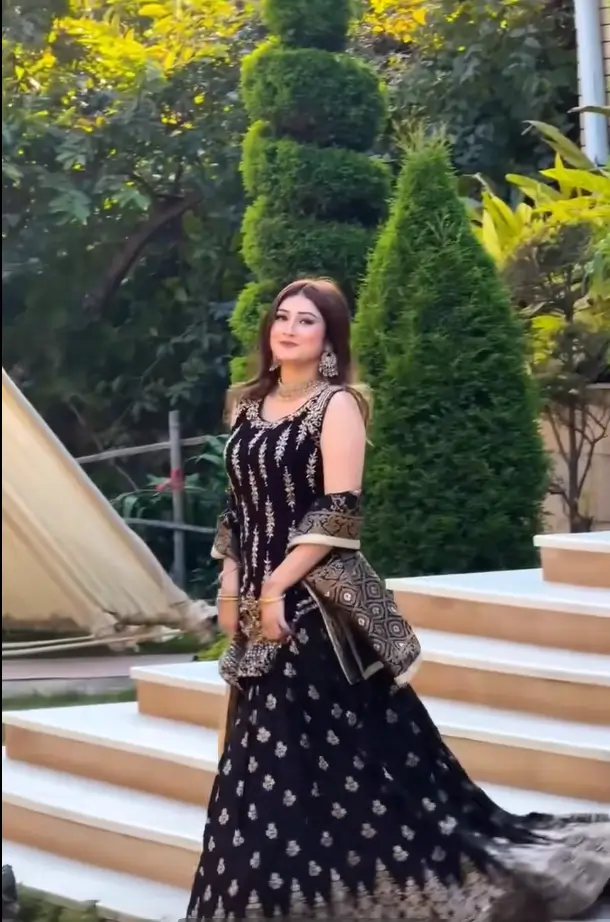
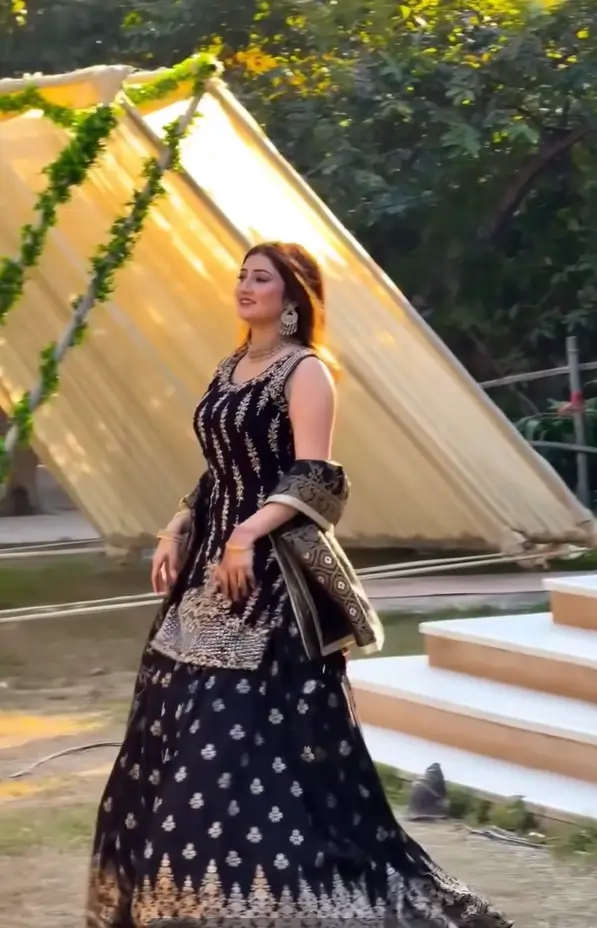
6. Slow-Motion Dance Edits
Dance videos are ideal for combining rhythm, movement, and speed changes. A short slow-motion section can emphasize a hand movement, turn, jump, or final pose.
Try this editing workflow:
- Choose a dance clip with clear movements.
- Identify the strongest moment in the performance.
- Slow down that moment while keeping the surrounding movements faster.
- Add beat markers or align the effect with the music.
- Use a clean transition into the next shot.
Avoid adding too many effects at once. Clear movement and good timing usually look better than excessive transitions.
7. Slow-Motion Nature and Travel Videos
Slow motion can make everyday scenes feel more immersive. Flowing water, ocean waves, falling leaves, clouds, and walking shots can all benefit from carefully controlled speed.
For travel Reels and YouTube Shorts, combine wide scenic shots with close-ups of movement. Use natural light where possible and keep camera movement steady.
A short slow-motion sequence can add variety without making the entire video feel too long.
8. Freeze-to-Slow-Motion Effect
This technique begins with a brief freeze frame before the action continues in slow motion. It can highlight a pose, facial expression, outfit, or important action.
How to make the effect:
- Find the exact frame you want to emphasize.
- Create a freeze frame using your editing app.
- Keep the freeze short.
- Resume the clip with a smooth slow-motion section.
- Add a subtle sound effect if it suits the scene.
Use the freeze sparingly so it does not interrupt the flow of the video.
9. Slow-Motion Zoom Effect
A slow-motion zoom combines reduced playback speed with a gradual camera-scale change. It can draw attention toward a person, product, or important detail.
For a natural look, use a small zoom and keep the subject’s face or main action in focus. If the original footage is low resolution, avoid excessive zooming because it can make the image appear soft.
10. Reverse and Slow-Motion Combination
Reverse editing plays a clip backward, while slow motion changes its playback speed. Combining the two can create an unusual visual transition.
This effect works well for water splashes, falling objects, dance movements, and creative product videos. Capture the action clearly and preview the reverse sequence to make sure it looks believable.
Best Apps for Slow Motion Video Editing
Several editing apps provide useful tools for creating slow-motion videos for social media.
CapCut
CapCut offers speed controls, speed curves, transitions, and other effects that can help create velocity edits and beat-synced videos.
VN Video Editor
VN Video Editor provides timeline editing and speed adjustments for creators who want more control over clip timing.
Adobe Premiere Pro
Premiere Pro offers advanced speed adjustments and optical-flow-based processing for creators who need detailed control over their footage.
DaVinci Resolve
DaVinci Resolve combines speed controls, color grading, and professional post-production tools for more advanced editing workflows.
Features may vary by version, device, region, and subscription plan.
Recommended Slow Motion Settings
The right settings depend on the original recording frame rate and the final export frame rate.
| Original footage | Playback speed | General result |
|---|---|---|
| 30 fps | 50% | Moderate slow motion; may need frame blending or interpolation |
| 60 fps | 50% | Smooth slow motion on a 30 fps timeline |
| 120 fps | 25% | Very smooth slow motion on a 30 fps timeline |
| 240 fps | 12.5% | Extreme slow motion on a 30 fps timeline |
These examples assume the footage is interpreted at its recorded frame rate and placed on a 30 fps timeline. Results can differ when an app uses frame blending, optical flow, or automatic frame-rate conversion.
Tips for Better Slow Motion Reels, Shorts & TikTok Videos
Follow these tips to make your edits look more professional:
- Record at higher frame rates: Use 60 fps or higher when you plan to create substantial slow motion.
- Use good lighting: Higher frame rates often require more light to maintain clear footage.
- Keep the camera stable: A tripod, gimbal, or steady handheld technique can reduce unwanted shake.
- Choose the right moment: Slow down the most interesting part instead of the entire clip.
- Match the music: Time speed changes with the soundtrack when appropriate.
- Export in vertical format: A 9:16 aspect ratio is suitable for most full-screen short-form videos.
- Preview before publishing: Check for stuttering, unwanted blur, and AI interpolation artifacts.
Common Slow Motion Editing Mistakes
Even a creative effect can look poor when it is overused. Avoid these common problems:
- Slowing low-frame-rate footage too much.
- Applying slow motion to every clip.
- Using excessive transitions and visual effects.
- Ignoring lighting and camera shake.
- Adding speed changes that do not match the action or soundtrack.
- Exporting with the wrong aspect ratio or resolution.
Simple, well-timed edits often look more professional than complicated effects.
Frequently Asked Questions
Which slow-motion technique is best for Instagram Reels?
Velocity slow motion and beat-sync editing are useful choices for energetic Reels. Cinematic slow motion works well for travel, fashion, and portrait videos.
How can I make smooth slow-motion videos on my phone?
Record at a higher frame rate when possible, reduce playback speed appropriately, stabilize your footage, and use frame interpolation only when necessary.
Can I create slow motion in CapCut?
Yes. CapCut provides speed controls and, in supported versions, curve-based speed editing and additional processing features.
Why does my slow-motion video look choppy?
Choppy playback can occur when footage has too few original frames for the chosen speed, the export frame rate does not match the workflow, or the device struggles to process the video.
What is velocity editing?
Velocity editing changes playback speed at different points in a clip, combining fast and slow motion to emphasize actions and match music.
What is the best frame rate for slow motion?
For a 30 fps final video, recording at 60 fps is useful for moderate slow motion, while 120 fps or higher provides more flexibility for stronger slow-motion effects.
Conclusion
Trending slow motion techniques can help transform ordinary footage into engaging Reels, Shorts, and TikTok videos. From cinematic slow motion and velocity edits to AI frame interpolation and reverse effects, each technique offers a different way to highlight movement and tell a story.
Start with one or two effects, experiment with speed changes, and focus on smooth footage, clear action, and good timing. With practice, you can develop a consistent editing style for your social media content.


