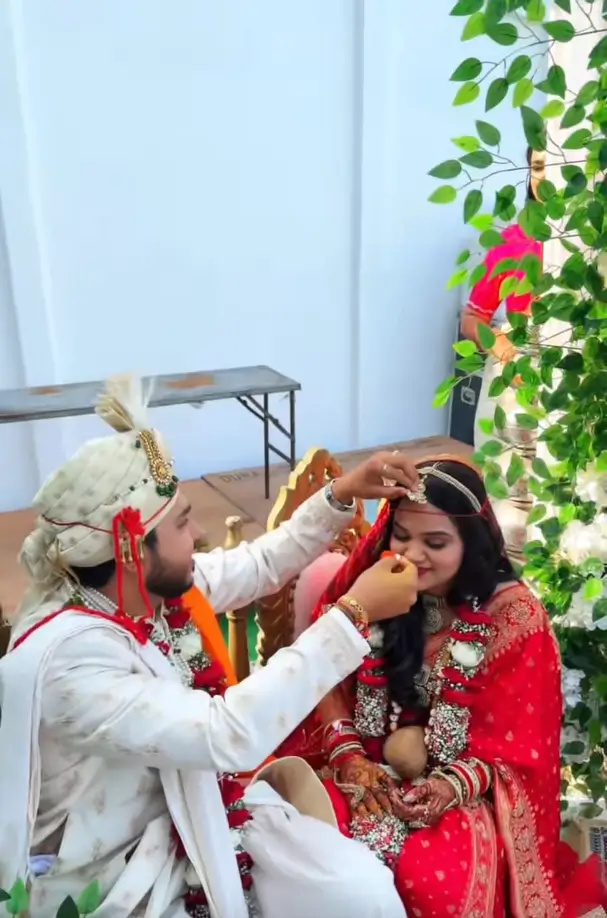
Marriage No Mahol CapCut Template is a new trending video editing style for creating stylish, entertaining, and eye-catching wedding reels. If you love making Instagram Reels, YouTube Shorts, or TikTok videos, this template can help you turn your ordinary wedding photos and clips into an attractive video edit.
Welcome to EditProTips! In this article, we will explore the Marriage No Mahol CapCut Template, its editing features, how to use it, and tips for creating a beautiful wedding video.
Table of Contents
What Is Marriage No Mahol CapCut Template?
Marriage No Mahol CapCut Template is a trending wedding video editing concept inspired by the energetic marriage atmosphere and celebration vibes. It is suitable for people who want to create entertaining videos using wedding memories, couple photos, dance clips, and special moments.
This editing style can include beat-sync transitions, slow-motion effects, cinematic filters, smooth animations, and attractive visual effects.
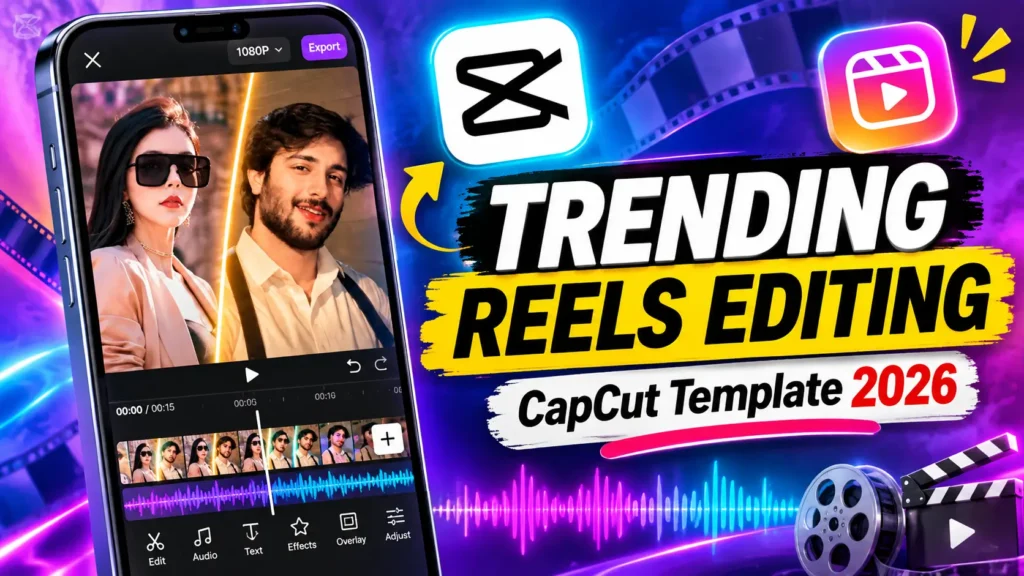
Features of Marriage No Mahol CapCut Template
Here are some popular editing elements you can use to create your wedding video:
- Beat Sync Effects: Match your video clips with the music beats.
- Smooth Transitions: Create professional-looking transitions between clips.
- Slow Motion Effects: Highlight your favourite wedding moments.
- Cinematic Filters: Give your video a beautiful colour combination.
- Photo Animations: Turn ordinary photos into attractive video scenes.
- HD Video Export: Export your finished video in high quality.

How to Use Marriage No Mahol CapCut Template
Follow these simple steps to create your wedding video:
- Open the CapCut application on your smartphone.
- Find the Marriage No Mahol CapCut Template if it is available in your region.
- Open the template and select the available Use Template option.
- Choose your favourite wedding photos and video clips.
- Adjust the clips according to the template.
- Preview your video and check the transitions.
- Export your completed video in your preferred quality.
- Share your creation on Instagram Reels, TikTok, or YouTube Shorts.
Note: Template availability may vary depending on your country, application version, and account.
How to Make Marriage No Mahol Wedding Reels
Want to make your wedding video more attractive? Try these editing tips:
- Choose high-quality wedding photos.
- Use colourful and cinematic video filters.
- Add your favourite marriage celebration clips.
- Match transitions with the music beats.
- Use slow-motion effects for special moments.
- Keep your video short and engaging.
These simple editing ideas can help you create beautiful wedding celebration videos.
Best Platforms to Share Your Wedding Video
After completing your edit, you can share it on different social media platforms.
- Instagram Reels: Share your wedding memories with friends and followers.
- YouTube Shorts: Upload short and entertaining wedding edits.
- TikTok: Share creative marriage celebration videos.
- Facebook Reels: Share your favourite wedding moments with your community.
Why Is Marriage No Mahol CapCut Template Trending?
Wedding-related video edits are popular because people love sharing their celebrations, memorable moments, and creative transitions on social media.
The Marriage No Mahol CapCut Template editing style is a fun way to combine photos, music, and video effects into one entertaining creation. Its wedding-inspired theme makes it suitable for marriage celebrations, couple videos, and special event memories.
Frequently Asked Questions
What is Marriage No Mahol CapCut Template?
Marriage No Mahol CapCut Template is a wedding-inspired video editing style that helps users create attractive videos using photos, clips, music, and transitions.
Is Marriage No Mahol CapCut Template free?
CapCut offers many free templates and editing features. However, some effects or features may require a paid subscription.
Can I use this template on Android?
Yes, you can use CapCut on supported Android devices if the application and template are available in your region.
Can I share my edited video on Instagram?
Yes! You can export your completed video and upload it to Instagram Reels, Facebook Reels, TikTok, or YouTube Shorts.
Do I need editing skills to use CapCut templates?
No. Most ready-made templates are beginner-friendly and allow you to add your photos or clips with just a few simple steps.
Conclusion
The Marriage No Mahol CapCut Template is a creative choice for anyone who loves wedding videos and trending social media edits. With attractive transitions, music effects, slow-motion scenes, and your favourite memories, you can create an entertaining wedding video in just a few steps.
Keep visiting EditProTips for the latest CapCut templates, VN codes, AI photo editing prompts, and creative video editing ideas.