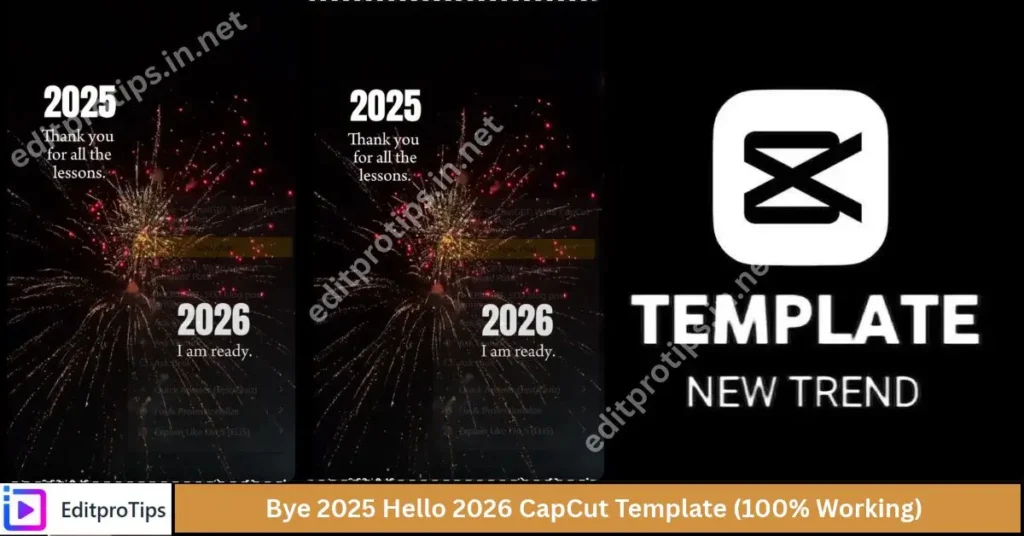
Welcome to EditProTips! Get ready to welcome 2027 with amazing video edits using the New Year 2027 CapCut Template. If you want to create beautiful New Year celebration videos for Instagram Reels, YouTube Shorts, TikTok, or Facebook, these trending CapCut templates can help you make your videos look professional and eye-catching.
The New Year is a special time to remember beautiful moments, celebrate achievements, and share happiness with friends and loved ones. With the latest New Year 2027 CapCut Template, you can turn your photos and video clips into stunning celebration videos with music, transitions, slow-motion effects, and creative animations.
trending capcut template
What Is the New Year 2027 CapCut Template?
The New Year 2027 CapCut Template is a ready-made video editing design that allows users to create attractive New Year celebration videos quickly. Instead of editing everything manually, you can add your photos or video clips to a template and customize the result.
These templates may include:
- New Year 2027 countdown effects.
- Beautiful fireworks animations.
- Cinematic photo transitions.
- Trending New Year music.
- Slow-motion video effects.
- Golden and colorful text animations.
- 2026 memories and 2027 welcome transitions.
- Stylish celebration effects.
10 Best New Year 2027 CapCut Template Ideas
Here are some creative editing styles you can try for your New Year celebration videos.
1. Happy New Year 2027 CapCut Template
Create a beautiful celebration video featuring fireworks, glowing text, and your favorite pictures.
2. New Year 2027 Countdown Template
Show the countdown from 10 to 1 with exciting transitions and a spectacular fireworks effect.
3. 2026 Memories CapCut Template
Create a special year-recap video using your favorite photos and memorable moments from 2026.
4. Welcome 2027 CapCut Template
Celebrate the beginning of 2027 with cinematic transitions, colorful animations, and attractive text effects.
5. New Year Couple CapCut Template
Make a romantic New Year video using couple photos, beautiful transitions, and emotional background music.
6. Friends Celebration CapCut Template
Combine your best pictures with friends to create a memorable New Year celebration reel.
7. New Year Fireworks Video Template
Use fireworks, glowing lights, and colorful visual effects to create an impressive celebration video.
8. New Year Slow Motion CapCut Template
Add smooth slow-motion effects to your video clips for a cinematic New Year editing style.
9. New Year Status Video Template
Create a short and attractive New Year status video for WhatsApp, Instagram, and Facebook.
10. New Year 2027 Photo Slideshow Template
Turn your favorite photos into a beautiful slideshow with music and smooth transitions.

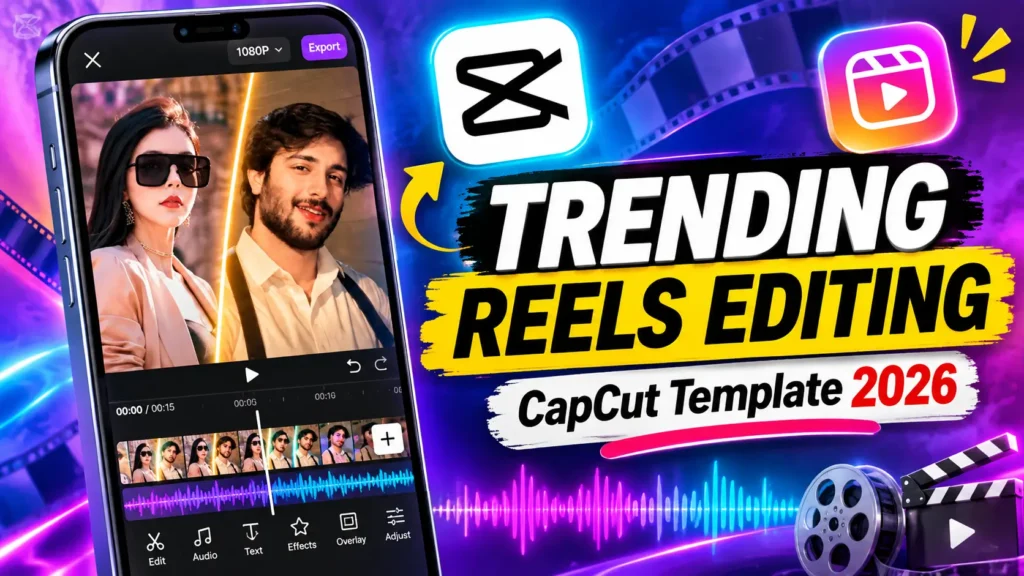
How to Use New Year 2027 CapCut Template
Follow these simple steps to create your New Year celebration video.
- Open the CapCut app on your smartphone.
- Find a New Year 2027 CapCut Template that you like.
- Open the template using its available template link.
- Tap the Use Template option if available.
- Select your favorite photos or video clips.
- Adjust your pictures according to the template.
- Preview your completed New Year video.
- Export your video in high quality.
- Share it on Instagram Reels, TikTok, YouTube Shorts, or WhatsApp.
Note: Template availability may vary by country, app version, and account. Some templates may require CapCut access or may not be available in every region.
Best Features of New Year 2027 CapCut Template
The New Year 2027 CapCut Template offers an easy way to create stylish videos without advanced editing skills.
- Easy Editing: Add your photos and videos with just a few taps.
- Trending Effects: Use attractive transitions and animations.
- High-Quality Videos: Export your creations in supported high resolutions.
- Creative Music: Match your video with New Year celebration music.
- Social Media Ready: Create vertical videos for Reels and Shorts.
- Time Saving: Use ready-made editing styles instead of starting from scratch.
Best Photo Ideas for New Year 2027 Video Editing
Choose the right photos to make your New Year video more attractive.
- Your best memories from 2026.
- Family and friends celebration photos.
- Couple pictures and romantic moments.
- Travel and vacation memories.
- Birthday and special occasion photos.
- Selfies and stylish portraits.
- Beautiful celebration moments.
Why Choose EditProTips for New Year Editing?
EditProTips shares creative video editing ideas, CapCut templates, VN codes, AI photo editing prompts, and useful editing tutorials. Our goal is to help creators discover new editing styles and make attractive social media content.
Whether you are a beginner or an experienced creator, you can explore different editing ideas and improve your video creation skills with EditProTips.
Frequently Asked Questions
What is the New Year 2027 CapCut Template?
It is a ready-made video editing template that helps users create New Year celebration videos using photos, clips, music, and visual effects.
Is the New Year 2027 CapCut Template free?
Some templates are available for free, while others may require specific features or access. Availability depends on the template.
How many photos are needed for a New Year CapCut Template?
The number of photos depends on the selected template. Some require only one photo, while others support multiple pictures.
Can I use the New Year 2027 CapCut Template on Instagram?
Yes. You can export your completed video and upload it to Instagram Reels if it meets the platform’s supported video requirements.
Can beginners use New Year CapCut Templates?
Yes. Ready-made templates make video editing easier for beginners because most effects and transitions are already prepared.
Conclusion
The New Year 2027 CapCut Template is a creative way to celebrate the arrival of a new year with beautiful photos, exciting transitions, fireworks, and trending music. You can create memorable videos for your friends, family, and social media followers without needing professional editing skills.