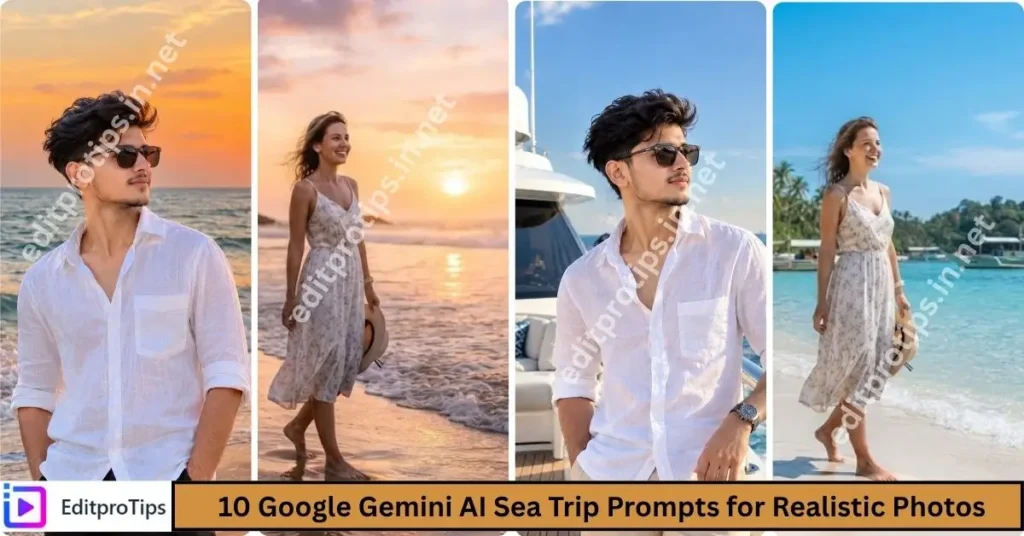
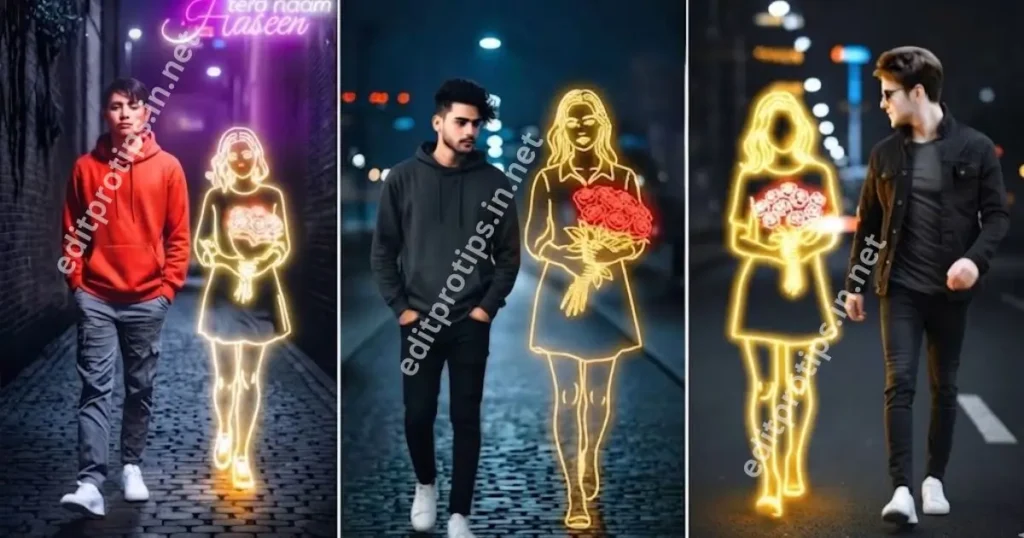
Welcome to EditProTips! If you want to create stylish, realistic, and eye-catching birthday photos, Gemini AI Birthday Photo Editing Prompts can help you transform ordinary pictures into amazing birthday portraits. Whether you want a luxury birthday photoshoot, a cake-cutting scene, a stylish outfit, or a cinematic birthday poster, Google Gemini AI can help you bring your ideas to life.
In this article, you will discover the best Gemini AI birthday photo editing prompts for boys in 2026. Simply choose your favorite prompt, copy it, upload your photo to a compatible Gemini image-generation or editing feature, and customize your birthday picture.
Table of Contents
What Are Gemini AI Birthday Photo Editing Prompts?
Gemini AI Birthday Photo Editing Prompts are text instructions used to create or edit birthday-themed images with the help of artificial intelligence. These prompts describe the background, lighting, outfit, birthday cake, decorations, pose, and overall photography style.
With the right prompt, you can create professional-looking birthday portraits without arranging an expensive photoshoot. You can also use the generated images for Instagram posts, WhatsApp status updates, Facebook posts, birthday invitations, and personal profile pictures.
For the best results, upload a clear photo and include instructions such as “preserve the same face and natural facial features” when you want the edited image to resemble your original picture.
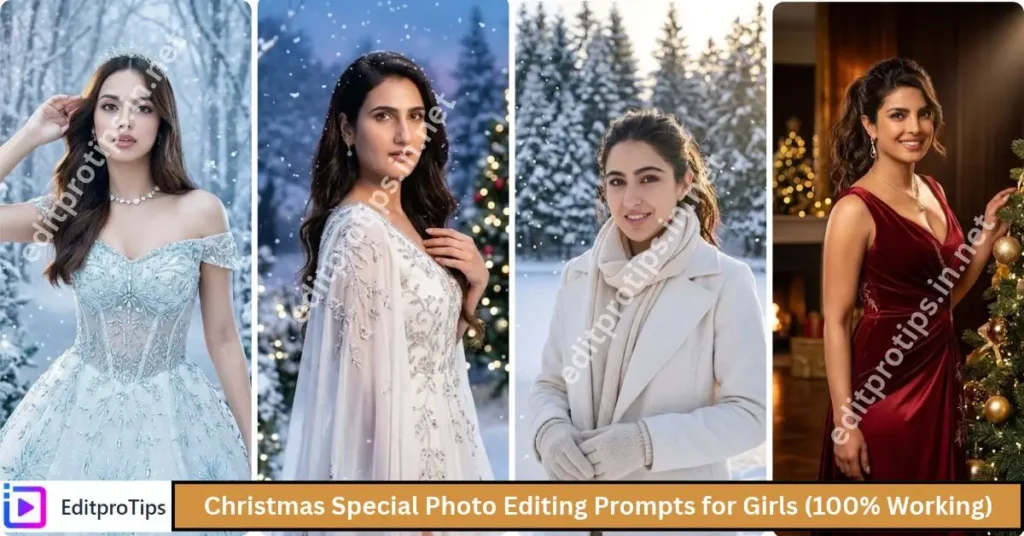
Best Gemini AI Birthday Photo Editing Prompts for Boys (2026)
Here are some trending birthday photo editing ideas you can try in 2026. Copy a prompt and adjust the age, outfit, cake color, and background to match your preferred style.
1. Luxury Birthday Photoshoot Prompt
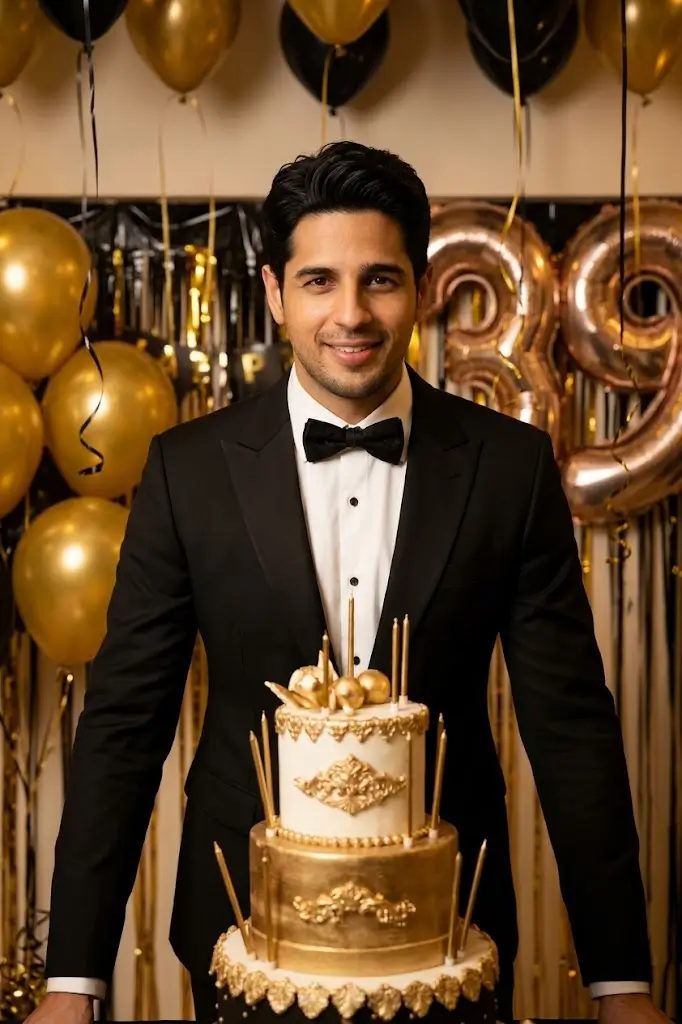
“Create a luxurious birthday photoshoot of the boy in the uploaded reference photo. Preserve the same face, facial features, skin tone, hairstyle, and natural expression. Dress him in a stylish black suit with a modern luxury look. Add a beautiful birthday cake, golden balloons, elegant black and gold decorations, and soft cinematic lighting. Use a premium studio background, realistic skin texture, professional DSLR photography, sharp focus, and high-resolution details. Make the image photorealistic and suitable for a birthday Instagram post.”
2. Black Outfit Birthday Photo Prompt
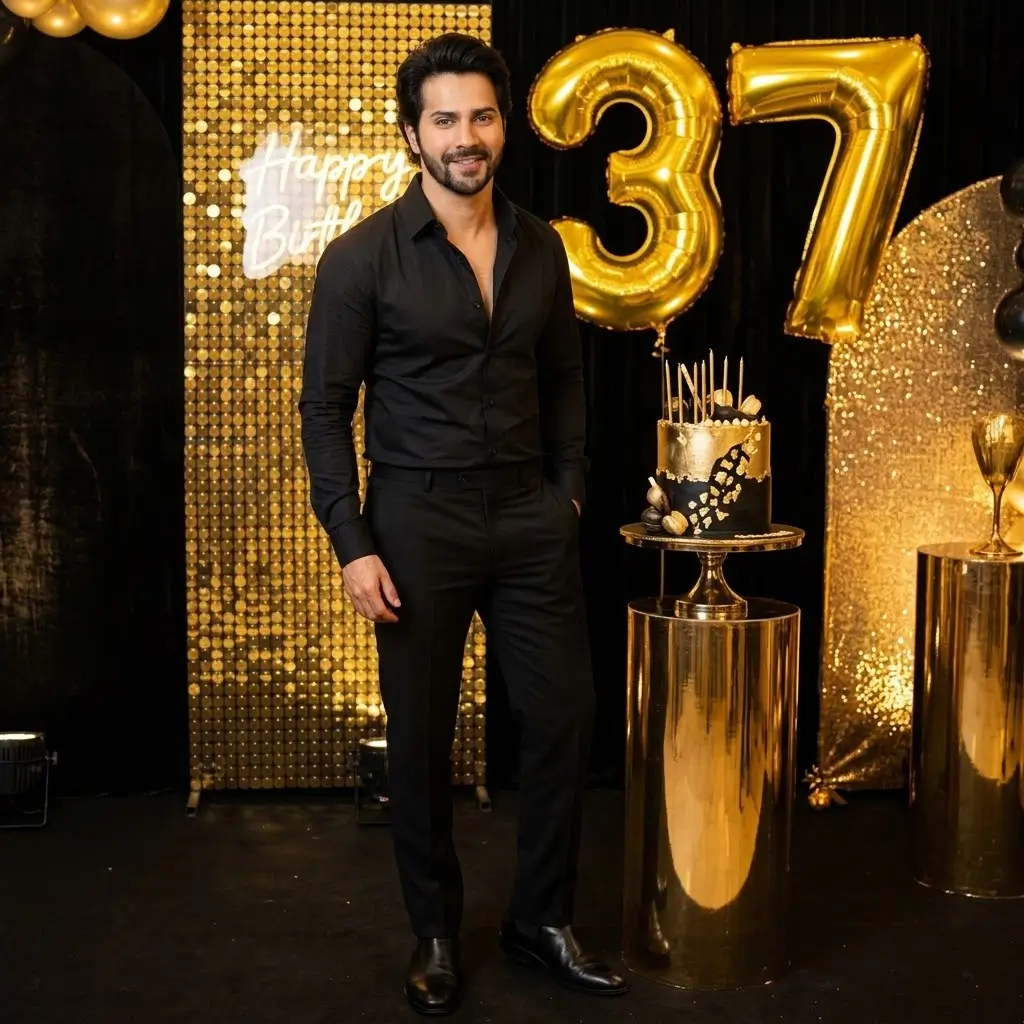
“Edit the uploaded photo into a stylish birthday portrait of the same boy. Keep his original face and identity unchanged. Dress him in a fashionable black shirt, black trousers, and clean modern shoes. Add a black and gold birthday backdrop, glowing number balloons, a decorated birthday cake, and warm studio lighting. Create a confident pose with realistic shadows, natural skin texture, professional portrait photography, and a premium editorial look. Do not distort the face or hands.”
3. Birthday Cake Cutting Photo Prompt
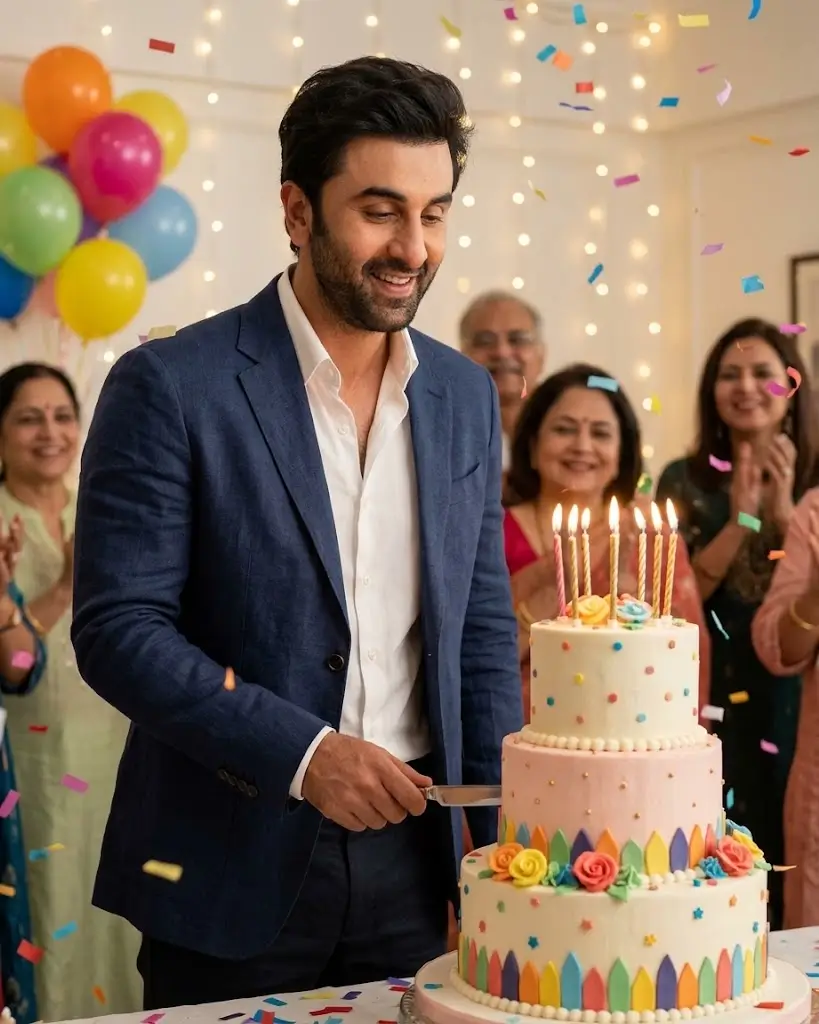
“Transform the uploaded photo into a realistic birthday cake-cutting photoshoot. Preserve the same face, hairstyle, skin tone, and body proportions of the boy. Show him standing beside a beautiful birthday cake with lit candles and colorful decorations. Add balloons, soft fairy lights, confetti, and a warm celebratory atmosphere. Use realistic photography, natural expressions, detailed cake textures, balanced lighting, and a clean background. Make the final image look like a professional birthday photograph.”
4. Cinematic Birthday Poster Prompt
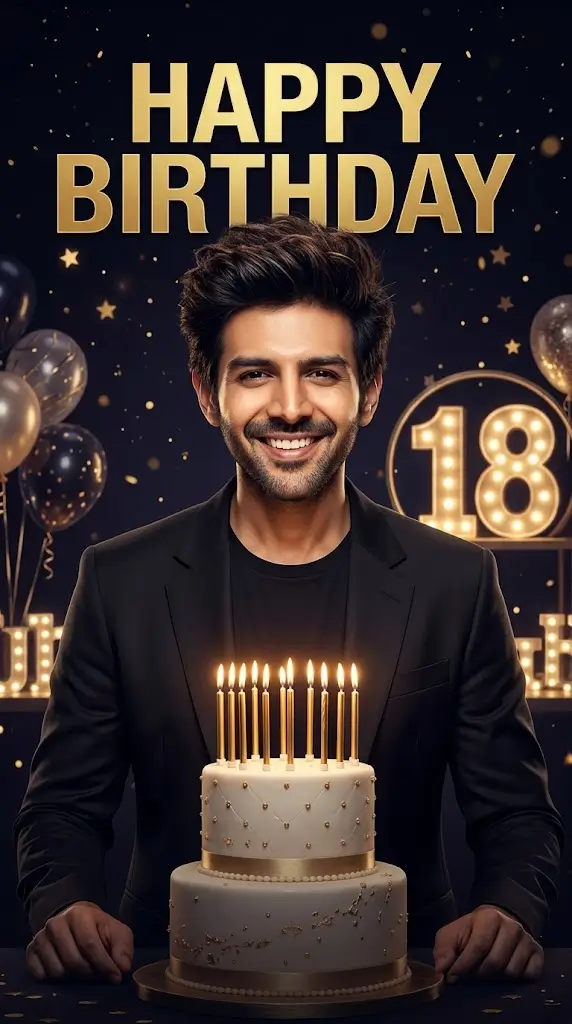
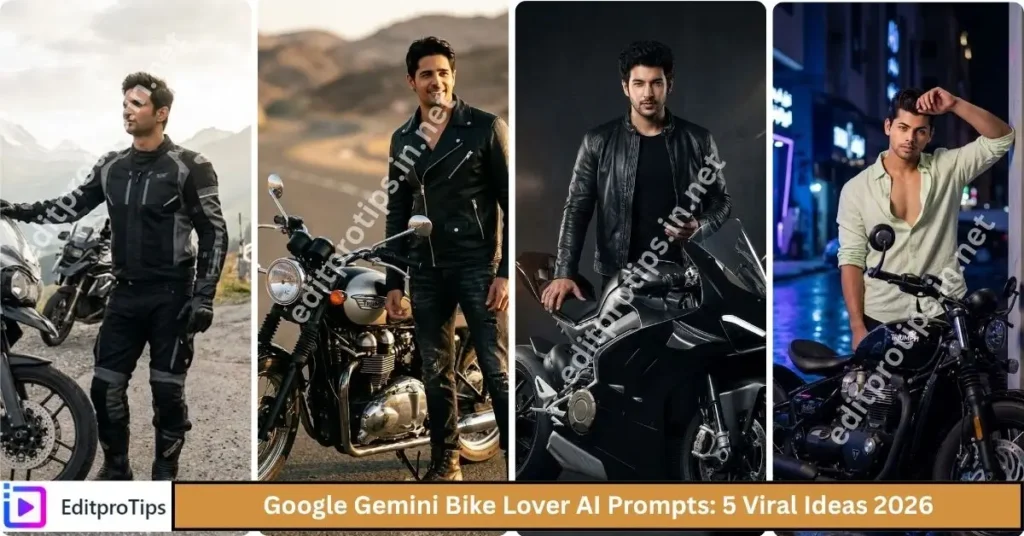
“Create a cinematic birthday poster featuring the boy from the uploaded reference photo. Preserve his exact facial identity and natural appearance. Use dramatic lighting, a dark background, golden particles, glowing birthday decorations, and an elegant cake. Add stylish cinematic depth, realistic shadows, subtle light effects, and professional color grading. Include the text ‘HAPPY BIRTHDAY’ and the number ‘18’ in bold, premium typography. Make the design realistic, sharp, visually balanced, and suitable for a high-quality social media birthday poster.”
5. Casual Birthday Photoshoot Prompt
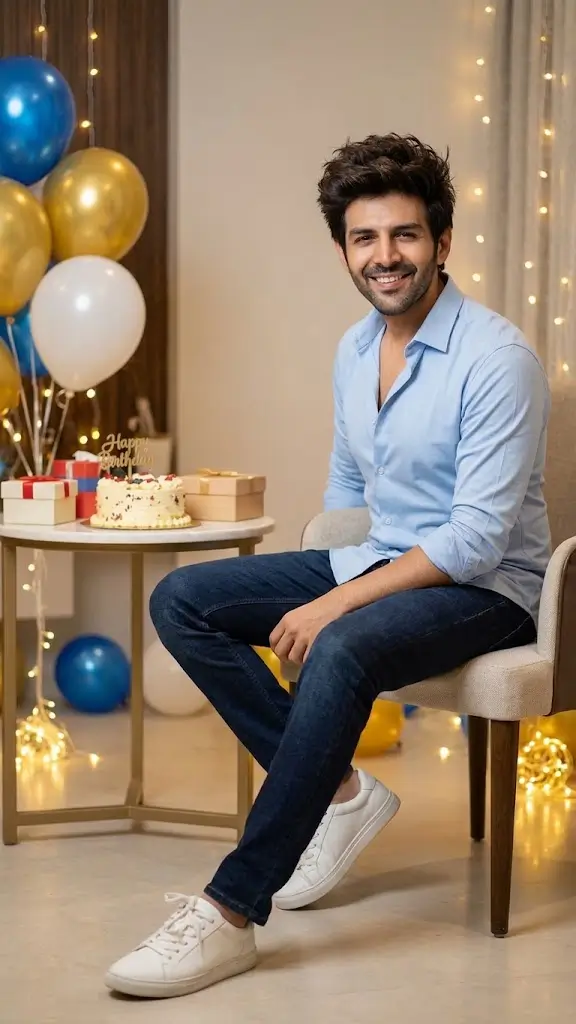
“Create a natural and stylish birthday portrait using the uploaded photo as the reference. Keep the same face, hairstyle, skin tone, and identity. Dress the boy in a fashionable casual outfit consisting of a fitted shirt, jeans, and trendy sneakers. Place him in a modern birthday setup with colorful balloons, a simple cake table, and warm decorative lights. Use natural-looking photography, realistic details, soft shadows, and a relaxed confident pose. The result should look authentic, youthful, and suitable for Instagram and WhatsApp.”
6. Blue Theme Birthday Photo Prompt
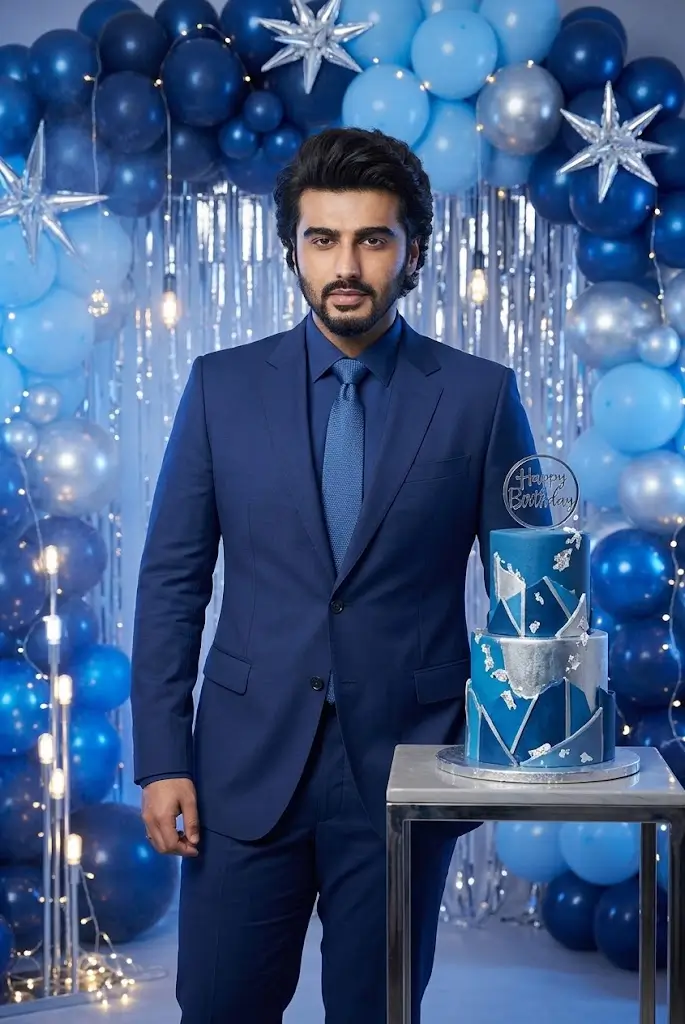
“Edit the uploaded photo into a premium blue-theme birthday portrait. Preserve the same face and natural facial features. Dress the boy in a stylish navy-blue outfit. Create a beautiful background with blue balloons, silver decorations, glowing lights, and a modern birthday cake. Add subtle blue ambient lighting while keeping the skin tone natural. Use professional studio photography, realistic textures, sharp focus, and high-resolution quality. Make the final photo elegant, modern, and photorealistic.”
7. Red and Black Birthday Photo Prompt
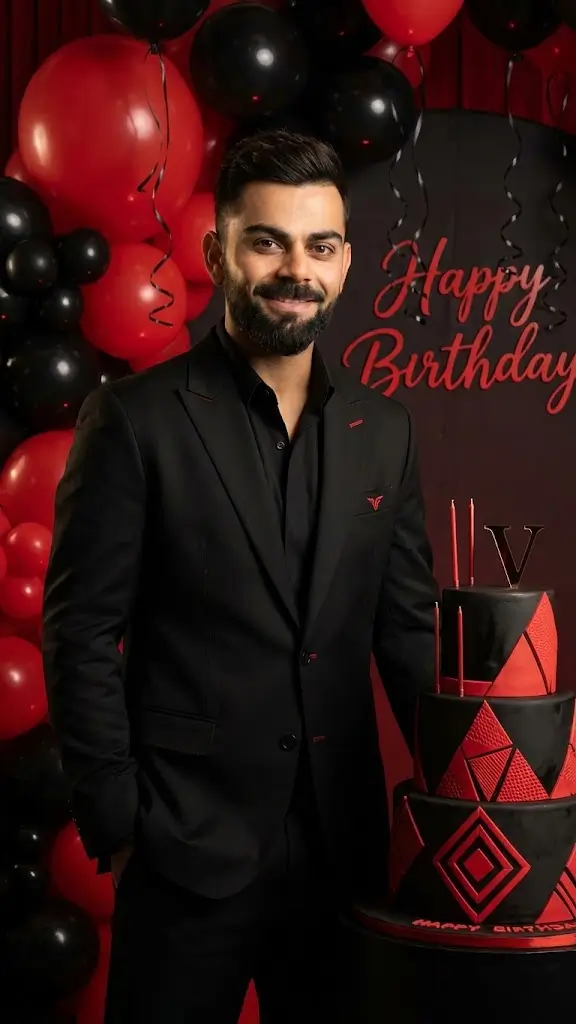
“Create a bold red-and-black birthday photoshoot using the uploaded reference photo. Preserve the boy’s original face, hairstyle, and identity. Dress him in a fashionable black outfit with subtle red accents. Add red balloons, black decorations, a stylish birthday cake, and dramatic studio lighting. Include realistic highlights, natural shadows, cinematic color grading, and a premium photography style. Keep the image clean and realistic without excessive effects or facial distortion.”
8. White Outfit Elegant Birthday Prompt
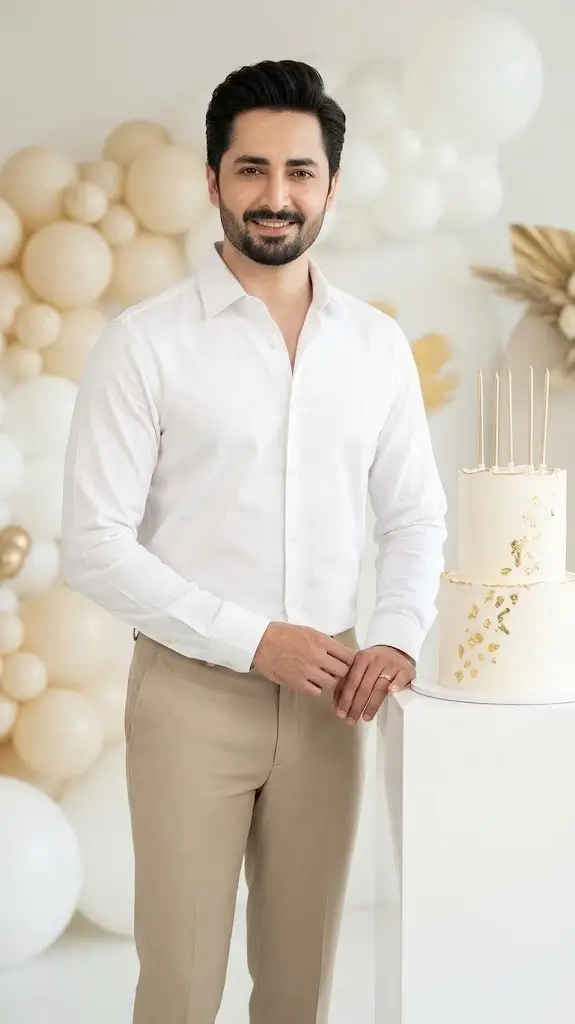
“Transform the uploaded photo into an elegant birthday portrait of the same boy. Preserve his original facial identity, hairstyle, skin tone, and natural expression. Dress him in a premium white shirt with tailored trousers. Add a white birthday cake, cream-colored balloons, subtle gold decorations, and a bright luxury studio background. Use soft lighting, natural skin texture, realistic details, professional portrait photography, and a minimal aesthetic. Make the final result look polished and photorealistic.”
9. Outdoor Birthday Photoshoot Prompt
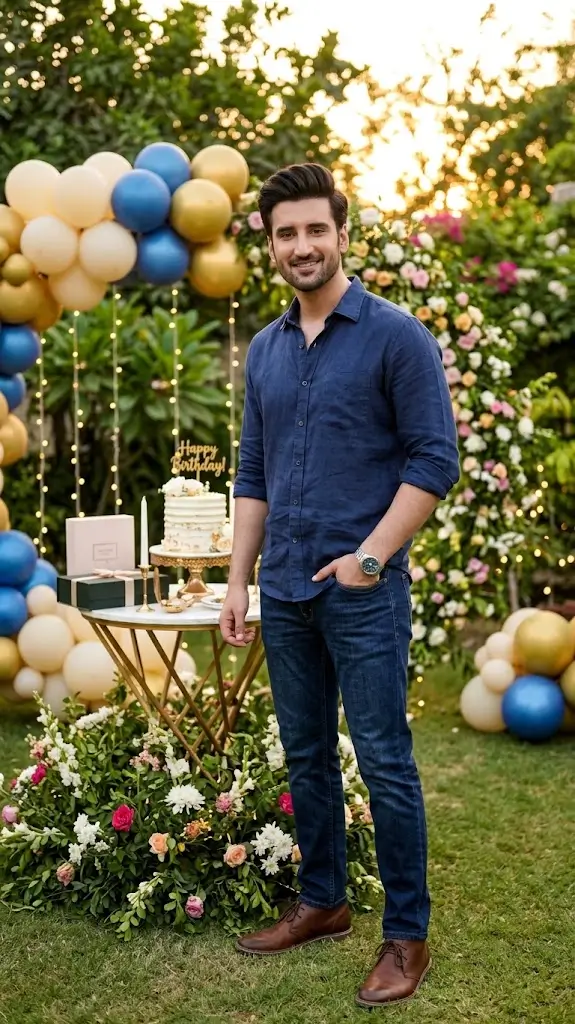
“Create a photorealistic outdoor birthday portrait using the uploaded photo as the reference. Keep the same face, hairstyle, and identity. Dress the boy in a stylish casual outfit. Place him in a beautiful outdoor garden decorated with balloons, fairy lights, and a small birthday cake table. Add a golden-hour sunset, soft natural light, realistic greenery, and a relaxed pose. Use professional DSLR photography, detailed textures, natural colors, and a cinematic background blur.”
10. Royal Birthday Photoshoot Prompt
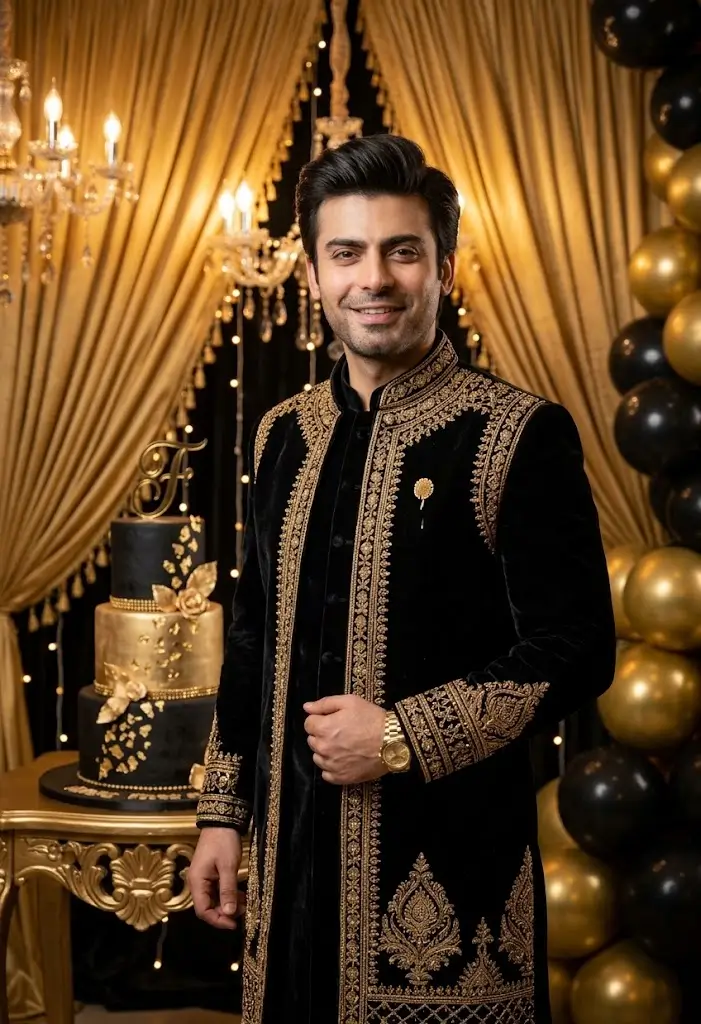
“Create a royal-style birthday portrait of the boy in the uploaded reference photo. Preserve the same face, skin tone, hairstyle, and facial identity. Dress him in an elegant black and gold outfit. Add a luxurious background with golden curtains, decorative lights, gold balloons, and a premium birthday cake. Use dramatic yet flattering lighting, realistic shadows, refined details, and high-end studio photography. Make the final portrait look sophisticated, realistic, and suitable for a special birthday celebration.”
How to Create Birthday Photos Using Google Gemini AI
Follow these simple steps to make your own birthday image.
- Open Gemini: Visit Google Gemini and sign in if required.
- Upload your photo: Select a clear image with good lighting and a visible face.
- Choose a prompt: Copy one of the Gemini AI Birthday Photo Editing Prompts from this article.
- Customize the details: Change the outfit, age, background, cake, decorations, or lighting according to your preferences.
- Generate the image: Submit your prompt and allow Gemini to process your request.
- Review the result: Check facial similarity, hands, clothing, decorations, and any text.
- Save and share: Download the result if the feature allows it, then share it on your favorite social media platform.
Available features and image-generation limits may vary by account, region, and current Gemini version.
Tips for Getting the Best Gemini AI Birthday Photos
Use these tips to improve your results:
- Upload a clear photo: A sharp, well-lit reference image can help the AI understand your appearance.
- Request the same face: Include instructions to preserve facial identity, hairstyle, skin tone, and natural features.
- Describe one style clearly: Choose a luxury, casual, royal, cinematic, or outdoor theme instead of combining too many styles.
- Specify the lighting: Words such as soft studio lighting, golden-hour light, and cinematic lighting help communicate the desired atmosphere.
- Avoid excessive effects: Too many filters, particles, and glowing effects can make an image look artificial.
- Check the final image: AI-generated images can contain errors in hands, accessories, facial details, or text.
- Choose the right aspect ratio: A 4:5 portrait works well for many Instagram feed posts, while a 9:16 image suits Stories and similar vertical formats.
Remember that a prompt guides the AI but does not guarantee an exact result. You may need to regenerate the image or simplify your instructions.
Best Birthday Photo Styles for Boys in 2026
Here is a quick guide to choosing the right style for your birthday image.
| Birthday photo style | Best use |
|---|---|
| Black and gold | Luxury birthday portraits |
| Blue theme | Modern and elegant photos |
| Cake cutting | Natural celebration pictures |
| Cinematic poster | Dramatic social media designs |
| Casual outfit | Everyday stylish portraits |
| White outfit | Minimal and clean photography |
| Outdoor photoshoot | Natural birthday memories |
| Royal theme | Premium birthday posters |
| Name and age poster | Personalized birthday greetings |
| Streetwear style | Trendy Instagram portraits |
Frequently Asked Questions
What are Gemini AI Birthday Photo Editing Prompts?
They are text instructions that help Google Gemini create or edit birthday-themed images with specific outfits, backgrounds, lighting, decorations, and photography styles.
Are Gemini AI Birthday Photo Editing Prompts free to use?
You can try these prompts without purchasing the prompts themselves. However, access to Gemini image features, usage limits, and certain capabilities may depend on your account and Google’s current terms.
How can I keep the same face in a birthday photo?
Upload a clear reference photo and include the instruction: “Preserve the same face, facial features, skin tone, hairstyle, and identity.” Results may vary, so review the generated image carefully.
Which birthday photo prompt is best for boys?
The best prompt depends on your preferred look. Black and gold works well for luxury portraits, blue themes create a modern appearance, and cake-cutting prompts are suitable for natural birthday scenes.
Can I create a birthday poster with my name and age?
Yes. Include your name and age in the prompt. For accurate spelling and clean typography, you can add the final text manually using an image editing application.
Can I share AI birthday photos on Instagram and WhatsApp?
Yes, subject to the applicable platform rules and the AI tool’s terms. Review the image before posting and ensure you have permission to use any reference photo that belongs to someone else.
Conclusion
Gemini AI Birthday Photo Editing Prompts for Boys (2026) make it easier to explore creative birthday portraits, stylish outfits, cinematic posters, and personalized celebration images. From luxury black-and-gold photography to casual outdoor birthday scenes, the 12 prompts in this guide provide plenty of ideas to try.
For the best results, use a clear reference photo, describe your preferred style, and ask the AI to preserve your natural facial features. Experiment with different themes until you find a birthday portrait that matches your personality.