Welcome to EditProTips! Are you looking for the latest Sabka Sab Kuch CapCut Template? If you love creating trending Instagram Reels, YouTube Shorts, and TikTok videos, this template is a great editing idea to try. Create stylish videos with smooth transitions, attractive effects, beat sync, and cinematic editing.
In this article, we will explore the Sabka Sab Kuch CapCut Template, its editing features, how to use it, and tips to create eye-catching videos for social media.
Table of Contents
What Is Sabka Sab Kuch CapCut Template?
The Sabka Sab Kuch CapCut Template is a trending-style video editing concept designed for people who enjoy creative and entertaining short videos. It can help you turn ordinary photos and video clips into attractive edits using transitions, music synchronization, and visual effects.
Whether you want to create an Instagram Reel, a TikTok video, or a YouTube Short, this editing style can give your content a fresh look.
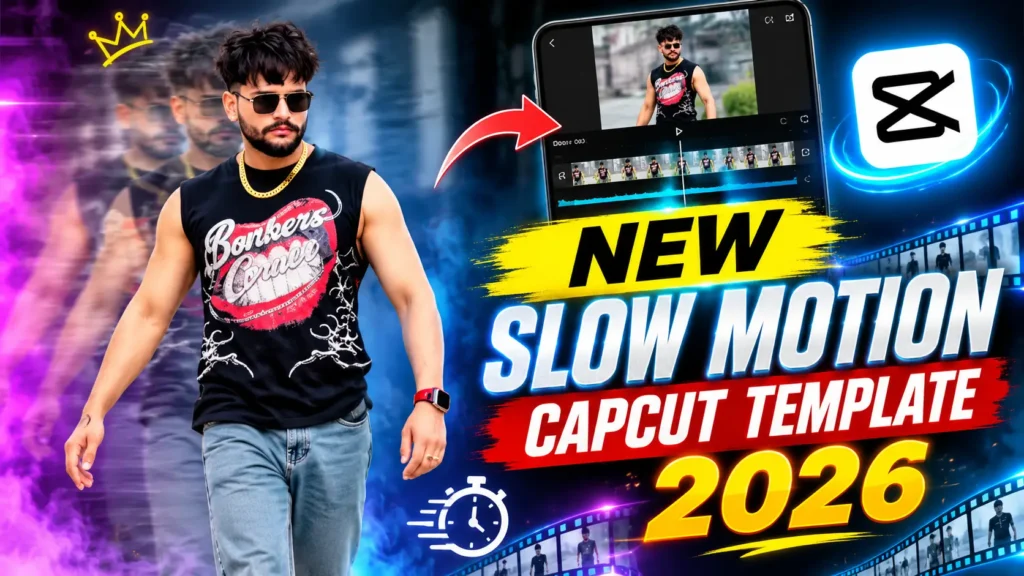
Features of Sabka Sab Kuch CapCut Template
Here are some popular editing features you can use to create this style of video:
- Smooth Transitions: Add stylish transitions between your photos and video clips.
- Beat Sync Effects: Match video changes with the music beats.
- HD Video Quality: Export your finished video in high resolution when supported.
- Creative Effects: Use filters, overlays, and attractive visual effects.
- Easy Editing: Customize your video with your favorite photos and clips.
- Social Media Ready: Create content for Instagram Reels, TikTok, and YouTube Shorts.
How to Use Sabka Sab Kuch CapCut Template
Follow these simple steps to create your video:
- Open the CapCut application on your smartphone.
- Find the Sabka Sab Kuch CapCut Template if it is available in your region.
- Open the template and select the option to use it.
- Choose your favorite photos or video clips.
- Adjust your clips according to the template.
- Preview your edited video.
- Export your video in your preferred quality.
- Share your creation on Instagram, TikTok, or YouTube Shorts.
Note: Template availability may vary depending on your country, app version, and account. If the template is unavailable, you can recreate a similar editing style manually in CapCut.
Best Editing Tips for Sabka Sab Kuch CapCut Template
Want to make your video more attractive? Try these editing tips:
- Choose high-quality photos and videos.
- Use clips that match the music rhythm.
- Avoid adding too many unnecessary effects.
- Adjust brightness, contrast, and saturation.
- Use smooth transitions for a professional look.
- Export your video in 1080p when available.
- Choose a suitable cover image for your Reel.
Sabka Sab Kuch CapCut Template for Instagram Reels
Instagram Reels are a popular way to share creative short videos. You can use this editing concept to create entertaining content with your favorite pictures, memorable moments, and stylish video effects.
For the best results, use a vertical 9:16 video format. Keep your important subjects in the center so your video looks good on mobile screens.
Sabka Sab Kuch CapCut Template for YouTube Shorts
You can also create YouTube Shorts using this editing style. Add your favorite clips, synchronize transitions with the background music, and export your video in a vertical format. A good opening scene and attractive editing can help make your Shorts more engaging.
Why Should You Try Sabka Sab Kuch CapCut Template?
This editing style is worth trying if you enjoy creating short-form videos. It offers an opportunity to experiment with creative transitions, music synchronization, and different visual effects. You can customize the editing according to your personal style instead of using the same effects every time.
Frequently Asked Questions
What is Sabka Sab Kuch CapCut Template?
Sabka Sab Kuch CapCut Template is a video editing style that can be used to create attractive short videos with photos, clips, transitions, and music effects.
Is Sabka Sab Kuch CapCut Template free?
CapCut offers various free editing features and templates. However, some effects and features may require additional access depending on your app version and region.
Can I use this template on Instagram Reels?
Yes. You can export your finished video in a vertical 9:16 format and share it on Instagram Reels.
Can beginners use Sabka Sab Kuch CapCut Template?
Yes. Beginners can use CapCut templates and basic editing tools to create stylish videos without advanced editing knowledge.
Is CapCut available on Android and iPhone?
CapCut availability depends on your country and app store. Check the official app store in your region for current availability.
Conclusion
The Sabka Sab Kuch CapCut Template is a creative editing idea for anyone who loves making trending-style videos. With attractive transitions, beat sync effects, and your favorite photos, you can create eye-catching content for Instagram Reels, TikTok, and YouTube Shorts.
Thanks for visiting EditProTips