Welcome to EditProTips! If you want to create eye-catching YouTube Shorts without spending hours editing, VN templates can help you make professional-looking videos in less time. In 2026, short-form videos remain a popular way to share music edits, cinematic clips, travel moments, motivational content, and trending transitions.
In this guide, you will discover the top VN templates for YouTube Shorts 2026, explore different editing styles, and learn how to use VN Video Editor to create engaging vertical videos for your channel.
Table of Contents
What Are VN Templates for YouTube Shorts?
VN templates are video editing projects or reusable editing styles that help creators produce videos with effects, transitions, music synchronization, filters, and text animations. Depending on the template, you may be able to replace the original clips with your own photos or videos and customize the final result.
VN Video Editor is popular among content creators because it offers a range of editing features suitable for beginners and experienced editors.
Top 10 VN Templates for YouTube Shorts 2026
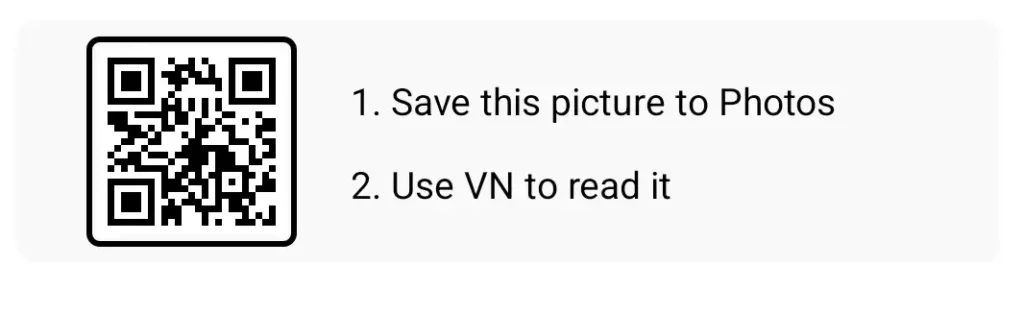
1. Trending Beat Sync VN Template
Beat sync templates are a great choice for music-based YouTube Shorts. They use quick transitions and clip changes that match the rhythm of a song.
Best for:
- Trending music edits
- Photo slideshows
- Stylish personal videos
- Short entertainment clips
Choose a beat-sync style when you want your video to feel energetic and visually engaging.
2. Cinematic VN Template
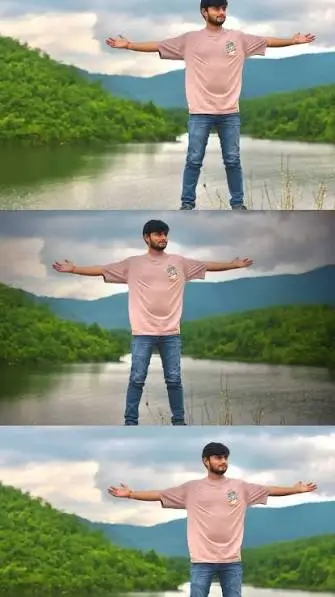
Cinematic templates can give ordinary clips a polished, movie-inspired appearance. They often feature smooth transitions, color grading, slow motion, and dramatic framing.
Best for: Travel videos, landscape shots, cinematic portraits, and storytelling Shorts.
For better results, use high-quality footage and avoid adding too many effects to a single video.
3. Slow Motion VN Template
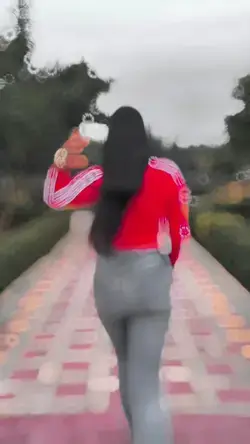
Slow-motion editing is ideal for highlighting important moments. It can make a simple walking clip, dance movement, sports action, or scenic shot feel more dramatic.
Look for templates featuring smooth speed changes, subtle transitions, and music that complements the footage.
4. Trending Photo Editing VN Template
Photo-based templates allow you to turn several images into a short video. Many styles combine animated zoom effects, flashes, transitions, and music synchronization.
Best for:
- Portrait edits
- Fashion photography
- Birthday videos
- Before-and-after edits
Use clear photos with consistent lighting to make your final video look more professional.
5. Velocity Edit VN Template
Velocity editing uses changes in playback speed to create dynamic transitions. The video may slow down briefly and then speed up as the beat changes.
This style works particularly well for dance clips, fashion edits, sports videos, and music-based Shorts.
When using speed effects, keep the transitions smooth so the video remains easy to watch.
6. Lyrics VN Template
Lyrics templates combine video footage with animated song lyrics. They can include text effects, background clips, color filters, and transitions timed to the music.
Best for: Music edits, lyric videos, romantic clips, and aesthetic Shorts.
Make sure you have permission to use the music and display any copyrighted lyrics when required.
7. Aesthetic VN Template
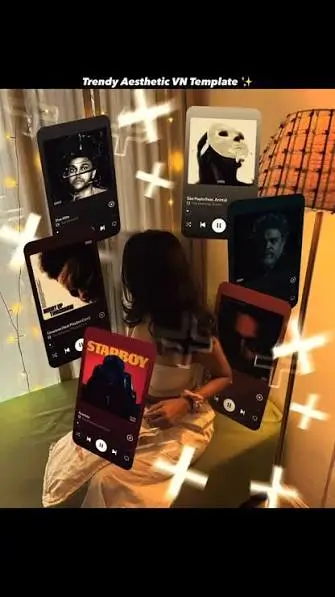
Aesthetic templates focus on mood, color, and visual consistency. Popular styles may include soft lighting, warm tones, film-like filters, subtle grain, and smooth zoom transitions.
These templates work well for lifestyle content, nature videos, portraits, and relaxing visual edits.
8. Travel VN Template
Travel templates help transform ordinary vacation footage into engaging short videos. They may use location changes, quick cuts, cinematic transitions, and music synchronization.
Use this style to showcase beaches, mountains, city streets, landmarks, and memorable travel experiences.
For a stronger result, place your best shot near the beginning to capture viewers’ attention.
9. Motivational VN Template
Motivational templates combine inspiring visuals, bold text, and background music to communicate a short message.
Best for: Inspirational quotes, fitness videos, educational content, and personal development Shorts.
Keep your text short, readable, and visible on mobile screens. Use a consistent font style throughout the video.
10. Glitch and Flash Transition VN Template
Glitch and flash templates create a fast-paced appearance with digital distortion, light flashes, and sharp transitions.
They are suitable for gaming edits, music videos, technology content, and energetic montages.
Use these effects carefully. Too many flashes or rapid transitions can make your video distracting.
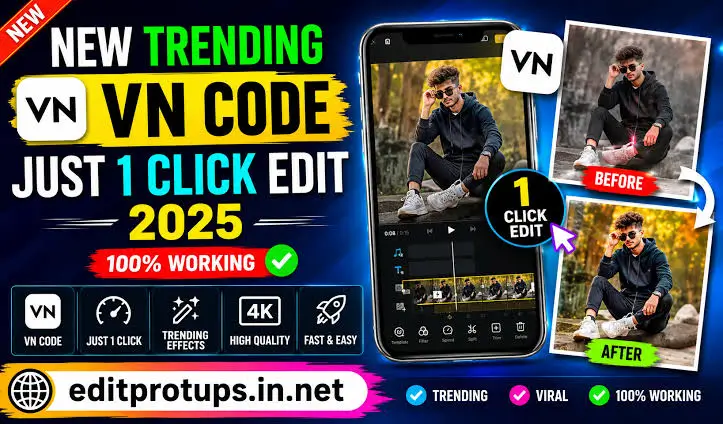
How to Use VN Templates for YouTube Shorts
Follow these steps to create your next YouTube Shorts video with VN Video Editor.
Step 1: Choose Your Template
Find a VN template or editing project that matches your video idea. Check that the template is compatible with your version of VN Video Editor.
Step 2: Open VN Video Editor
Install or open VN Video Editor from a trusted official app store. If your chosen template uses a project file or a shared template link, follow its supported import instructions.
Not every VN editing style has an official one-click template link, so the process may vary.
Step 3: Replace the Original Clips
Import your own photos or videos and replace the template’s sample media when the project supports it. Select footage that matches the timing and mood of the original edit.
Step 4: Customize the Effects
Adjust the transitions, filters, speed effects, text, and colors to match your preferred style. Keep the video visually consistent and avoid unnecessary effects.
Step 5: Add Suitable Music
Choose music that matches your content. For YouTube, consider the YouTube Audio Library or other properly licensed audio sources to reduce copyright risks.
Step 6: Export Your Video
Export your video in a vertical 9:16 format. A resolution of 1080 × 1920 pixels is a useful target for clear mobile viewing.
Step 7: Upload to YouTube Shorts
Open YouTube, upload your finished video, add a descriptive title, and select a relevant thumbnail or frame when available. Use an accurate description and relevant hashtags rather than adding unrelated keywords.
Best VN Template Styles for Different YouTube Shorts
Here is a quick guide to choosing the right style for your content.
| Video Type | Recommended VN Style |
|---|---|
| Music edits | Beat sync |
| Cinematic videos | Cinematic |
| Portrait photos | Photo editing |
| Dance videos | Velocity |
| Travel clips | Travel montage |
| Inspirational videos | Motivational |
| Gaming videos | Glitch transitions |
| Relaxing content | Aesthetic |
| Song-based edits | Lyrics |
| Sports clips | Slow motion |
The best template depends on your footage, music, audience, and editing goals. Experiment with different styles to find what suits your channel.
Tips to Make Your YouTube Shorts More Engaging
Start With an Interesting Opening
Use a visually strong clip or a clear opening message. The first few seconds should give viewers a reason to continue watching.
Keep Your Video Focused
Choose one main idea for each Short. Remove unnecessary clips and transitions that do not contribute to the story.
Use Vertical Video
A 9:16 aspect ratio is suitable for full-screen mobile viewing. Keep important text and subjects away from areas that may be covered by YouTube’s interface.
Match Transitions to the Music
Beat-matched transitions can make music edits feel more polished. However, smooth timing and good footage matter more than using effects everywhere.
Create Original Content
Customize templates with your own footage, text, colors, and creative ideas. Original edits can help your channel develop a recognizable style.
Review Copyright Before Publishing
A VN template does not automatically give you permission to use its music, images, or video clips. Check the relevant licenses before publishing, especially when using commercial songs.
Are VN Templates for YouTube Shorts Free?
Some VN templates, editing projects, and tutorials are available for free, while other resources may have different requirements. Availability depends on the creator, platform, and template format.
Before downloading a project, check whether it requires additional files, a specific app version, or a creator’s permission. Use trusted sources and avoid websites that request unnecessary personal information or suspicious app installations.
Frequently Asked Questions
Which are the best VN templates for YouTube Shorts in 2026?
Beat sync, cinematic, velocity, photo editing, aesthetic, and travel templates are useful choices. The best option depends on your content and preferred editing style.
Can I use VN templates for free?
Some templates and editing projects are free to use. Always check the individual creator’s terms and any requirements before downloading or publishing your video.
How do I download a VN template?
Follow the template creator’s provided instructions. Depending on the resource, you may need to open a supported template link, import an editing project, or recreate the style manually in VN Video Editor.
What is the best export resolution for YouTube Shorts?
A vertical resolution of 1080 × 1920 pixels is a good choice for high-quality Shorts. Make sure your source footage is clear enough to support the export resolution.
Can beginners use VN templates?
Yes. Templates and guided editing projects can simplify the editing process. Beginners can start with photo slideshows or beat-sync edits before trying more advanced velocity and cinematic effects.
Can I monetize YouTube Shorts made with VN templates?
Potentially, yes. You must comply with YouTube’s monetization policies and have the necessary rights to your footage, music, and other materials. Reusing templates alone does not guarantee monetization eligibility.
Do VN templates help YouTube Shorts go viral?
No template guarantees viral results. Strong ideas, engaging openings, good pacing, original content, and audience interest all influence how viewers respond to a Short.
Conclusion
The top VN templates for YouTube Shorts 2026 offer plenty of creative possibilities, from beat-sync music edits and cinematic videos to aesthetic photo slideshows and energetic velocity transitions.
Choose a style that fits your content, customize it with your own media, and export your video in a suitable vertical format. With practice and consistent experimentation, VN Video Editor can help you create polished Shorts for your channel.