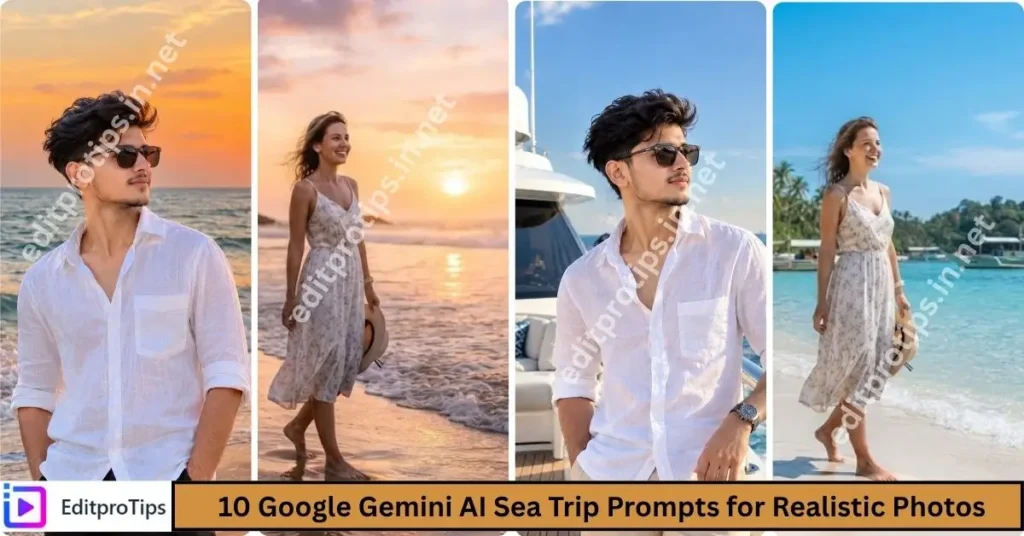
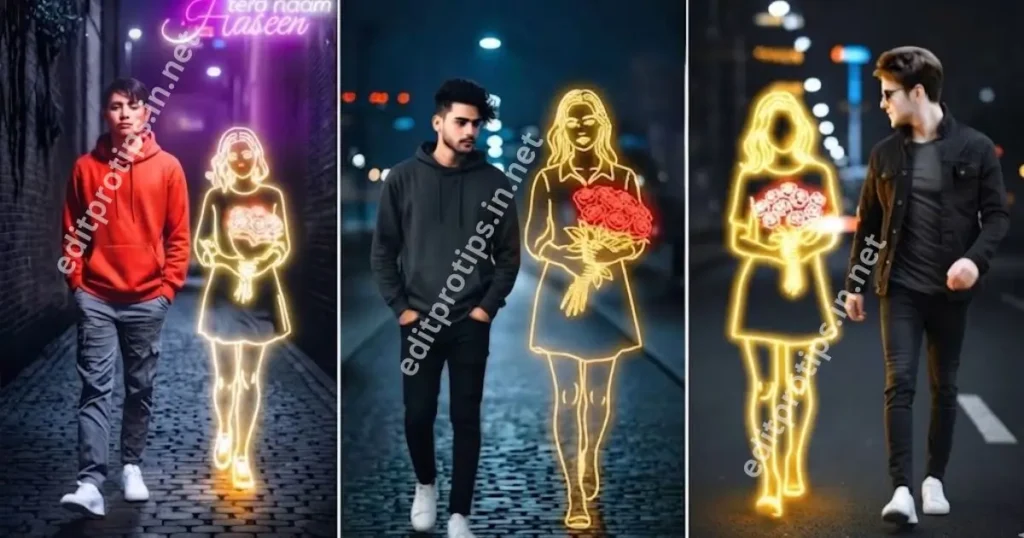
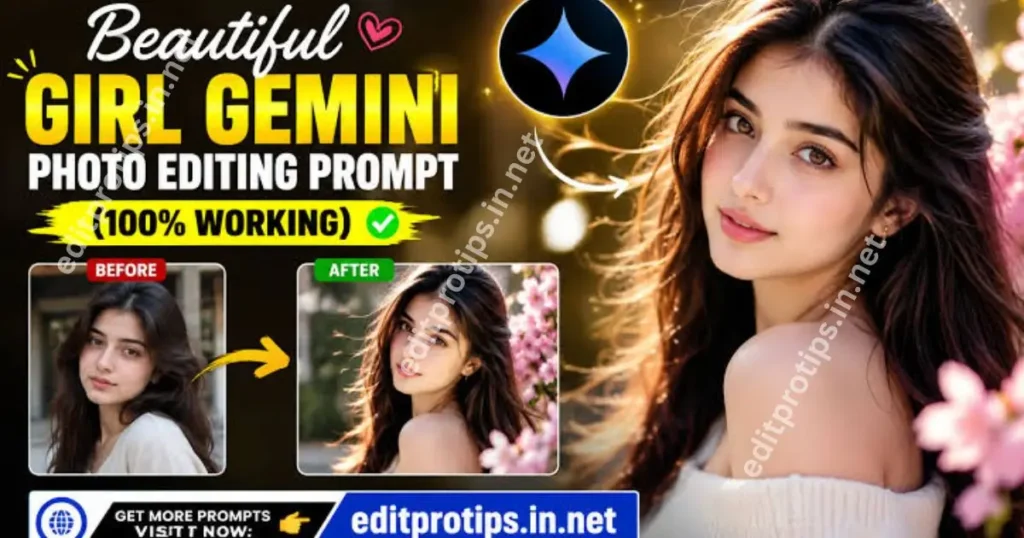
Welcome to EditProTips! Are you looking for the best Google Gemini Happy New Year Prompt to create stunning, realistic, and stylish New Year photos? Google Gemini AI makes it easy to transform your ordinary pictures into beautiful New Year 2026 portraits using simple copy-and-paste prompts.
Whether you want a cinematic portrait, a luxury party look, a fireworks background, or a stylish social media photo, these AI photo editing prompts can help you create eye-catching images for Instagram, Facebook, WhatsApp, and other platforms.
In this guide, you will discover trending Google Gemini Happy New Year 2026 AI photo prompts, ready-to-copy ideas, and simple steps to create your own New Year images.
Table of Contents
What Is Google Gemini Happy New Year AI Photo Editing?
Google Gemini AI photo editing uses written prompts to guide an AI image tool in creating or transforming pictures. You can describe your desired outfit, background, lighting, pose, colors, and New Year decorations to achieve a personalized result.
With a Google Gemini Happy New Year Prompt, you can create festive portraits featuring glowing fireworks, golden confetti, sparkling lights, elegant party outfits, and a beautiful 2026 celebration theme.
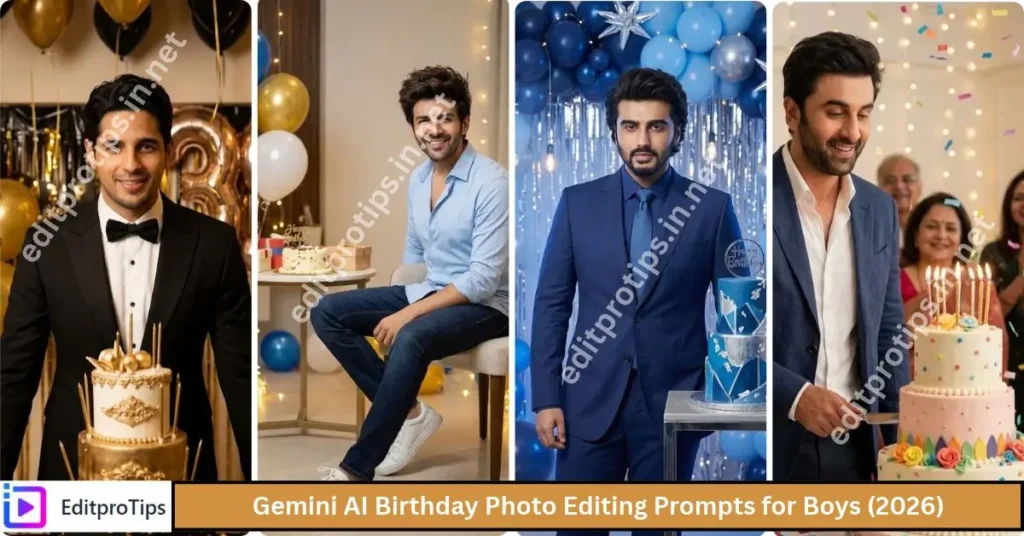
The best part is that you can customize the prompts according to your personal style and use your own uploaded photo as a reference.
Best Google Gemini Happy New Year 2026 AI Photo Prompts
Below are some creative New Year prompts you can copy and paste into a compatible Gemini image-generation or editing experience.
1. Luxury Golden New Year Photo Prompt
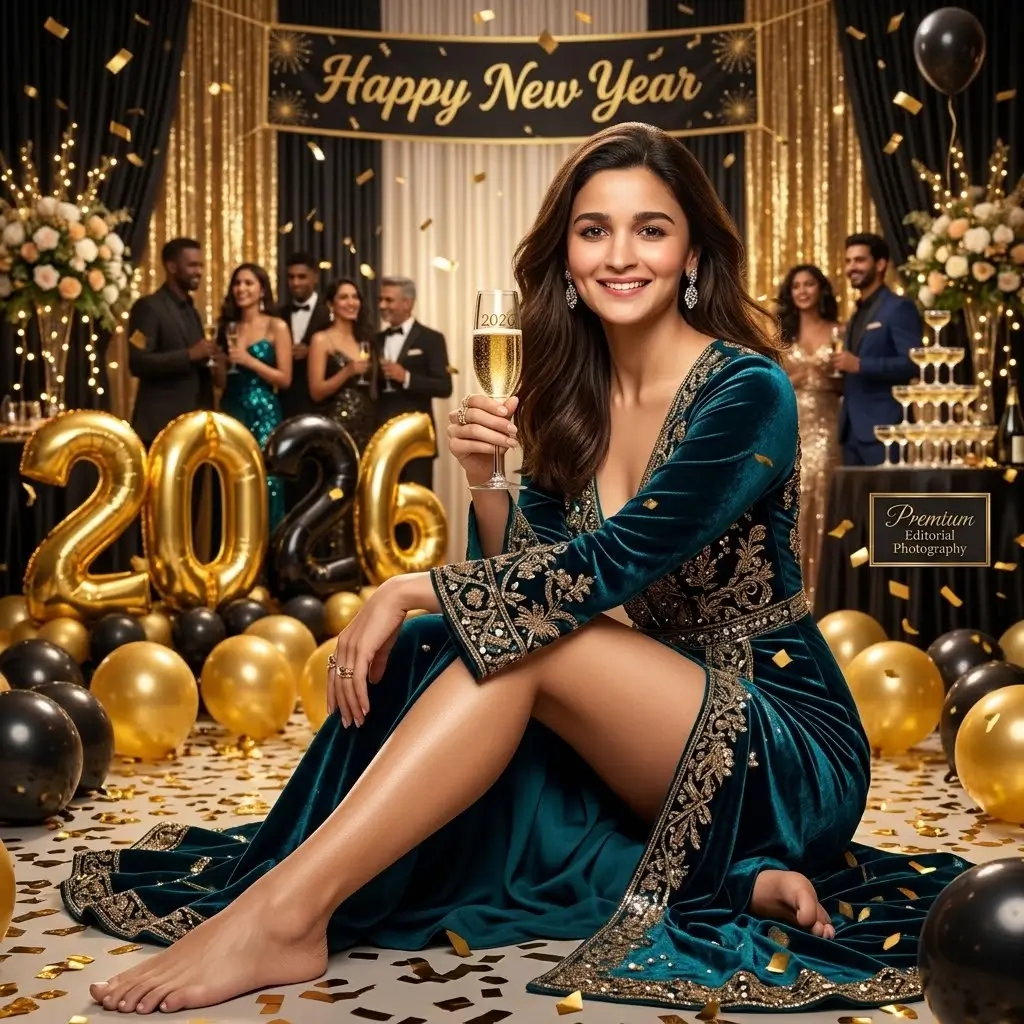
Transform my uploaded photo into a luxurious Happy New Year 2026 portrait. Keep the same face and preserve my natural facial features and identity. Create a sophisticated black-and-gold celebration background with golden balloons, sparkling lights, elegant decorations, and shimmering confetti. Add stylish party clothing, realistic shadows, soft studio lighting, and a premium editorial photography look. Include tasteful “Happy New Year 2026” lettering. Ultra-realistic details, high resolution, professional portrait photography, 4K quality.
2. Stylish Boy Happy New Year Prompt
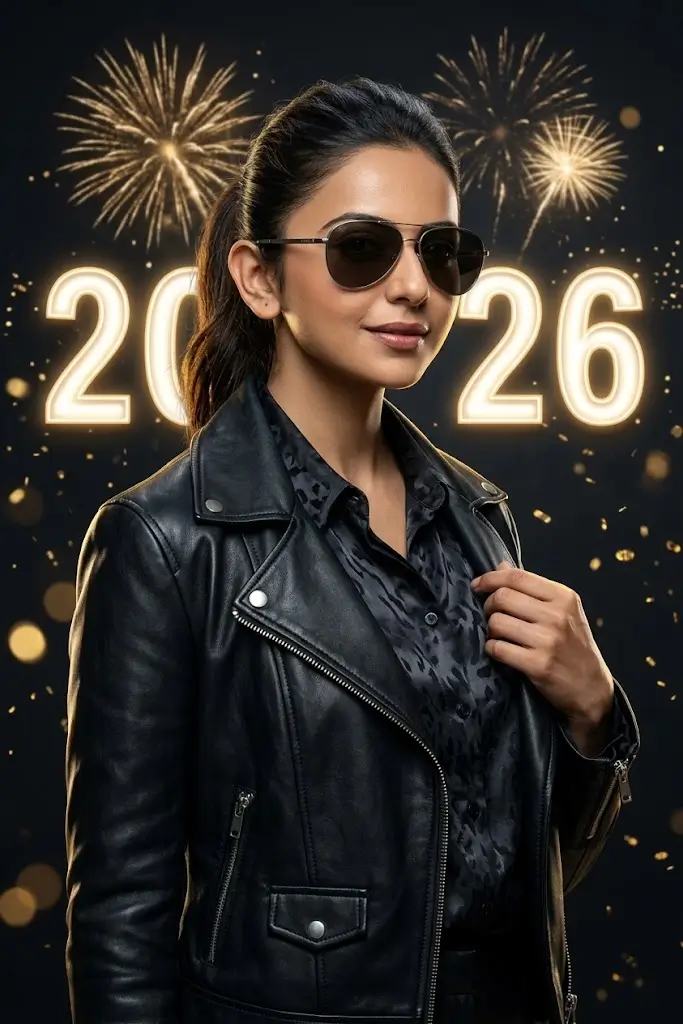
Create a stylish Happy New Year 2026 portrait of the person in my uploaded photo. Preserve the same face and exact identity without changing facial features. Dress him in a fashionable black jacket, a modern shirt, and premium casual styling. Add a dramatic dark background with golden fireworks, illuminated “2026” numbers, glowing particles, and cinematic rim lighting. Give the photo a confident pose, realistic skin texture, sharp facial details, professional fashion photography, and a premium 4K finish.
3. Red and Black New Year Fashion Prompt
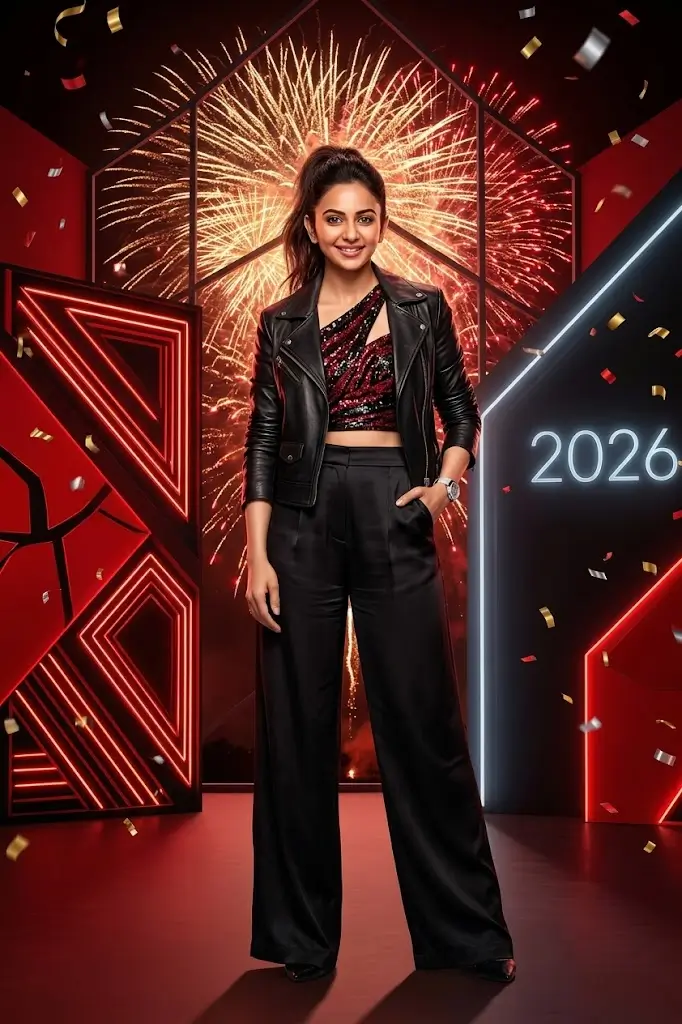
Turn my uploaded photo into a modern New Year 2026 fashion portrait. Keep my original face and identity unchanged. Create a dramatic red-and-black background with glowing neon accents, sparkling golden fireworks, stylish lighting, and floating confetti. Give me a fashionable outfit and a confident pose. Add a subtle illuminated “2026” in the background. Professional fashion photography, realistic shadows, detailed textures, balanced colors, ultra-realistic quality, 4K resolution.
4. Romantic New Year Couple Photo Prompt
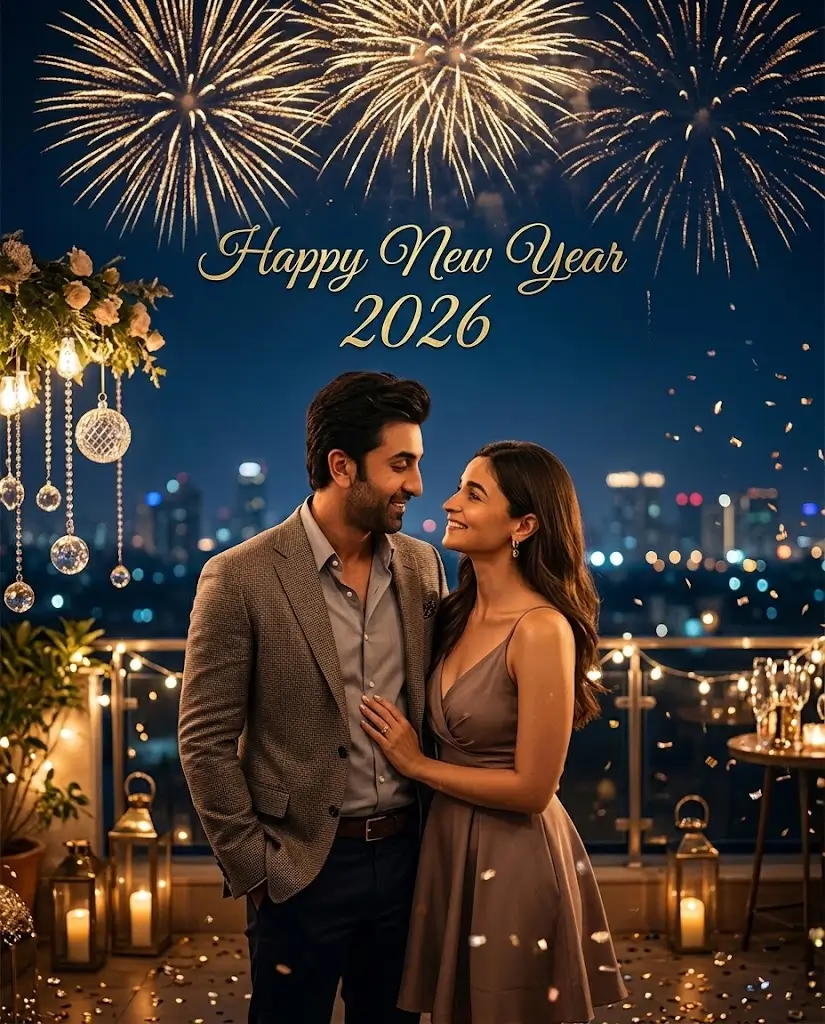
Create a romantic Happy New Year 2026 couple portrait using the uploaded reference photos. Preserve both individuals’ original faces, facial features, skin tones, and identities. Show the couple standing together beneath a beautiful night sky filled with golden fireworks. Add warm fairy lights, elegant decorations, sparkling confetti, and a softly illuminated city background. Give the scene a natural romantic atmosphere with realistic expressions and cinematic lighting. Add “Happy New Year 2026” in elegant lettering. Professional photography, realistic details, high resolution, vertical composition.
5. Blue Neon New Year AI Photo Prompt
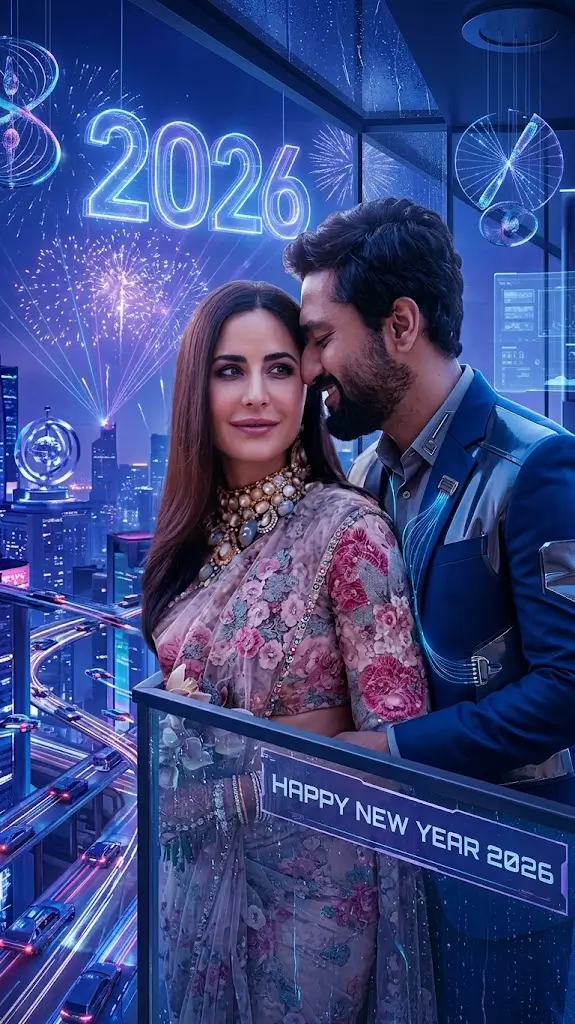
Transform my uploaded image into a futuristic Happy New Year 2026 portrait. Keep my same face, natural facial features, and identity. Create a deep blue neon city background with glowing blue and purple lights, futuristic decorations, sparkling fireworks, and luminous “2026” numbers. Use cinematic lighting, realistic skin texture, a stylish outfit, and a modern editorial photography aesthetic. Make the final image detailed, sharp, realistic, and suitable for social media sharing.
How to Use Google Gemini Happy New Year Prompts
Follow these simple steps to create your own AI-generated New Year photo.
- Open Google Gemini in your browser or compatible app.
- Open the image-generation feature available to your account.
- Upload a clear photo if you want to edit your appearance using a reference image.
- Choose one of the Google Gemini Happy New Year Prompt examples above.
- Copy the prompt and paste it into the prompt box.
- Adjust the outfit, background, lighting, colors, or composition to match your preference.
- Generate the image and review the result.
- If necessary, ask Gemini to correct the text, improve the lighting, or make the image more realistic.
- Save the finished image if the available options allow it, then share it on your preferred social media platform.
Note: The available image features may vary by account, region, and product version.
Tips for Getting Better New Year AI Photos
To achieve more attractive results, keep these tips in mind:
- Upload a clear photo: Use a well-lit image where your face is visible.
- Mention identity preservation: Include wording such as “preserve my original face and facial features.”
- Describe the background: Specify fireworks, city lights, balloons, confetti, or a golden studio backdrop.
- Choose a visual style: Try cinematic, realistic, luxury, fashion, or neon photography.
- Specify the aspect ratio: Use 4:5 for portrait posts or 9:16 for vertical stories and reels.
- Check generated text: AI-generated lettering may contain spelling errors. Request corrections or add the text separately using an image editor.
- Avoid excessive effects: A balanced composition often looks more professional than a background filled with too many decorations.
Remember that a text prompt can guide the result but cannot guarantee perfect facial preservation or exact text in every generation.
Where Can You Share Your Happy New Year 2026 AI Photos?
Once your image is ready, you can use it in several creative ways:
- Instagram: Share your New Year portrait as a post, story, or profile picture.
- Facebook: Create a festive profile picture or celebration post.
- WhatsApp: Use your photo as a status update or profile image.
- YouTube: Create a New Year greeting thumbnail or community post.
- TikTok: Use the photo as part of a photo slideshow or a New Year celebration video.
Choose the appropriate image dimensions for your intended platform to keep the subject and decorations clearly visible.
Frequently Asked Questions
What is the best Google Gemini Happy New Year Prompt?
A strong prompt describes the subject, facial identity, clothing, background, lighting, and image quality. For example, request a realistic portrait with golden fireworks, elegant decorations, cinematic lighting, and “Happy New Year 2026” text.
Can I use my own photo with Google Gemini?
Yes, where image upload and editing are supported. Upload a suitable reference photo and clearly explain which features should remain unchanged.
Are these Happy New Year 2026 prompts free to use?
The prompts provided in this article are free to copy. However, access to image-generation features, usage limits, and available tools may vary by account and current Google policies.
Can I create New Year photos for Instagram and WhatsApp?
Yes. You can request square or portrait images for profile pictures, 4:5 images for social posts, and 9:16 images for stories or vertical content.
Why does my AI photo look different from my original face?
The AI may interpret facial details differently during generation. Use a clear reference image, repeat the instruction to preserve your identity, and ask for a new version with fewer changes to your face.
Can Gemini generate the words “Happy New Year 2026” correctly?
It may generate the words correctly, but image-generation tools can sometimes produce incorrect lettering. Review the final result and add the greeting separately with an image editor if necessary.
Can I use these prompts to create photos for boys and girls?
Yes. Customize the clothing, pose, background, and lighting to suit your preferred style while keeping the rest of the prompt relevant to your desired image.
Conclusion
The Google Gemini Happy New Year Prompt collection makes it easy to explore creative New Year 2026 portraits without writing complicated instructions from scratch. From cinematic fireworks and luxury golden portraits to stylish fashion photos and romantic couple images, these copy-and-paste prompts provide plenty of ideas to try. Choose your favorite prompt, personalize it, upload a suitable reference photo if needed, and create an image that matches your style.